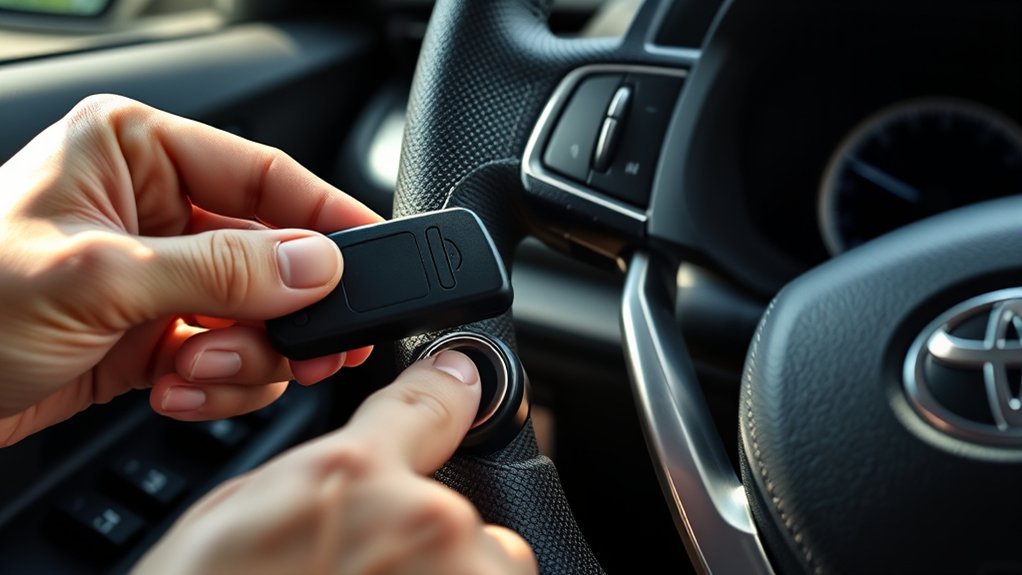
To remove the mechanical key from a Toyota RAV4 Smart Key fob, push in the release button on the side of the fob and pull out the emergency key. If you mean taking a key out of the ignition on a RAV4 that has a key-type ignition, shift to Park, turn the key to off and pull it straight out; a key that will not come out usually points to the gear selector, steering lock or a worn key.
Which Kind of Key Do You Have
Most RAV4s are sold with a Smart Key, a fob you carry that works the doors and starts the engine with a push button. Toyota’s 2009 quick reference guide describes the start routine: carry the Smart Key, press the brake pedal with the gear shift in Park, then push the ENGINE START STOP button. The same guide also describes a plain wireless remote for vehicles without the Smart Key system, so check which one you have.
- Smart Key fob with a push-button start: there is a hidden mechanical key inside the fob. This is the key most owners mean when they ask how to remove the key.
- Remote plus a metal ignition key: the key goes into an ignition cylinder. Removing it means getting it out of the ignition.
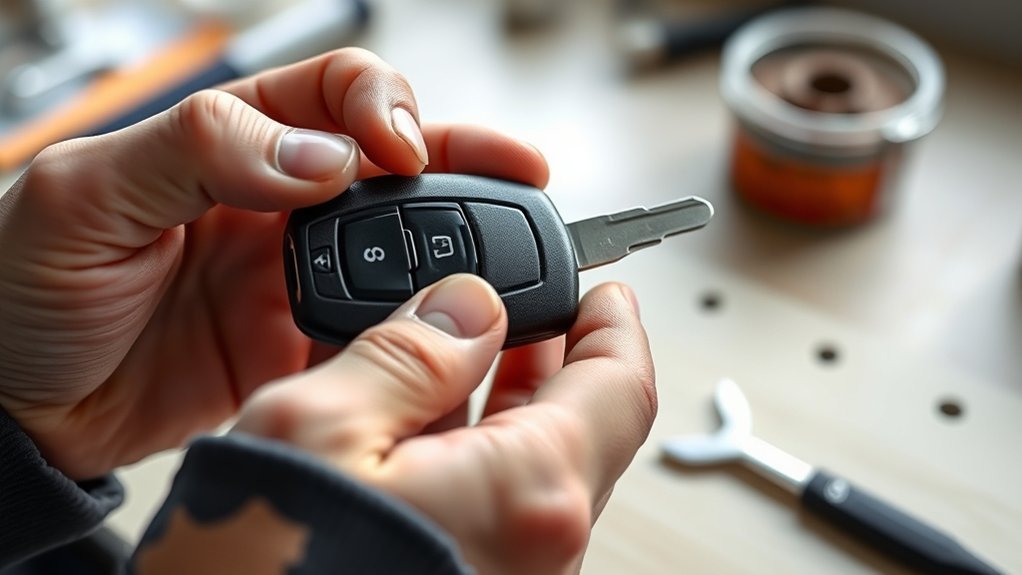
How to Remove the Mechanical Key From a Smart Key Fob
- Hold the fob with the back facing you.
- Push in the release button on the side of the fob.
- Pull out the tab that holds the emergency key. The 2018 RAV4 procedure published by CarsGuide describes it this way: push in the button on the side of the Smart Key, then pull the tab holding in the emergency key.
- Keep the key somewhere you can reach it, such as a wallet or glove box, but not locked inside the car.
The exact look of the release can differ between model years and between the plain and hybrid versions, so use your owner’s manual if the fob in your hand does not match the description.
Put the Mechanical Key Back
- Line the key up with its slot along the fob body.
- Slide it in until it seats and holds.
- Give the fob a light tug to confirm the key does not slide out.
What the Mechanical Key Is For
The emergency key lets you unlock the driver’s door when the fob battery is dead. One walkthrough for Toyotas says to find the keyhole on the driver’s door handle, which on newer models may sit under a cover you remove with the emergency key. Insert the key, turn it and pull the handle. The key is for the door; the engine is started separately.
Starting the engine with a dead fob battery
The source above says to press the START button while holding the key fob against it. A Toyota Owners Club thread about a 2019 RAV4 Hybrid also notes that pressing the fob against the start button starts the vehicle when wireless detection is not working. Press the brake, keep the gear selector in Park, and follow the prompts on the dash. Your manual shows where on the fob and button to make contact, since it varies.
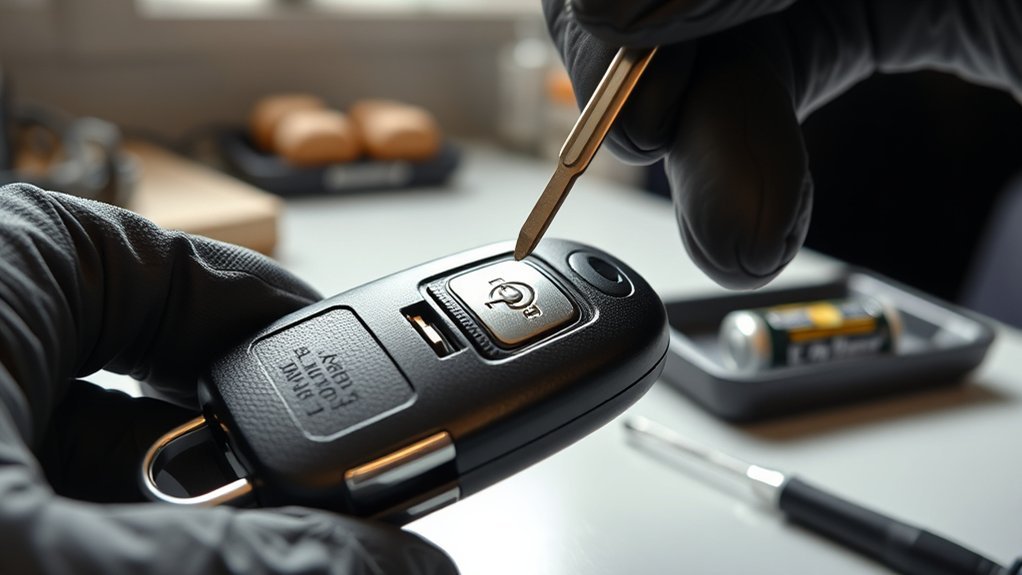
Changing the Fob Battery
Removing the mechanical key is also the first step to replacing the fob battery. For a 2018 RAV4, CarsGuide lists the procedure as: remove the emergency key, use it to split the Smart Key case in half, pull down the tab holding the battery and let it pop out, then fit the new battery and snap the case shut. It lists a CR1632 or CR2032 battery depending on the fob, so read the battery number printed on your old cell or in your manual before buying.
If the Key Will Not Come Out of the Ignition
This applies only to RAV4s with a key-type ignition. On a push-button vehicle there is no key in the ignition to remove.
- Confirm the gear shift is in Park. Toyota’s 2009 guide lists Park as required to start the vehicle, and many key-type ignitions also need Park before the key releases.
- Turn the key fully to the off position. Accessory or ON will not release it.
- Move the steering wheel slightly. A steering lock that is pressing on the lock can bind the cylinder. Wiggle the wheel gently while turning the key.
- Look at the key. A bent, worn or badly copied key can stick. Try your spare.
- Do not force it. Breaking a key off in the ignition turns a small problem into a locksmith job.
If the Mechanical Key Is Stuck in the Fob
- Check that you are pressing the release button fully, not just touching it.
- Look for dirt or lint in the slot and clear it with a toothpick.
- Do not use a knife or screwdriver blade to pry the key out. That can crack the case.
- If it still will not move, have a Toyota dealer or locksmith look at it.
Key and Fob Care
- Keep the fob away from water, because moisture can corrode the contacts inside.
- Do not keep the mechanical key stored loose in a bag where the teeth can bend.
- If the fob works at short range only or needs several presses, replace the battery.
- Keep a spare Smart Key somewhere other than with the first one.
Frequently Asked Questions
Does every RAV4 Smart Key have a mechanical key?
Toyota Smart Keys generally include a hidden emergency key, and one guide states that all Toyota fobs do. Check your own fob, because design varies by model year.
Can the mechanical key start a push-button RAV4?
No. It unlocks the driver’s door. Starting works by holding the fob against the START button when the fob battery is weak.
What battery does a RAV4 key fob use?
The 2018 fob covered by CarsGuide uses a CR1632 or CR2032, depending on the fob. Other model years may differ, so check your manual or the old battery.
Why will my key not come out of the ignition?
Most often the gear selector is not fully in Park, the steering wheel is locked against the cylinder, or the key is worn. Try Park, then wiggle the wheel while turning the key.
Where can I get a replacement key?
A Toyota dealer can cut and program keys for your vehicle. Bring proof of ownership and your VIN.