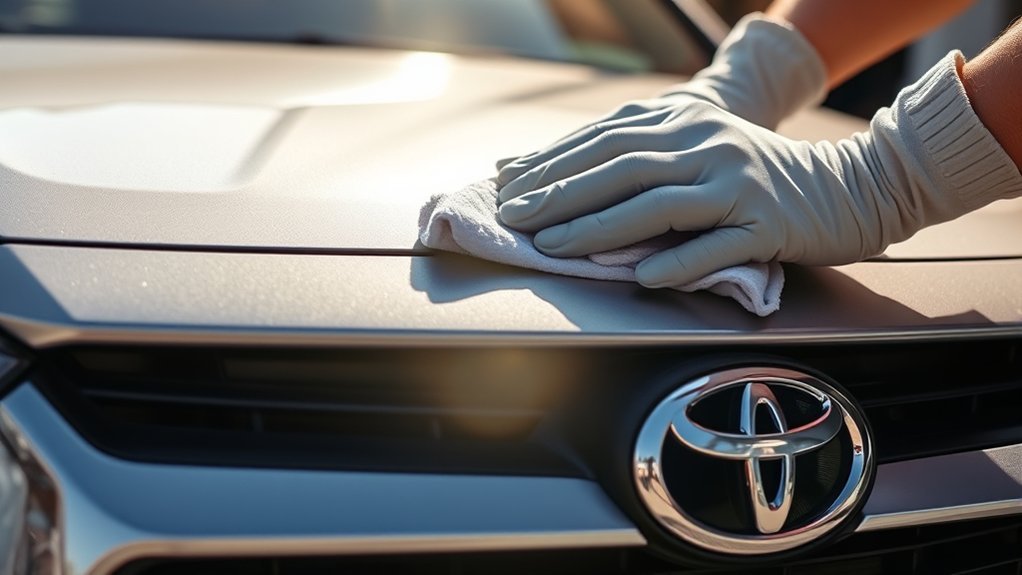
Cleaning a Toyota RAV4 radar sensor is usually a simple exterior-care task, but you must clean the correct area and avoid damaging or covering the sensor. The exact location and dashboard message can vary by model year, trim, and market, so confirm the sensor diagram in your owner’s manual before you begin.
Quick Answer
Park the RAV4 safely, turn it off, and identify the front radar cover near the center grille or emblem using your model-year manual. Remove loose dirt with clean water, then wipe the cover gently with a clean, soft microfiber cloth. Do not use abrasives, stickers, coatings, or excessive pressure.
Key Takeaways
- The front radar is commonly behind a center grille panel or emblem, but its exact location varies by RAV4 model year and market.
- Use clean water and a soft, lint-free microfiber cloth as the safest default cleaning method.
- Do not apply Rain-X, wax, polish, vinegar, abrasive cleaner, paint, stickers, or a wrap unless your exact Toyota manual specifically permits it.
- The front radar is different from the windshield camera and the rear radar sensors used by Blind Spot Monitor.
- A warning that remains after cleaning may indicate temperature limits, misalignment, damage, or a fault that requires professional diagnosis.
At a Glance
| Time Required | 5–10 minutes |
| Difficulty | Easy |
| Tools Needed | Clean water, two soft microfiber cloths, and an optional flashlight |
| Cost | Usually $0–$10 if cleaning supplies are needed |
Why a Clean Radar Sensor Matters
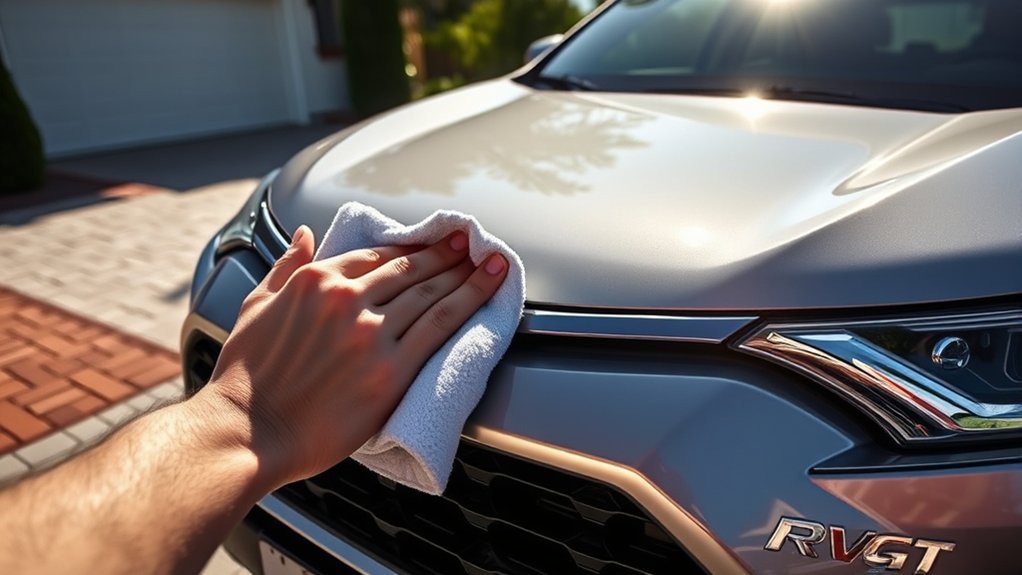
The forward radar sensor helps driver-assistance systems estimate the position and movement of vehicles or other objects ahead. Depending on the RAV4 model year, these systems may include the Pre-Collision System, Lane Tracing Assist, and Dynamic Radar Cruise Control.
Mud, road salt, insects, snow, ice, water droplets, or other material on the radar cover can temporarily limit these functions or cause an unavailable message. Toyota instructs owners to keep the radar sensor and its cover clean and to use a soft cloth to avoid damage.
Cleaning the cover can restore normal operation when surface contamination is the cause. It cannot repair a damaged, loose, misaligned, or malfunctioning sensor.
Warning: Toyota Safety Sense and other driver-assistance features do not replace attentive driving. If radar cruise control, collision assistance, or lane assistance is unavailable, control the vehicle manually and do not depend on the disabled feature.
A clean sensor cover may clear a blockage warning, but it does not prove that the radar is correctly aligned or free from damage.
Locating Your Toyota RAV4’s Radar Sensor
On many RAV4 model years, the forward millimeter-wave radar is mounted behind a cover, grille panel, or Toyota emblem near the center of the vehicle’s front end. It is not always exposed as a separate visible sensor, and it is not safe to assume that it is always directly above the license plate.
- Check your model-year owner’s manual: Look for “Toyota Safety Sense,” “radar sensor,” “millimeter-wave radar,” or “sensors.” Toyota provides manuals through its Manuals and Warranties portal.
- Inspect the center grille or emblem: Look for the exterior cover identified in the manual. You normally clean the cover from outside the vehicle.
- Do not remove the grille: Routine cleaning does not require access to the radar unit behind the cover.
- Check for accessories: A license-plate bracket, auxiliary light, grille guard, sticker, wrap, or other accessory must not cover the radar area.
Note: The camera mounted near the top of the windshield is a different component. Blind Spot Monitor and Rear Cross-Traffic Alert also use separate radar sensors behind the left and right portions of the rear bumper.
Essential Cleaning Supplies for the Radar Cover
Keep the supply list simple. The goal is to remove contamination without scratching the exterior cover, leaving residue, or forcing liquid behind surrounding trim.
Recommended Cleaning Products
- Clean water: Use it to loosen dust, road salt, mud, and other surface contamination.
- Soft microfiber cloth: Use a clean, lint-free cloth that has no trapped grit.
- Second dry microfiber cloth: Use it to blot or gently dry the area after cleaning.
Start with water rather than glass cleaner, vinegar, solvent, wax, polish, or a water-repellent coating. If plain water cannot remove a stubborn substance, consult the cleaning instructions in your exact owner’s manual or ask a Toyota service department before applying a chemical to the radar cover.
Useful Tools
- A small container or spray bottle filled with clean water
- Two clean microfiber cloths
- A flashlight for inspecting the grille area
- Clean gloves if the grille is covered with road grime or salt
Apply water to the cloth or rinse the exterior surface gently. Avoid flooding openings or spraying a strong, close-range jet directly into the grille.
Safety Precautions During Cleaning
- Park on a level surface, select Park, apply the parking brake, and turn the vehicle off.
- Allow the front exterior surfaces to cool if the RAV4 has been parked in direct sun.
- Do not scrub dry grit across the radar cover.
- Do not press hard on the cover, grille, emblem, or sensor mounting area.
- Do not scrape ice with a metal tool or another hard object.
- Do not disassemble, paint, modify, or reposition the radar sensor or its cover.
Step-by-Step Guide to Cleaning the Radar Sensor Cover
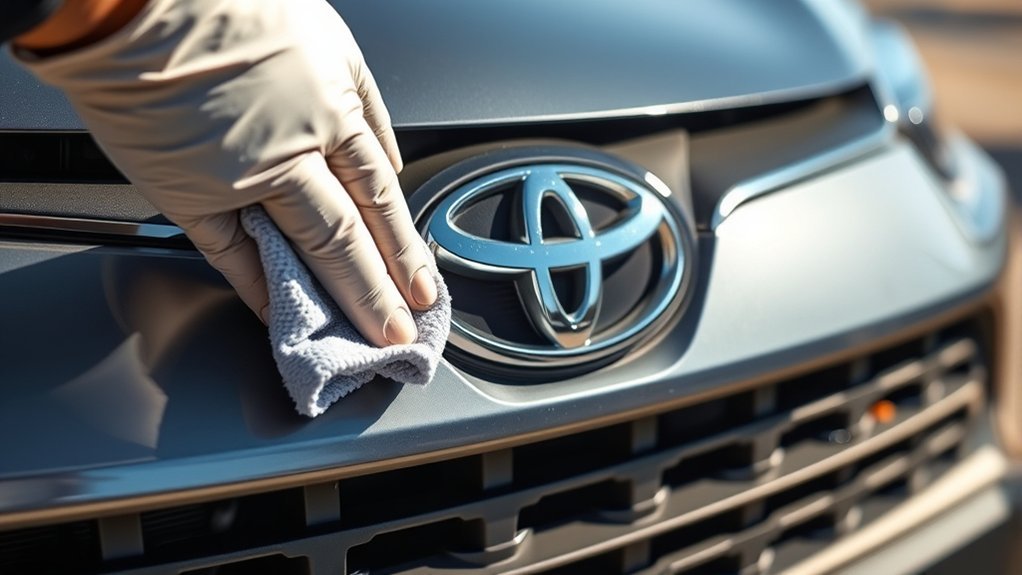
The following procedure is suitable for normal surface dirt. Stop if the cover is cracked, loose, badly scratched, dented, or pushed out of position.
Supplies Needed
- Clean water
- One damp microfiber cloth
- One dry microfiber cloth
- Flashlight, if needed
Cleaning Process
- Confirm the correct area. Use the sensor illustration in your model-year manual to identify the exterior radar cover near the center grille or emblem.
- Inspect before touching it. Look for mud, insects, salt, snow, ice, stickers, paint, accessories, cracks, or impact damage.
- Loosen gritty dirt. Moisten the surface with clean water. Do not immediately rub dry sand or road grit across the cover.
- Wipe gently. Use a clean, damp microfiber cloth and light pressure. Wipe until the surface is free from visible contamination.
- Dry the cover. Blot or gently wipe it with a second clean microfiber cloth.
- Inspect the surrounding area. Confirm that no sticker, grille accessory, license-plate attachment, snow, or debris blocks the radar zone.
- Restart the vehicle. Check the multi-information display. Some temporary warnings may not clear instantly and may require normal driving conditions before the system becomes available.
- Seek service if needed. Arrange an inspection if the warning remains, returns repeatedly, or follows an impact or front-end repair.
Pro Tip: Keep separate microfiber cloths for sensitive camera and sensor areas. A cloth previously used on wheels or lower body panels may contain grit that can scratch the radar cover.
Signs the Radar Sensor Area May Need Cleaning
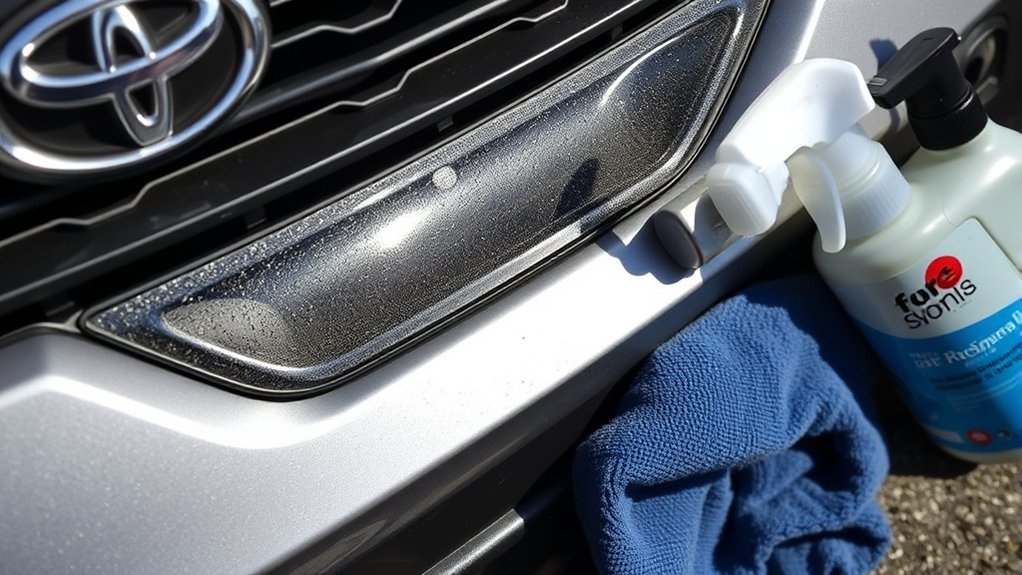
Check the radar cover when one or more of the following occurs:
- A message tells you that the front radar sensor is blocked or should be cleaned.
- Dynamic Radar Cruise Control becomes temporarily unavailable.
- The Pre-Collision System or Lane Tracing Assist becomes unavailable at the same time as a radar warning.
- The front grille or emblem is visibly covered with mud, road salt, snow, ice, insects, or water droplets.
- A warning begins after severe weather or driving on a dirty road.
A clean-looking cover does not rule out a problem. Extreme heat or cold, radar misalignment, an impact, component damage, unusual surroundings, or an electrical fault may also produce an unavailable or malfunction message.
Common Radar Sensor Cleaning Mistakes to Avoid
Using Harsh Chemicals or Coatings
Do not assume that a product safe for ordinary glass or paint is suitable for a radar-transparent cover. Avoid using the following unless your exact Toyota manual expressly approves the product:
- Ammonia-based glass cleaner
- Vinegar mixtures
- Solvents or degreasers
- Abrasive compounds
- Wax or polish
- Rain-X or another hydrophobic coating
- Paint, tint, vinyl wrap, or protective film
These products may leave residue, change the cover’s surface, or conflict with Toyota’s instruction not to modify or cover the radar area.
Cleaning the Wrong Sensor Area
Cleaning only the windshield will not remove dirt from the front radar cover. Likewise, cleaning the center grille will not clear a Blind Spot Monitor warning caused by snow or mud around the rear bumper sensors.
Read the exact dashboard message and inspect the matching component:
| Message or symptom | Area to check |
| Front radar blocked or radar cruise unavailable | Center front radar cover or grille area identified in the owner’s manual |
| Front camera low visibility | Windshield area in front of the camera near the inside rearview mirror |
| Blind Spot Monitor or Rear Cross-Traffic Alert unavailable | Left and right rear-bumper areas around the hidden rear-side radar sensors |
| Parking-assist sensor blocked | Visible circular parking sensors in the front or rear bumper, if equipped |
How Weather Affects RAV4 Sensors
Weather can affect more than one sensor, but not always in the same way.
- Snow and ice: Buildup can physically cover the front radar area, rear BSM sensor zones, parking sensors, or the windshield camera’s view.
- Heavy rain and water droplets: Water on a sensor cover or windshield may temporarily reduce system availability.
- Mud and road salt: A dried layer can block or interfere with exterior sensor covers.
- Fog and condensation: These are especially relevant to the windshield-mounted front camera and the glass in front of it.
- Extreme heat or cold: A sensor or camera may temporarily operate outside its normal temperature range even when the exterior is clean.
Do not force a system to operate when the vehicle reports that it is unavailable. Clean the appropriate area, follow the message shown on the display, and continue driving manually until the system confirms normal operation.
How to Reduce Radar Sensor Blockages
- Inspect the center grille or emblem after snow, freezing rain, muddy-road driving, or heavy insect buildup.
- Remove road salt before it dries into a thick film.
- Keep stickers, tape, decorative covers, wraps, and paint away from the identified radar area.
- Check that aftermarket license-plate mounts, grille guards, auxiliary lights, and other accessories do not block the sensor zone.
- Remove packed snow from the rear bumper if a BSM or RCTA warning appears.
- Do not aim a close-range high-pressure water jet directly at sensor covers or grille openings.
Maintenance Tips for Long-Term Radar Sensor Health
Toyota does not require routine owner calibration or disassembly of the radar sensor. Inspect and clean the exterior cover when it is visibly dirty, after severe weather, or when a blockage message appears.
Protect the sensor area from impacts and unapproved modifications. Have the vehicle inspected after a collision or strong strike to the front bumper, grille, emblem, or radar area, even when no major exterior damage is obvious.
Front-radar calibration may be required when the radar sensor or front grille is removed and reinstalled or replaced, when the front bumper is replaced, or when the radar mounting position has been disturbed. Windshield replacement is more commonly associated with calibration of the front camera rather than the center front radar.
When to Call a Toyota Dealer or Qualified ADAS Technician
Arrange professional diagnosis when:
- A radar, Pre-Collision System, or radar-cruise warning remains after the correct cover has been cleaned.
- The warning repeatedly returns in normal weather and ordinary traffic.
- The radar cover, emblem, grille, or bumper is cracked, dented, loose, heavily scratched, painted, or displaced.
- The front of the vehicle has been struck or involved in a collision.
- The radar sensor, grille, emblem, or front bumper has been removed or replaced.
- A warning appears immediately after body, grille, bumper, or accessory work.
- The display reports a malfunction rather than a temporary blockage.
Do not attempt to loosen, aim, reposition, or calibrate the radar unit at home. Calibration requires the correct procedures, targets, measurements, and diagnostic equipment.
Front Radar, Camera, and Blind-Spot Sensors Are Different
A RAV4 may use several types of sensors, and each one has a different location and job:
- Front radar: Usually mounted behind a center grille panel, radar cover, or emblem. It supports forward driver-assistance functions.
- Front camera: Mounted inside the vehicle near the top center of the windshield. It reads lane markings, signs, vehicles, and other visual information.
- Blind Spot Monitor sensors: Hidden behind the left and right sides of the rear bumper. They monitor vehicles approaching from behind or beside the RAV4.
- Parking sensors: Small visible sensors in the bumpers on equipped models. They detect nearby objects at low speed.
Always match the dashboard message to the correct component before cleaning or requesting service.
Frequently Asked Questions
How do I clean a Toyota RAV4 radar sensor?
Identify the exterior front radar cover using your model-year owner’s manual. Loosen dirt with clean water, wipe the cover gently with a clean microfiber cloth, and dry it with a second soft cloth. Do not remove the grille, press hard on the cover, or apply an unapproved chemical or coating.
Where is the radar sensor on a Toyota RAV4?
On many RAV4s, the forward radar is behind a cover, grille panel, or Toyota emblem near the center of the front end. The exact position varies by model year, trim, and market, so verify it in the sensor diagram in your owner’s manual.
Why does my RAV4 say radar cruise control is unavailable?
The front radar area may be covered by dirt, snow, ice, water, insects, or an accessory. The message can also result from extreme temperatures, unusual environmental conditions, misalignment, damage, or a system fault. Clean the correct cover and obtain service if the message remains or repeatedly returns.
Can I use glass cleaner, vinegar, or Rain-X on the radar cover?
Do not use those products unless the owner’s manual for your exact RAV4 specifically approves them. Toyota’s published radar precautions call for a soft cloth and warn against modifying or covering the radar area. Clean water and a soft microfiber cloth are the safest default.
Does windshield replacement require radar calibration?
Windshield replacement may require calibration of the windshield-mounted front camera. Front-radar calibration is more closely associated with radar, grille, emblem, or front-bumper removal, replacement, impact, or misalignment. Follow the repair procedures for your exact model year.
How do I clean the RAV4 Blind Spot Monitor sensors?
The BSM sensors are hidden behind the left and right portions of the rear bumper. Clean the exterior bumper surfaces around those areas with water and a soft cloth. Do not remove, paint, dent, cover, or place stickers and metal tape over the sensor zones.
Conclusion
To clean a Toyota RAV4 radar sensor safely, first confirm the correct exterior cover for your model year. Use clean water and a soft microfiber cloth, remove snow or debris gently, and keep stickers, paint, wraps, coatings, and accessories away from the radar area.
If the warning remains after cleaning, do not assume the system is safe or correctly calibrated. Drive without relying on the unavailable assistance feature and arrange professional inspection when there has been an impact, front-end repair, persistent warning, or visible damage.
Sources
- Toyota Manuals and Warranties — model-year-specific owner’s manuals and sensor diagrams.
- 2025 Toyota RAV4 Hybrid Owner’s Manual: Warning Messages — radar, camera, PCS, LTA, and radar-cruise warning guidance.
- 2023 Toyota RAV4 Hybrid Owner’s Manual: Driving Support Systems — identifies Toyota Safety Sense and Blind Spot Monitor as separate systems.
- Toyota Safety Sense Radar Sensor Precautions — soft-cloth cleaning, obstruction, impact, modification, and calibration precautions.
- Toyota USA: 2026 RAV4 and Toyota Safety Sense 4.0 — current-generation safety-system information.
- NHTSA Driver Assistance Technologies — driver responsibility and limitations of assistive safety technology.