
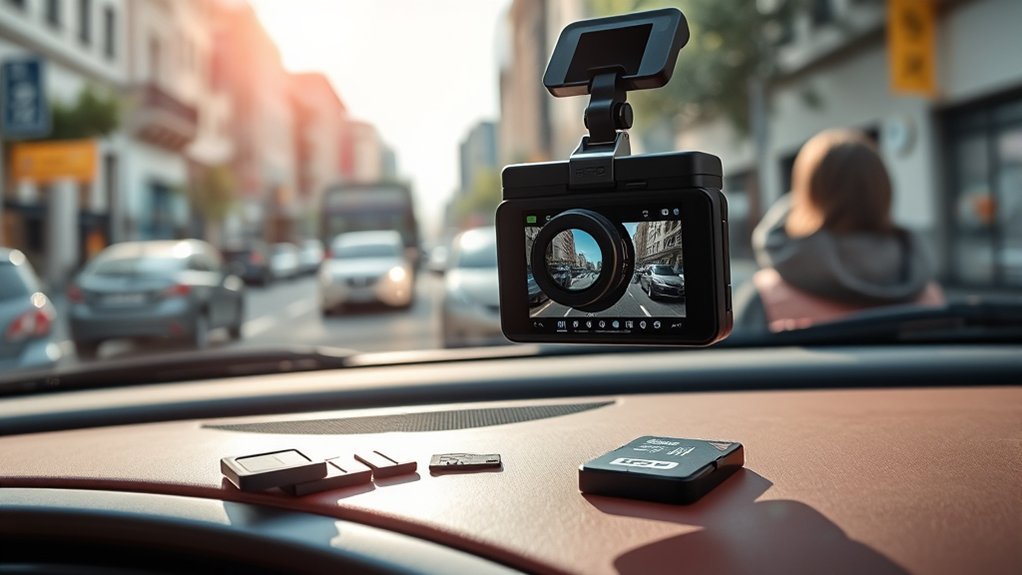
Dash cam footage duration depends on your SD card size and video settings. For example, a 32GB card usually records 4–6 hours at 1080p, while a 128GB card can hold 12–24 hours or more. Factors like video quality and bitrate also affect recording time. With loop recording, your oldest footage gets overwritten once the storage fills. If you want to maximize your dash cam’s storage and keep important clips safe, there’s more to explore on this topic.
Quick Answer
How long dash cam footage lasts depends mostly on your SD card size and video resolution. Here are the basics:
- 32GB SD card: roughly 4–6 hours at 1080p, or about 1–2 hours at 4K.
- 128GB SD card: 12–24 hours at 1080p, or 5–7 hours at 4K.
- Higher bitrate (better quality) uses more space and shortens recording time.
- Loop recording automatically overwrites old footage, so you don’t have to manually delete files.
- Use a high-endurance, Class 10 or U3 SD card for reliability.
Understanding Dash Cam Footage Duration
When you’re considering dash cam footage duration, it helps to know how different factors affect recording times. The storage capacity of your SD card plays a key role. A 32GB card typically records 4–6 hours at 1080p. If you use a 128GB card, you can get 12–24 hours of footage, depending on your settings. Higher resolutions like 4K use more storage, so recording time drops.
Loop recording lets your dash cam keep recording by overwriting the oldest video when the SD card fills up. Formatting your SD card every few months helps maintain performance and ensures you have space for ongoing recording. By understanding these basics, you can manage your dash cam storage and capture the moments that matter.
Factors That Determine Dash Cam Recording Length
Several things affect how long your dash cam records before looping or filling the card:
- SD card size: Larger cards hold more footage. A 128GB card can store 12–24 hours of 1080p video.
- Video resolution: Higher resolutions like 4K use more storage. A 32GB card might hold only 1–2 hours of 4K footage, compared to 4–6 hours at 1080p.
- Bitrate: Higher bitrate improves quality but increases file size, which shortens recording time.
- Dual recording (front + rear): Recording two channels at once cuts total recording time roughly in half compared to single-channel.
- Audio recording: Adds a small amount to file size, but it’s usually not a major factor.
To maintain continuous recording, most dash cams use loop recording, which overwrites the oldest unlocked files. If you want to keep important footage, lock it or back it up before it gets overwritten.
How SD Card Size Influences Footage Storage
The size of your SD card directly determines how much footage your dash cam can store before looping. A 32GB card holds about 4–6 hours of 1080p video. A 128GB card can store 12–24 hours, depending on resolution and bitrate. For longer trips, a 256GB or 512GB card can give you 24–72 hours of recording time.
Higher video resolutions like 4K take up more space, so recording time is shorter. Using dual recording (front and rear) also reduces total recording time. Choose a card rated Class 10 or UHS-I (U3) for smooth, reliable recording without lag.
[Products Worth Considering]

Compatible with Nintendo-Switch (NOT Nintendo-Switch 2)

Transfer read speeds up to 100MB/s, writing speed 90MB/s, ensures smooth video capture.

VIOFO industrial grade microSD card for extended endurance, excellent performance, and reliability.
The Impact of Video Quality on Recording Duration
Adjusting your dash cam’s video quality changes how long it can record. Higher resolutions like 4K use more storage, so you’ll capture less footage. Lower settings extend recording time.
[Products Worth Considering]

Designed with long-lasting endurance so you can record and re-record for up to 60,000 hours (over 13 years)(for 128GB model)(1) | (1) Actual hours of video saved less. Up to 120,000 hours/over 13 years for 256GB; 60,000 hours for 128GB; 30,000 hours for 64GB; and 15,000 hours for 32GB. Full HD video only; total hours less for 4K UHD video.

[Ultra HD] Read/Write up to 100/60 MB/s. 4K Ultra HD video displaying/recording
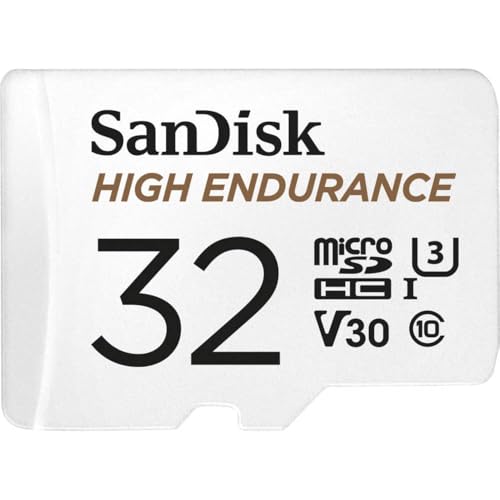
Ideal for dash cams and home monitoring systems
Resolution Settings Impact Duration
Higher resolution gives you sharper video but uses storage faster. On a 128GB SD card:
- 4K: Roughly 5–7 hours
- 1440p (2K): About 10–12 hours
- 1080p: 12–24 hours
- 720p: Up to 30 hours or more
Choosing a lower resolution can more than double your recording time while still capturing useful detail for most driving situations.
Bitrate and Storage Efficiency
Bitrate controls how much data is used per second of video. Higher bitrates improve quality but reduce recording time. Lower bitrates save space. Here’s how it roughly compares on a 32GB card:
| Bitrate Setting | Approx. Storage Use per Minute | Recording Duration on 32GB |
|---|---|---|
| High (1080p) | 60–90 MB | 4–6 hours |
| Medium | 40–60 MB | 6–8 hours |
| Low | 20–30 MB | 8–12 hours |
| H.265 encoding | More efficient | Longer than H.264 |
Finding the right balance between quality and length helps you get the most out of your SD card.
Dual Recording Effects Explained
If your dash cam records both front and rear views, total recording time drops. A 32GB card that holds 4–6 hours of single-channel 1080p video might only hold 2–3 hours with dual recording. If you need more time, consider lowering resolution on one channel or using a larger SD card.
Loop Recording: How It Works and Its Importance
Loop recording is a standard feature on most dash cams. It keeps recording by overwriting the oldest unlocked files when the SD card fills up. This means you always have the most recent footage available without having to manually delete anything.
Dash cams usually record in short clips of 1 to 5 minutes. This makes it easier to find specific moments. Loop recording is automatic, so you never have to worry about running out of space. However, important videos can be locked so they don’t get overwritten.
How Emergency Features Protect Your Key Footage
Emergency features help ensure that critical footage isn’t lost when the card fills up. The G-sensor detects sudden motion, like a crash or hard stop, and automatically locks the current recording. You can also lock a file manually with a button or voice command.
Locked files are saved in a separate folder and won’t be overwritten by loop recording. This is essential for preserving evidence for insurance claims or legal matters.
Practical Tips for Extending Dash Cam Storage Capacity
You can get more recording time without buying a new dash cam. Here are a few simple ways:
- Use a larger SD card. 128GB or 256GB cards give you hours more recording time.
- Lower the video resolution. Dropping from 1080p to 720p can roughly double recording time.
- Format your SD card regularly. Doing this every few months helps maintain speed and reliability.
- Choose high-endurance cards. Look for “high endurance” or cards rated for dash cams. They handle constant rewriting better.
Best Practices for Backing Up Your Dash Cam Footage
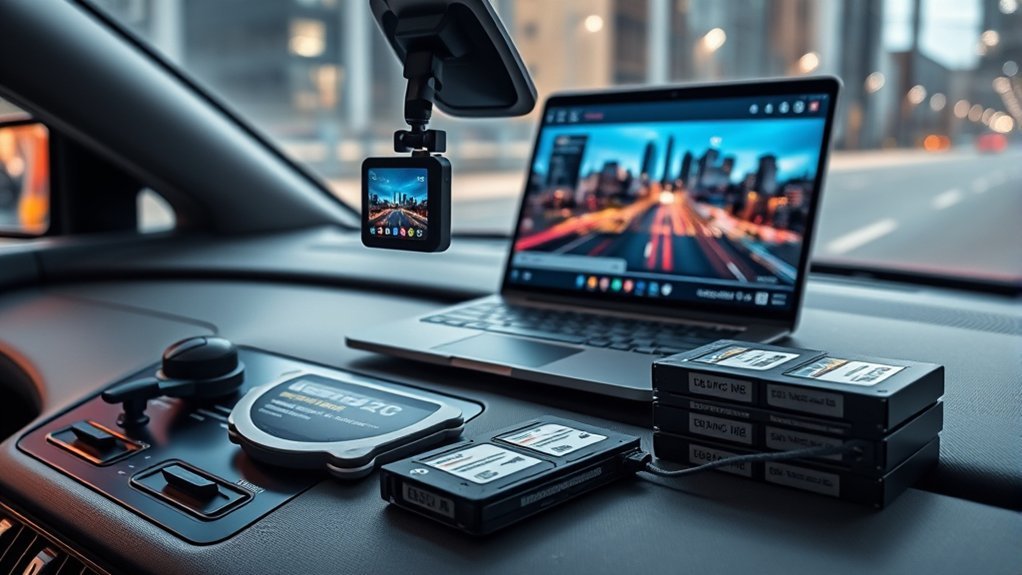
Backing up your dash cam footage is the best way to keep important videos safe. After any incident or near miss, transfer the video to your computer or cloud storage. Even without an incident, it’s a good idea to back up every few weeks.
Many dash cams have apps that let you download videos wirelessly. You can also remove the SD card and copy files directly. Enabling emergency recording features automatically locks important footage so it doesn’t get overwritten before you can back it up.
What to Do When Your SD Card Is Full
When your SD card fills up, your dash cam will start overwriting the oldest unlocked footage. If you haven’t backed up important videos, they could be lost. To prevent this:
- Lock any important footage right after an incident.
- Back up videos regularly so you’re not caught off guard.
- If your card is filling up faster than expected, try lowering resolution or bitrate.
- Consider upgrading to a larger SD card if you drive long hours or use dual cameras.
How to Choose the Right SD Card for Your Dash Cam
Picking the right SD card makes a big difference in performance and reliability. Here’s what to look for:
[Products Worth Considering]

Compatible with Nintendo-Switch (NOT Nintendo-Switch 2)

Compatible with Nintendo-Switch (NOT Nintendo-Switch 2)

EXTREME ENDURANCE FOR MONITORING DEVICES: Capture your crucial moments in high-resolution, even in harsh conditions; Engineered to deliver long lasting performance, the Samsung PRO Endurance SSD is a perfect fit for CCTV, dash cams and body cams
Determine Required Storage Capacity
Think about how long you typically drive and your video resolution. A 32GB card is fine for short commutes. For road trips or long drives, 128GB or 256GB gives you more breathing room. If you record in 4K or use two cameras, go larger.
Choose the Right Speed Class
Dash cams write data constantly, so a slow card can cause missed footage or errors. Look for:
- Class 10 (C10) or UHS Speed Class 3 (U3) for reliable recording.
- High endurance cards designed for continuous use. Standard cards may wear out faster.
- Check your dash cam’s manual for recommended card types. Some models require specific brands or speeds.
For more detailed information on speed classes, see the SD Association’s speed class guide.
Consider Video Resolution Impact
If you record in 4K or 1440p, a larger card isn’t just nice to have—it’s often necessary. A 128GB card might give you only 5–7 hours of 4K footage. For all-day recording at high resolutions, 256GB or 512GB cards are a better fit.
Frequently Asked Questions
How Long Does Dash Cam Footage Stay?
Footage stays on your SD card until it’s overwritten by loop recording or manually deleted. How long that takes depends on your card size and video settings. With a 128GB card at 1080p, you might keep 12–24 hours of driving footage before the oldest clips are overwritten.
Do Dashcams Delete Old Footage?
Yes, automatically. Loop recording deletes the oldest unlocked files when the card fills up. Locked files stay until you manually delete them or remove them from the card.
Can You Retrieve Dash Cam Footage?
Yes, if the file hasn’t been overwritten. You can copy files to a computer or use the dash cam’s app. If a file was deleted or overwritten, recovery software might help, but there’s no guarantee. That’s why backing up important footage quickly matters.
How Long Does 32GB Last in a Dash Cam?
At 1080p with a typical bitrate, a 32GB card holds about 4–6 hours of footage. At 4K, it’s closer to 1–2 hours. If you use front and rear recording, cut those numbers roughly in half.
Conclusion
Understanding how long dash cam footage lasts helps you manage storage and avoid losing important clips. A 32GB card usually holds 4–6 hours at 1080p, while a 128GB card can store 12–24 hours. Resolution and bitrate make a big difference. Loop recording keeps things running automatically, and emergency features protect key moments. With the right SD card and a few simple habits, you can rely on your dash cam to capture what matters.







Leave a Reply