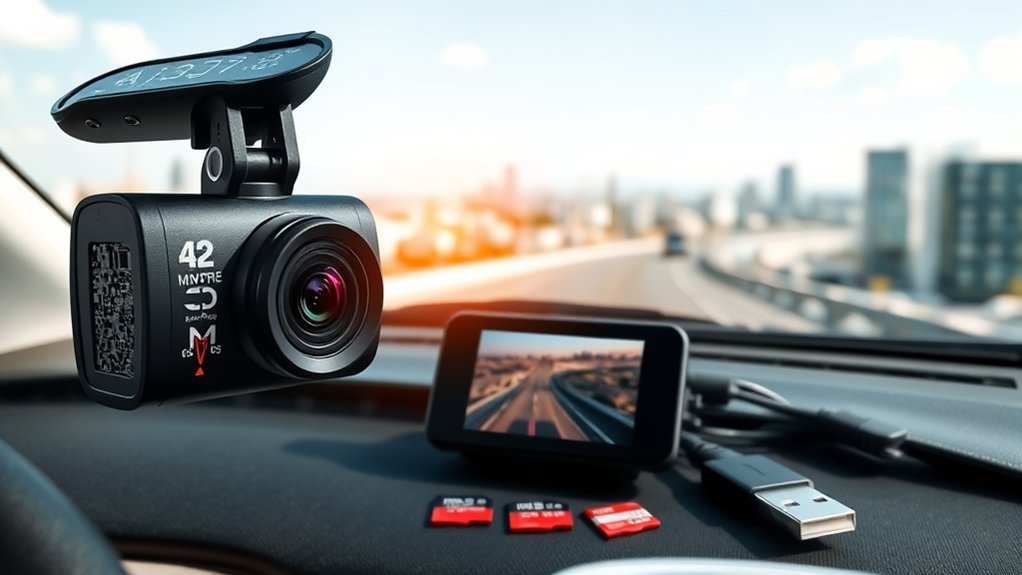
How Does a Dash Cam Work?
What’s in This Article
- What Is a Dash Cam and Why Should You Use One?
- How Dash Cams Record Video Footage
- Essential Dash Cam Features That Matter Most
- Loop Recording and File Management
- How Sensors Improve Your Dash Cam
- How Dash Cam Parking Mode Enhances Security
- Where Is Dash Cam Footage Stored?
- What Happens to Footage During an Accident?
- How to Access and Manage Your Dash Cam Footage
- Benefits of Using a Dash Cam for Drivers
- Dash Cam Privacy and Installation Rules
- Frequently Asked Questions
A dash cam gives you a clear record when a drive turns into a dispute. It records through a small mounted lens, saves video to local storage, and protects key clips when it senses a crash or hard stop. This guide explains how a dash cam works, where it stores footage, and which features help you keep useful evidence.
Quick Answer
A dash cam records video while you drive and saves it to a micro SD card, built-in storage, or cloud backup. Loop recording replaces older clips when storage fills up. If the camera senses an impact, its G-sensor can lock the clip so normal loop recording does not erase it.
Key Takeaways
- A dash cam records the road ahead, and some models also record the rear or cabin.
- Loop recording keeps the newest footage by replacing older unlocked clips.
- A G-sensor can protect crash footage from normal overwrite cycles.
- Parking mode can record motion or impact while your car sits parked.
- Storage time depends on card size, camera bitrate, video resolution, and camera channels.
What Is a Dash Cam and Why Should You Use One?
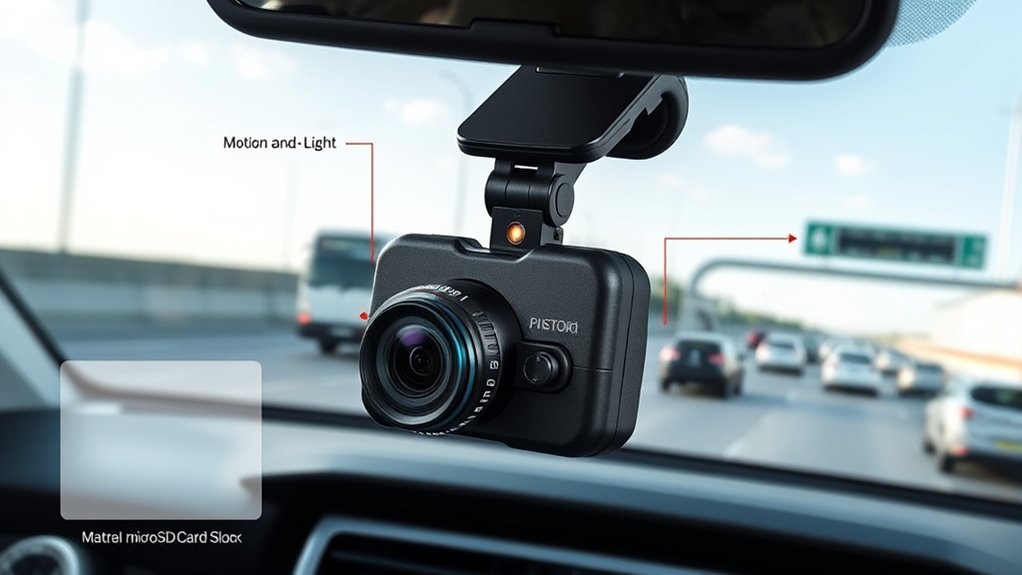
A dash cam is a small video camera that mounts on your dashboard or windshield. It records your drive, nearby traffic, and road conditions. Many models start recording when your vehicle supplies power through the ignition, accessory socket, hardwire kit, or On-Board Diagnostics II (OBD-II) port.
You can use dash cam footage after a crash, road-rage event, parking lot hit, or false claim. The footage may help you explain what happened to an insurer, police officer, or repair shop. It does not guarantee any legal or insurance result, but it can support your side with a clear visual record.
How Dash Cams Record Video Footage
A dash cam uses a camera lens, image sensor, processor, and storage system to record video. Most cameras save clips in short files, such as one-minute or three-minute segments. Short clips make it easier to review, transfer, and protect important footage.
Dash cams record in short video clips, then use loop recording to keep the newest footage available.
- Lens and image sensor: The lens captures the scene, and the sensor turns that light into video data.
- Processor: The camera compresses the video so it can fit on your storage device.
- Micro SD card or built-in storage: The device saves each clip for later review.
- G-sensor: The sensor detects sharp force from hard braking, a bump, or a crash.
- Parking mode: The camera can record selected events while your vehicle stays parked.
The camera does not record forever unless it has enough power and storage. Your settings, video quality, number of camera channels, and card size all affect how much footage you can keep.
Essential Dash Cam Features That Matter Most
Dash cam features can look confusing at first, but a few matter more than the rest. Start with video quality, reliable storage, loop recording, incident detection, and parking mode. These features decide how clear your footage looks and how well the camera protects key clips.
- Video resolution: Higher resolution can capture more detail, such as signs and license plates.
- Loop recording: The camera replaces older unlocked clips when storage fills up.
- G-sensor protection: The camera locks clips when it detects sudden force.
- Parking mode: The camera records motion or impact while parked, depending on the model.
- Night recording: Better sensors and image processing can improve low-light footage.
- GPS: Some models stamp speed, route, time, and location data on the footage.
- Wi-Fi or app support: These features help you view and download clips on your phone.
Choose features based on how you drive. A daily commuter may need simple front recording and strong loop recording. A rideshare driver may need front and cabin coverage, while a parked street vehicle may need better parking mode.
Loop Recording and File Management
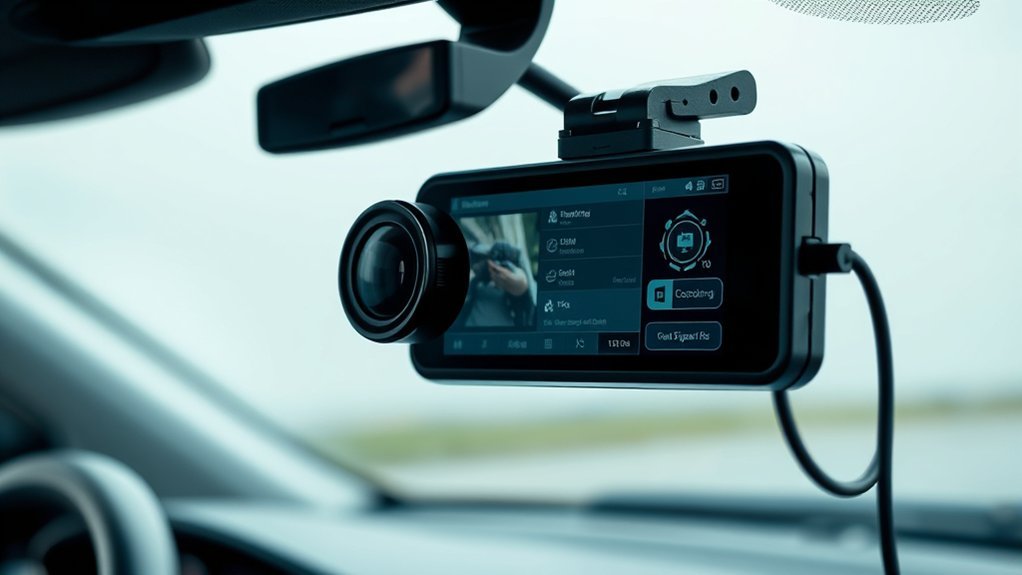
Loop recording helps your dash cam keep working after the memory card fills up. According to Nextbase, loop recording lets a dash cam record continuously by overwriting older files once the card reaches its limit. The camera keeps the newest unlocked clips instead of stopping when storage runs out.
- Storage fills up: Your memory card reaches its limit after hours of driving.
- Old clips rotate out: The dash cam replaces the oldest unlocked clips with new footage.
- Important clips stay protected: The G-sensor or manual lock button can protect selected files.
- Short clips stay easy to manage: Many dash cams split footage into one-minute or three-minute files.
Recording time varies by camera. Garmin support data shows that a 16GB card can hold about 2.1 hours at 1080p on some Garmin dash cams, while higher capacity cards can hold more. Treat any storage estimate as a guide, not a fixed promise.
Pro tip: Use a high-endurance micro SD card because dash cams write and rewrite video many times.
How Sensors Improve Your Dash Cam
Your dash cam’s G-sensor detects sudden force from hard braking, a sharp bump, or a crash. Garmin describes automatic incident detection as a feature that uses a G-sensor to save footage when the device detects an incident. This can help protect the clip before loop recording replaces it.
Collision Detection Technology
Collision detection uses sensor data to decide when an event needs protection. The camera may save footage from the moment of impact, and some models also preserve video from before and after the event. This gives you more context than a single frozen frame.
- Sudden motion detection: The sensor reacts to hard braking, bumps, or impact.
- Locked video footage: The camera protects the event file from normal loop recording.
- GPS data on some models: The camera can add time, location, and route details.
- Manual file lock: Some cameras let you press a button to protect a clip yourself.
Sensor sensitivity matters. If the setting runs too high, normal potholes may lock too many clips. If it runs too low, the camera may miss lighter impacts.
G-Sensor Functionality
A G-sensor measures changes in force. In a dash cam, it helps the device decide when a clip may matter. Many cameras let you adjust sensitivity, so you can reduce false locks from rough roads.
Parking mode can also use the G-sensor. If another vehicle bumps your parked car, the sensor can trigger recording or save a protected clip. The exact behavior depends on the dash cam model, power setup, and storage settings.
How Dash Cam Parking Mode Enhances Security
Dash cam parking mode helps monitor your vehicle after you turn the engine off. Garmin says its Parking Guard feature can record a short video automatically when a compatible camera detects an incident affecting your parked car. Other brands may use motion detection, impact detection, time-lapse recording, or buffered recording.
Parking mode can help capture a hit-and-run, door ding, break-in attempt, or suspicious movement near your car.
- Motion detection: The camera records when it detects movement near your vehicle.
- Impact detection: The G-sensor reacts when something hits your car.
- Hardwire power: A hardwire kit can power parking mode while protecting your battery.
- Smart alerts: Connected models may send app alerts when they detect an event.
Warning: Parking mode can drain your car battery if you use the wrong power setup or disable voltage protection.
Where Is Dash Cam Footage Stored?
Your dash cam footage usually stays on a micro SD card. Some models use built-in storage, and connected models may also upload key clips to cloud storage. The best option depends on your budget, privacy needs, and how often you want to review footage.
Micro SD Card Storage
The micro SD card handles most dash cam storage needs. Many dash cams support cards from 32GB to 256GB or 512GB, but support varies by model. Always check your manual before you buy a card.
- Capacity: Larger cards usually keep more footage before loop recording starts.
- Speed rating: Higher-resolution video often needs faster write speed.
- Endurance: High-endurance cards handle repeated video recording better.
- Formatting: Regular formatting can reduce file errors and storage problems.
A 32GB card may hold only a few hours on a high-bitrate camera. The same card may hold more on a lower-resolution single-channel camera. Camera settings make a major difference.
Cloud Storage Options
Cloud storage gives you a backup outside the camera. Nexar says its subscription plans can provide automatic cloud backup for important footage, with clips available through the user’s account. Other brands may limit cloud storage by plan, clip type, device, or subscription level.
Review the provider’s privacy policy before you upload footage. Dash cam video may show faces, license plates, homes, and private conversations. You should know who can access it and how long the provider stores it.
| Feature | Description | Benefit |
|---|---|---|
| Automatic Uploads | Uploads selected clips during Wi-Fi or LTE connection | Reduces manual backup work |
| Remote Access | Lets you view footage through an app or account | Helps when the camera is not nearby |
| Cloud Backup | Stores important clips online | Protects clips if the camera or card gets damaged |
| Subscription Plan | May require a paid plan for full features | Adds cost but can improve access |
| Privacy Controls | Controls how footage gets stored and shared | Helps protect personal data |
Local Device Transfer
You can move dash cam files to a computer, phone, or external drive. Many cameras support transfer by card reader, USB cable, Wi-Fi, or a companion app. Local transfer works well when you want to save a clip before loop recording removes it.
- Remove the micro SD card and use a card reader on your computer.
- Use the camera’s app if your model supports Wi-Fi transfer.
- Save locked incident files before you format the card.
- Keep a backup copy if you need the clip for a claim or report.
What Happens to Footage During an Accident?
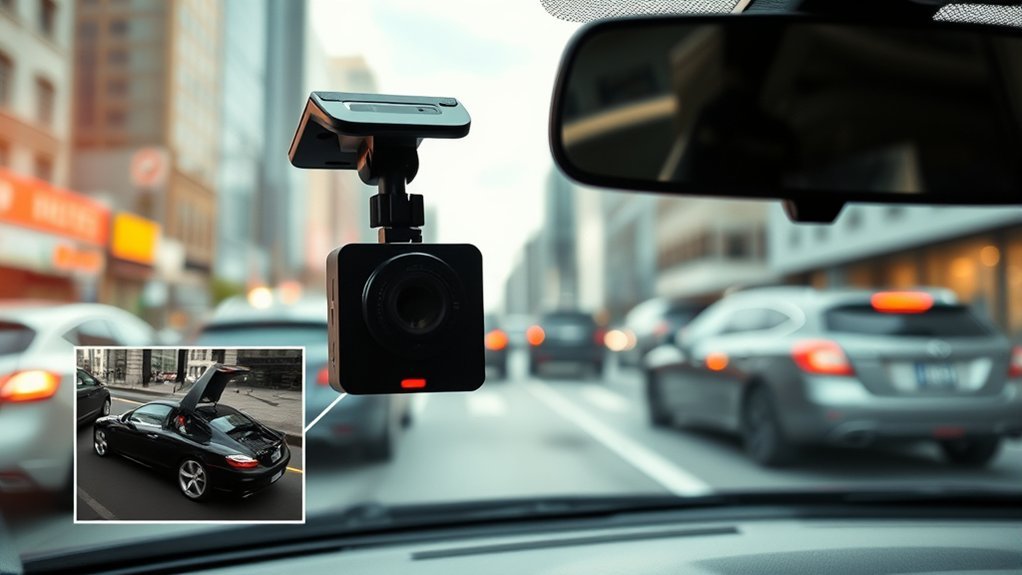
When an accident happens, a dash cam with incident detection can lock the active clip. Many models use a G-sensor to detect impact, then save that file so loop recording does not erase it. Some cameras also save video from the moments before and after the event.
This protected footage can help you explain the direction of travel, traffic signals, road position, and timing. It may support an insurance claim or police report, but the result depends on local rules and the facts of the case. Keep the original file if you may need it later.
How to Access and Manage Your Dash Cam Footage
You can access your footage in several simple ways. The best method depends on your dash cam model and storage setup.
- Remove the micro SD card: Insert it into a computer with a card reader.
- Use Wi-Fi transfer: Move files to your phone through the camera’s app.
- Use a USB cable: Connect the camera to a computer if your model supports it.
- Download cloud clips: Save important footage from your cloud account if available.
- Back up locked clips: Copy incident files before you format the card.
Check your footage soon after an incident. Loop recording protects locked clips, but storage errors, manual deletion, or card formatting can still remove files.
Benefits of Using a Dash Cam for Drivers
A dash cam can give you useful evidence after a crash, claim, or parking lot incident. It can also help you review your own driving habits. Some drivers feel more careful when they know the camera records each trip.
Insurance savings vary. Nextbase says some UK dash cam owners may qualify for up to 30% off through specific insurance partners, but this type of discount does not apply to every driver or insurer. Ask your own insurer before you count on a lower premium.
| Benefit | Description |
|---|---|
| Evidence in Accidents | Shows what happened before, during, and after an incident |
| Claim Support | May help you explain damage, timing, and fault details |
| Safer Driving Habits | Can encourage more careful driving and better awareness |
| Parking Protection | Records selected events while your vehicle sits parked |
| File Protection | Locks important clips after impacts or sudden movement |
Dash Cam Privacy and Installation Rules
Dash cam rules depend on where you drive. Some places limit where you can mount devices on the windshield. Some areas also have audio recording consent rules, especially if your dash cam records cabin sound.
The Federal Motor Carrier Safety Administration (FMCSA) has specific windshield rules for commercial motor vehicles and vehicle safety technology. Private passenger vehicle rules can differ by state, province, or country. Mount your camera where it does not block your view, and check local rules before you record audio.
Note: Turn off cabin audio if you are unsure about consent rules in your area.
Frequently Asked Questions
What Is the Downside of a Dash Cam?
A dash cam can raise privacy concerns, use storage space, and drain the battery in parking mode if you set it up poorly. Cheap models may also record weak night footage or miss details like license plates. You should choose a reliable model and set it up with care.
How Does a Dash Cam Connect to a Car?
Most dash cams connect through a 12V accessory socket, USB power adapter, OBD-II power cable, or hardwire kit. A plug-in setup works well for simple driving use. A hardwire kit often works better for parking mode because it can include battery voltage protection.
How Do Dash Cameras Save Recordings?
Dash cameras save recordings as short video files on a micro SD card, built-in memory, or cloud account. Loop recording replaces older unlocked files when storage fills up. Incident detection can lock crash footage so the camera does not overwrite it during normal recording.
Do All Dash Cams Record When the Car Is Off?
No, not all dash cams record when the car is off. You need a model with parking mode and a power setup that supports it. Some cameras need a hardwire kit, OBD-II cable, battery pack, or connected power cable for parked recording.
How Long Does Dash Cam Footage Stay Saved?
Footage stays saved until loop recording replaces it, you delete it, or you format the storage card. Locked incident clips may stay longer, but they still need backup if the footage matters. Save important clips to your phone, computer, or cloud account as soon as you can.
Legal and Insurance Disclaimer: This article is for informational purposes only and does not constitute legal or insurance advice. Always consult a qualified lawyer, insurance professional, or local authority before making decisions based on dash cam footage or recording rules.
Conclusion
A dash cam works best when it records clearly, stores footage reliably, and protects key clips during an incident. Choose a model with strong loop recording, a reliable G-sensor, and enough storage for your driving habits. Set up parking mode carefully if you want coverage while your car sits still. With the right setup, your dash cam can give you a useful record when the road does not go as planned.
References
- Loop Recording Dash Cam — Nextbase
- What is Automatic Incident Detection? — Garmin Support
- Using the Parking Guard Feature on a Garmin Dash Cam — Garmin Support
- Memory Card Compatibility for Garmin Dash Cams — Garmin Support
- Nexar Subscription Plans for Connected Cameras and Classic Dash Cams — Nexar Help Center, 2025
- Do Dash Cams Reduce Insurance? — Nextbase, 2024
- Parts and Accessories Necessary for Safe Operation — Federal Register, 2022
