Does The Toyota RAV4 A Toyota RAV4 SE Have Remote Start? (explained)
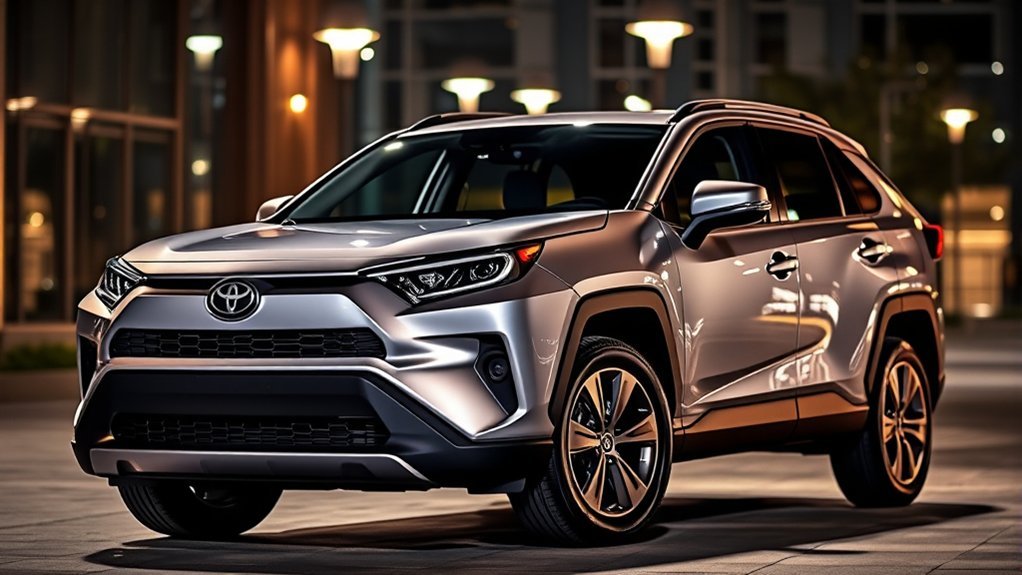
Does the Toyota RAV4 SE Have Remote Start?
What’s in This Article
- Is Remote Start Available on the Toyota RAV4 SE?
- How to Use Remote Start With Your Toyota Key Fob
- Requirements for Remote Start in Your RAV4 SE
- Factory vs. Aftermarket Remote Start Options for the Toyota RAV4 SE
- How to Fix Common Remote Start Problems
- Benefits of Having Remote Start in Your Toyota RAV4 SE
- Frequently Asked Questions
Remote start on a Toyota RAV4 SE depends on the model year, equipment, and your Toyota Connected Services status. That mix can make a simple question feel confusing.
Some RAV4 SE models can use remote start through the Toyota app or key fob if they have Remote Connect and an active trial or paid plan. Older models may need a Toyota accessory starter or an aftermarket kit instead.
Quick Answer
Your Toyota RAV4 SE may have remote start, but it’s not guaranteed on every model year or trim setup. Newer Remote Connect-equipped models can use the Toyota app or key fob when you have an active trial or paid subscription. If your SE lacks Remote Connect, you may still have Toyota accessory or aftermarket options.
Key Takeaways
- Check your Toyota app first because it shows whether your RAV4 supports Remote Connect.
- Use the LOCK, LOCK, hold LOCK sequence only on Remote Connect-equipped Toyota vehicles.
- Keep an active trial or paid subscription if Toyota requires it for your app or key fob remote start.
- Confirm compatibility before you buy an aftermarket remote start kit.
- Use remote start only in a safe, open area with the vehicle locked and unoccupied.
Is Remote Start Available on the Toyota RAV4 SE?
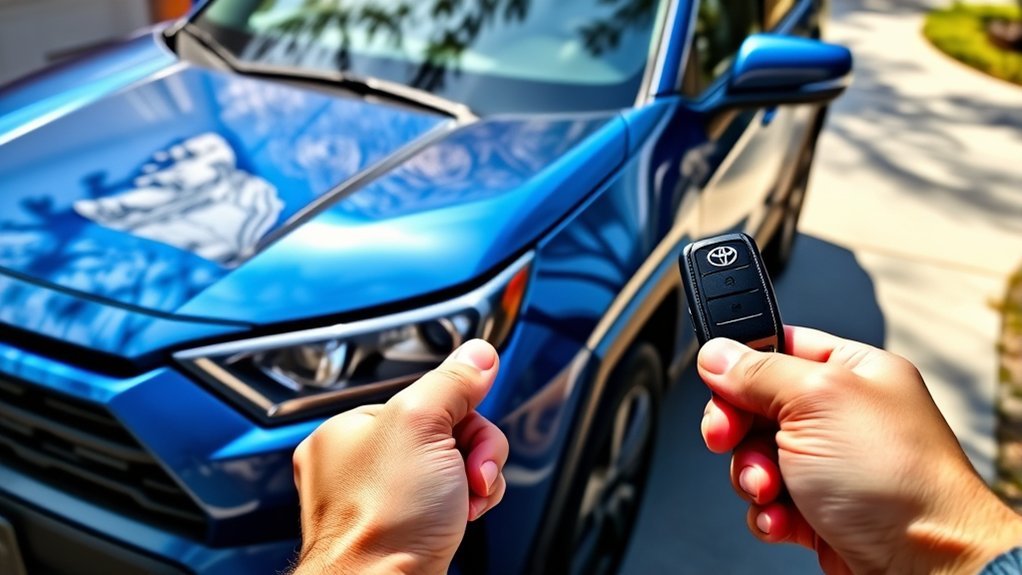
A Toyota RAV4 SE does not always include remote start as a ready-to-use feature. The answer depends on your model year, key system, multimedia hardware, and Toyota Connected Services status.
For newer RAV4 models with Remote Connect, Toyota says you can use remote features through the Toyota app or the key fob when you have an active trial or paid subscription. Remote Connect features vary by vehicle, so your exact SE must support the service.
For older RAV4 SE models, especially models before Toyota’s app-based connected services became common, you may need a Toyota Genuine Remote Engine Starter accessory or an aftermarket kit. Toyota’s remote starter accessory for some 2013-2018 RAV4 models required the Smart Key System, so not every vehicle qualifies.
Before you spend money, check your owner’s manual, the Toyota app, your window sticker, or your Toyota dealer’s build sheet. That quick check can save you from buying a kit that does not fit your vehicle.
How to Use Remote Start With Your Toyota Key Fob
You can try the Toyota key fob remote start sequence if your RAV4 supports Remote Connect. Use this method only when your vehicle sits outside or in a safe, open space.
- Press the LOCK button on your key fob.
- Press the LOCK button again within one second.
- Press and hold the LOCK button for about three seconds.
- Watch for the lights to flash and listen for the engine to start.
- Check your Toyota app if the vehicle does not start after a few tries.
Warning: Don’t use remote start in a garage or enclosed space, and don’t leave a child inside the vehicle.
Some Toyota systems shut the engine off when you unlock or open the door. That behavior helps protect the vehicle, so don’t assume your system has failed.
Requirements for Remote Start in Your RAV4 SE
To use remote start in your RAV4 SE, your vehicle needs the right hardware and service access. Start with the Toyota app because it gives you the clearest view of your connected-service status.
Required Keyless Entry System
Your RAV4 SE needs a compatible keyless entry system or Smart Key System for most remote start setups. Without the right key system, the key fob method may not work.
- Confirm your RAV4 has Remote Keyless Entry or the Smart Key System.
- Check whether your key fob supports the LOCK, LOCK, hold LOCK sequence.
- Verify Remote Connect support in the Toyota app.
- Review your model year because remote start availability changes across RAV4 generations.
Remote Connect Subscription Needed
Toyota states that Remote Connect works through the Toyota app or key fob when you have an active trial or paid subscription. Trial length and plan access can vary by vehicle, model year, and market.
Here’s a simple look at what Remote Connect can include when your RAV4 supports it:
| Feature | What It Does |
|---|---|
| Remote Start | Starts or stops the vehicle from the app or supported key fob |
| Remote Lock/Unlock | Locks or unlocks doors from a compatible phone |
| Vehicle Status Alerts | Shows alerts for certain door, hood, window, or vehicle status items |
| Subscription Management | Lets you review plan status through the Toyota app |
| Service Limits | Depends on vehicle equipment, 4G network coverage, GPS signal, and Toyota account setup |
Use the Toyota app to check whether your trial or subscription remains active. If your service has ended, the app may show renewal options for your vehicle.
Compatible Multimedia System Features
The right multimedia and connected-services hardware matters for Toyota app remote start. Your RAV4 SE must support Remote Connect before the app can control vehicle start and stop functions.
- Remote Keyless Entry or Smart Key System: This supports key fob-based remote start on compatible vehicles.
- Compatible Toyota Multimedia Hardware: Your vehicle must have connected-services support for app control.
- Remote Connect Capability: Your Toyota app should show remote commands if your vehicle supports them.
- Active Trial or Paid Plan: Toyota may require active service before app or key fob remote start works.
Check your owner’s manual for the exact features tied to your RAV4 SE. You can also ask a Toyota dealer to verify your vehicle identification number.
Factory vs. Aftermarket Remote Start Options for the Toyota RAV4 SE
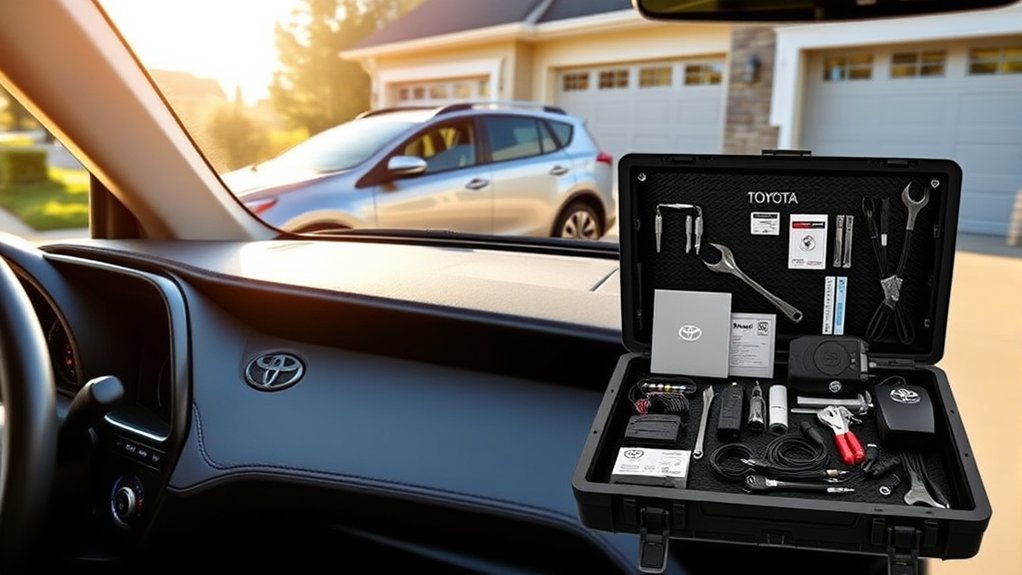
You have two main paths for remote start: Toyota-supported equipment or an aftermarket kit. The best choice depends on your model year, key type, warranty concerns, and budget.
Factory Remote Start Availability
Toyota-supported remote start can come through Remote Connect on newer equipped vehicles or through a Toyota Genuine Remote Engine Starter accessory on some older models. You still need the correct equipment before either option works.
- Remote Connect option: Newer compatible models may start through the Toyota app or key fob.
- Accessory starter option: Some older RAV4 models can use a Toyota remote engine starter accessory.
- Dealer-installed option: A dealer may install a Toyota accessory or a third-party system, so ask which one you’re getting.
- Feature requirements: Your vehicle may need Remote Keyless Entry, the Smart Key System, or connected-services hardware.
Ask the dealer to confirm the exact part number, warranty terms, and vehicle compatibility before installation.
Aftermarket Solutions Comparison
Aftermarket remote start kits can help if your RAV4 SE lacks a Toyota-supported remote start path. Many kits use plug-and-play harnesses, but compatibility still depends on ignition type, model year, trim, and security system.
Some aftermarket kits work with your existing key fob. Others add a separate remote or app module. Before you buy, confirm whether the kit supports your RAV4 SE, whether it needs programming, and whether installation could affect your vehicle warranty.
Installation Process Differences
Factory-style and aftermarket remote start setups can feel similar when you use them, but installation can differ a lot. Use these points to compare your options:
- Toyota-supported installation: This route depends on Toyota equipment, connected services, or genuine accessory parts.
- Dealer installation: This gives you professional help, but you should still confirm whether the system uses Toyota or third-party parts.
- Aftermarket installation: Many kits use plug-and-play wiring, but some vehicles still need programming or extra modules.
- Compatibility check: Confirm your model year, ignition type, drivetrain, and key system before you buy any kit.
A qualified installer can help you avoid wiring issues, warning lights, and remote start behavior that does not match your expectations.
How to Fix Common Remote Start Problems
If your Toyota RAV4 remote start does not work, start with the simple checks first. Most issues come from service status, vehicle status, key fob timing, or safety lockouts.
- Open the Toyota app and confirm that Remote Connect appears for your vehicle.
- Check that your Remote Connect trial or paid plan remains active.
- Close and lock all doors, the hood, and the rear hatch.
- Press LOCK, press LOCK again within one second, then hold LOCK for about three seconds.
- Move closer to the vehicle if you use the key fob.
- Update the Toyota app if app-based remote start fails.
- Check your owner’s manual for limits tied to fuel level, warning lights, or vehicle status.
If remote start works once and then stops, wait a short time before you try again. Toyota systems can limit repeated remote starts for safety and battery protection.
Contact a Toyota dealer or a qualified installer if the feature still fails after these checks. They can confirm whether your vehicle supports remote start and scan for system faults.
Benefits of Having Remote Start in Your Toyota RAV4 SE
Remote start can make your Toyota RAV4 SE more comfortable before you drive. It helps most when you deal with heat, cold, frost, or a busy morning routine.
Remote start can improve comfort, visibility, and daily convenience when your RAV4 SE supports the feature.
- Comfort: Start the cabin climate before you get in, based on your last climate settings.
- Cold-weather help: Warm the cabin and help the defroster clear the windshield before you leave.
- Hot-weather help: Cool the cabin before you sit inside on a warm day.
- Locked-vehicle use: Keep the vehicle locked while the system runs on supported setups.
- Upgrade flexibility: Add a compatible aftermarket system if your model lacks a Toyota-supported setup.
Remote start works best when you treat it as a comfort feature, not a substitute for normal safety checks. Always confirm that your vehicle sits in a safe place before you start it remotely.
Frequently Asked Questions
How Do I Know if My RAV4 Has Remote Start?
Check the Toyota app first. If your RAV4 supports Remote Connect, the app should show available remote commands such as start, stop, lock, or unlock.
You can also try the LOCK, LOCK, hold LOCK key fob sequence on a safe, open driveway. If nothing happens, check your owner’s manual or ask a Toyota dealer to verify your vehicle identification number.
How to Remote Start RAV4 SE?
Press LOCK on the key fob, press LOCK again within one second, then hold LOCK for about three seconds. This works only when your RAV4 SE has the right remote start support.
If you use the Toyota app, open the vehicle controls and select the start command. Your app must show Remote Connect access, and your trial or paid service must remain active.
What Year Did RAV4 Get Remote Start?
The answer depends on what type of remote start you mean. Some older RAV4 models could use a Toyota Genuine Remote Engine Starter accessory, while newer models may use Toyota Remote Connect through the app or key fob.
For the RAV4 SE, don’t rely on model year alone. Check your exact equipment because availability changes by trim, package, market, and build date.
Does Toyota Have Hidden Remote Start?
Some Toyota owners call key fob remote start a hidden feature because the button sequence is not obvious. It still requires compatible vehicle equipment and, for Remote Connect-equipped vehicles, an active trial or paid subscription.
If your RAV4 does not respond to the key fob sequence, that does not always mean something broke. Your vehicle may lack the feature, your subscription may have ended, or a safety condition may block the start.
Can I Add Remote Start to a RAV4 SE That Does Not Have It?
Yes, you may be able to add remote start with a Toyota accessory or an aftermarket kit. Compatibility matters most, so confirm your model year, key type, ignition type, and warranty terms before purchase.
Conclusion
Your Toyota RAV4 SE may have remote start, but you need to verify your exact vehicle before you rely on it. Start with the Toyota app, then check your owner’s manual or dealer build sheet.
If your RAV4 supports Remote Connect, keep your trial or paid plan active and use the correct key fob sequence. If it does not, compare Toyota accessory and aftermarket options with a qualified installer.
A few minutes of checking can help you choose the right setup and avoid the wrong parts. Once everything matches, remote start can make your RAV4 SE feel much easier to live with.
References
- Connected Services — Toyota Owners, 2026
- How do I start the vehicle using my Toyota key fob? — Toyota Customer Support, 2026
- MY25 Remote Connect Features by Model — Toyota, 2025
- Toyota Remote Engine Starter #PT398-42130 — Toyota Genuine Parts, 2026