
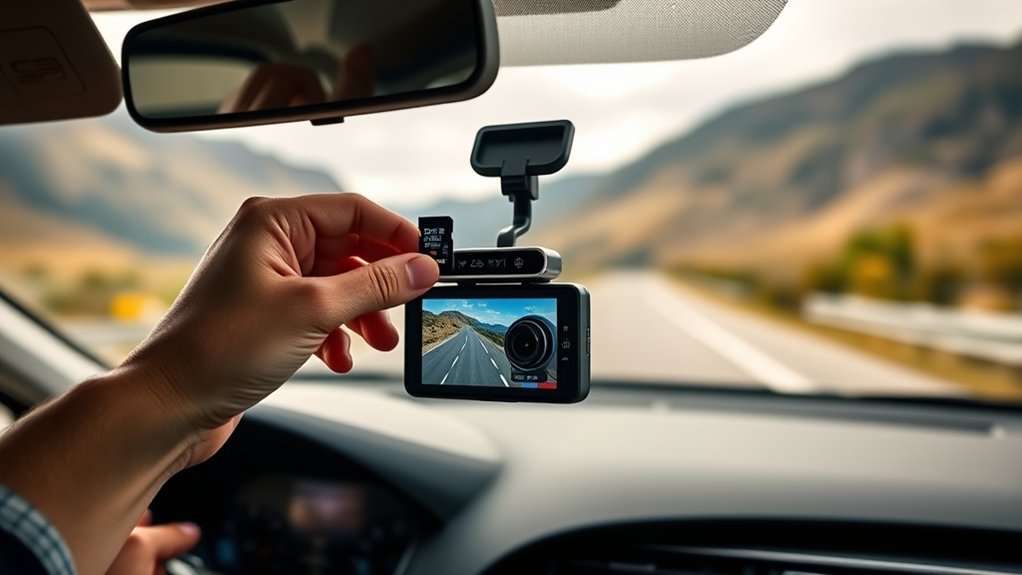
Yes, you need an SD card for your dash cam to capture and store crucial footage. Choose a high-endurance microSD card rated at least Class 10 or UHS U3, with a capacity of 64GB for single-channel or 128GB for dual-channel systems. Formatting the card every month helps maintain performance. Storing it correctly safeguards against damage. Understanding these requirements can help you make an informed choice; let’s explore the essential features and maintenance tips next.
Why You Need an SD Card for Your Dash Cam
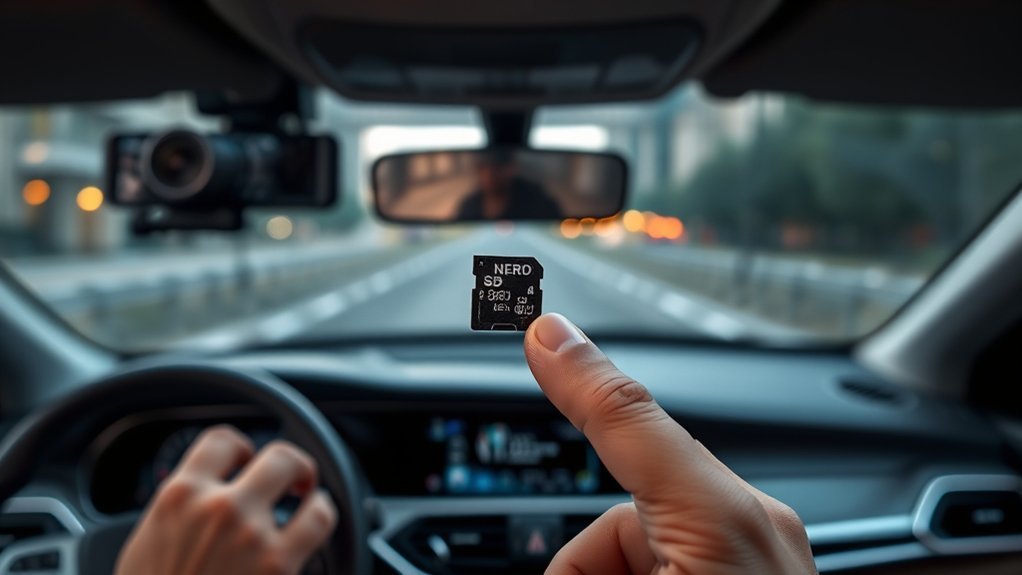
While you might think your dash cam can operate without an SD card, it’s actually fundamental for capturing and storing video footage during your drives. An SD card serves as the primary storage medium, enabling continuous recording of events that matter. By using high-quality SD cards, you guarantee the ability to store footage from long trips and capture significant incidents, preventing data loss in the event of an accident. Without a suitable SD card, your dash cam may fail to record or overwrite important footage, risking reliability when you need it most. Loop recording functionality, which automatically overwrites older files to free up space, relies on the adequate storage capacity provided by the SD card. To meet your recording needs, you should choose the best capacity—64GB for single-camera setups or 128GB for dual-channel systems—to make sure you don’t miss any essential moments on the road.
Essential Features for Choosing a Dash Cam SD Card
When selecting an SD card for your dash cam, what key features should you prioritize? First, focus on the write speed; choose a card with at least Class 10 or UHS U3 ratings to guarantee high-quality video recording without dropped frames. Next, opt for high-endurance cards specifically designed for continuous recording, as these can handle the frequent overwriting typical in loop recording.
Consider the storage capacity as well—32GB or 64GB works for single-channel setups, while dual-channel systems benefit from 128GB or 256GB cards. Compatibility is essential; verify the SD card matches your dash cam model since some may have brand preferences or limitations with higher capacities like 512GB. Finally, remember to format the memory card every month to maintain performance and prevent data corruption, keeping your dash cam memory running smoothly for long periods.
How to Select the Right Capacity for Your Dash Cam SD Card
Selecting the right capacity for your dash cam SD card is essential to confirm it meets your recording needs. Start by considering your dash cam type. For single-channel models, a 32GB or 64GB card usually suffices for short trips. However, if you’re using a dual-channel system, opt for 128GB or 256GB to guarantee continuous recording from both front and rear cameras. For three-channel dash cams, larger capacities like 256GB or 512GB are necessary for thorough coverage.
Keep in mind that 1080p recording consumes about 6GB per hour, so higher resolutions will require even more storage space. When you choose a memory card, select one with speed classes of Class 10, U3, or V30 to prevent dropped frames during recording. Regularly assess your usage—heavy daily driving may necessitate higher capacity memory cards, while occasional use can be managed with smaller options.
Top Maintenance Tips for Your Dash Cam SD Card
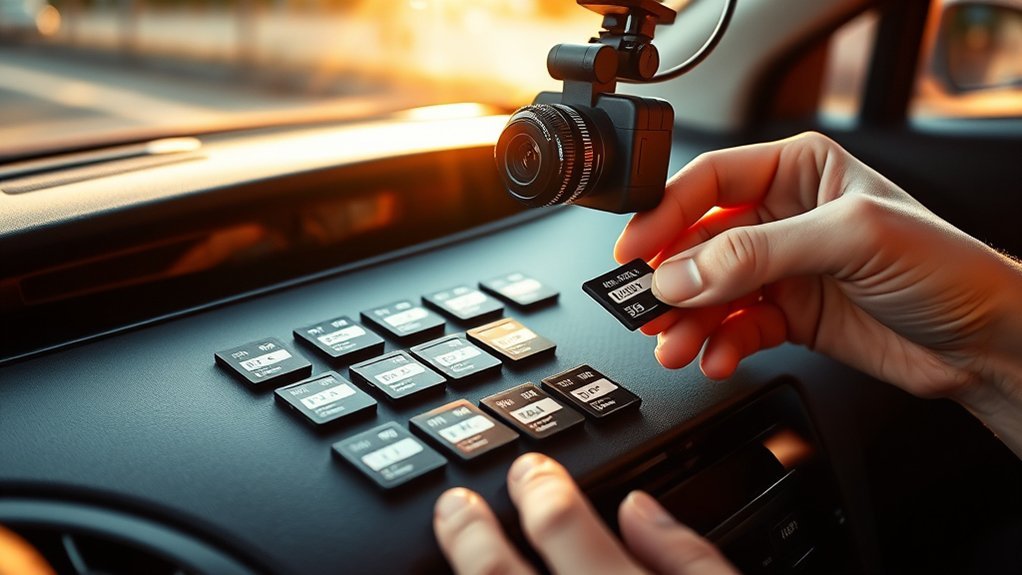
To keep your dash cam SD card in prime working condition, it is crucial to implement regular maintenance practices. Start by formatting your SD card every 1 to 3 months to maintain peak performance and prevent data corruption in your recordings. Store your SD cards in protective cases to guard against physical damage from drops or environmental factors. Avoid exposing them to extreme temperatures, humidity, or static-prone areas, ensuring reliability and longevity.
Regularly monitor the performance of your SD card, and be alert for any signs of malfunction, such as missing footage. If you notice issues, don’t hesitate to replace the card. Additionally, opt for high-endurance SD cards specifically designed for continuous writing, as they offer superior durability for frequent dash cam use. By following these maintenance tips, you’ll maximize the storage capabilities and performance of your dash cam SD card.
Best SD Cards for Dash Cams
Choosing the right SD card for your dash cam can greatly impact its performance and reliability. High-endurance microSD cards are essential, as they withstand continuous writing and rewriting—crucial for capturing critical moments. For single-channel dash cams, a 64GB card is sufficient, while dual-channel setups need 128GB or 256GB to manage both front and rear recordings effectively.
| Card Type | Speed Class | Maximum Capacity |
|---|---|---|
| High-Endurance 64GB | Class 10 | 64GB |
| High-Endurance 128GB | U3 | 128GB |
| High-Endurance 256GB | V30 | 256GB |
| Standard 64GB | Class 10 | 64GB |
Opt for cards with a speed class of at least Class 10, U3, or V30 to guarantee ideal video writing speeds. Regular formatting every 1 to 3 months helps maintain performance and prevents data corruption.
Frequently Asked Questions
Will Dashcam Work Without SD Card?
Yes, a dash cam can operate without an SD card, but you’ll lose essential features like recording quality, loop recording, and data retrieval. For maximum functionality, verify card compatibility to enhance storage capacity and device longevity.
Can I Record Without a SD Card?
You can’t record without an SD card. While exploring dash cam alternatives, consider various memory card types and their impact on video quality. Loop recording benefits and user reviews highlight the importance of proper data storage options.
What Card Do I Need for a Dash Cam?
For your dash cam, choose a high-speed memory card (at least 40 MB/s) with ample storage capacity—32GB for single-channel or 128GB for dual-channel. Confirm compatibility, prioritize durability, and follow installation tips for peak performance.
How Long Will 128GB Last on a Dash Cam?
A 128GB card typically offers about 16 hours of recording at 1080p. However, high-resolution footage reduces this duration. Loop recording efficiently manages storage, but always guarantee compatibility and monitor card health for long-term usage.
Conclusion
To sum up, if you think a dash cam can function without an SD card, you might as well expect a toaster to brew coffee. Investing in the right SD card isn’t just a technicality; it’s essential for capturing those “memorable” moments on the road—like the guy who thinks turn signals are optional. So, gear up, choose wisely, and let your dash cam do its job while you focus on more pressing matters, like perfecting your karaoke skills during traffic jams.





Leave a Reply