
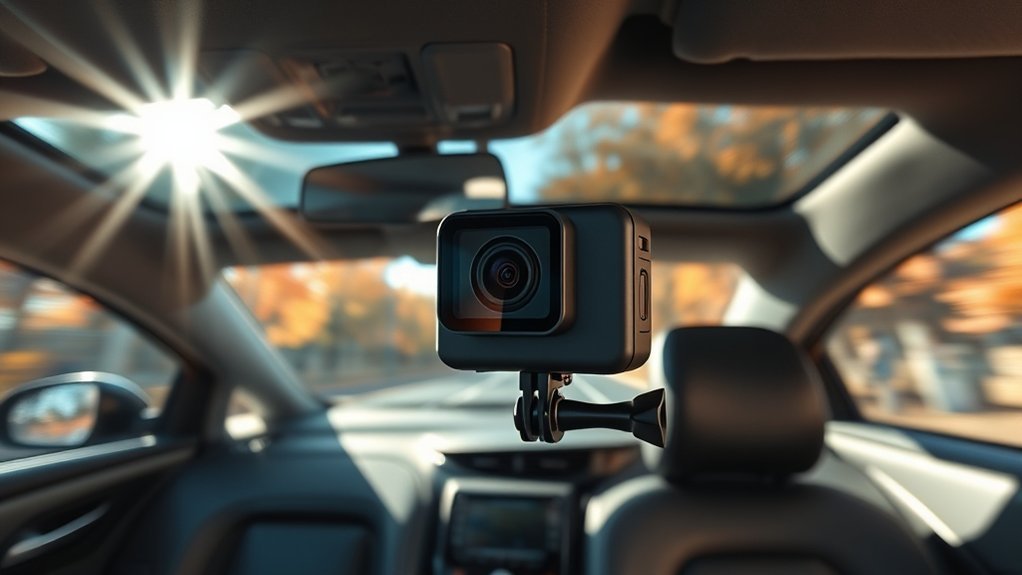
Yes, you can use a GoPro as a dash cam. It captures high-quality 4K video, performs well in low light, and features voice control for hands-free operation. However, it lacks auto start, parking mode, and has limited battery life compared to dedicated dash cams. You’ll also miss out on incident detection and superior night vision. To optimize its use, a few setup tricks and accessories can make a difference, and there’s more to explore about alternatives.
What Can a GoPro Do as a Dash Cam?
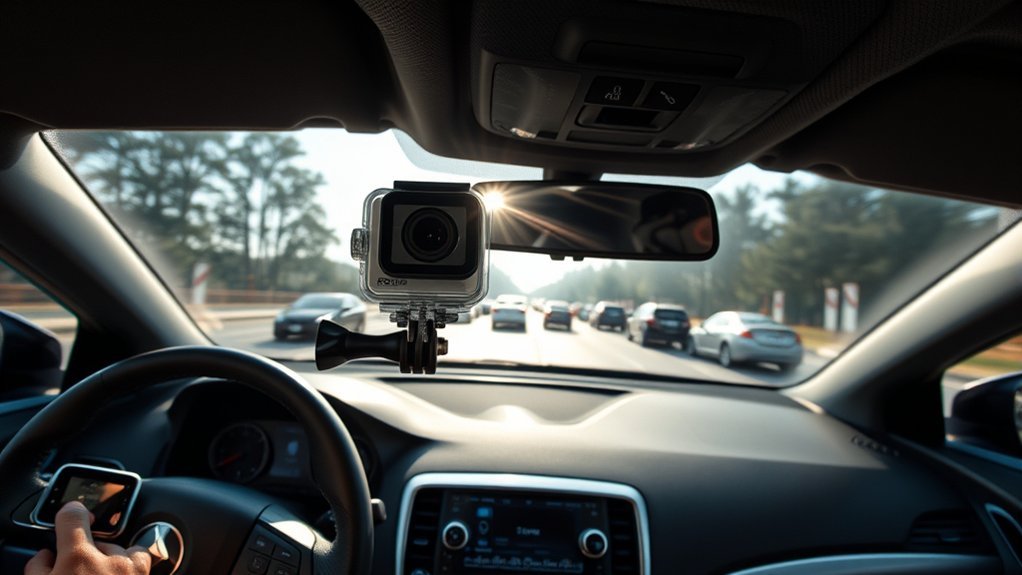
A GoPro can serve as an effective dash cam, capturing high-quality 4K video footage that guarantees clear visibility during your drives. With its ability to perform in low-light conditions, it enhances your driving safety by ensuring every detail is recorded, regardless of the time of day. The voice control functionality allows for hands-free operation, making it easier to manage recordings while you’re focused on the road.
Although it lacks an auto-start feature and continuous parking mode, you can set it to loop recording, so it overwrites old footage, saving only the essential clips. The GoPro Quik app adds value by overlaying metadata like speed and GPS data, enriching your experience with informative visuals. Plus, the time-lapse mode lets you create unique compilations of your journeys, showcasing the beauty of the road. With adjustable mounting arms, positioning the camera to capture clear footage becomes a breeze.
Top Benefits of Using a GoPro for Dash Cam Footage
Using a GoPro as a dash cam offers several key benefits that enhance your driving experience. First, the GoPro Hero 10 captures high-quality footage in 4K resolution, ensuring you get clear footage during daytime drives and even while driving in the dark. The reliable suction cup mount allows for easy attachment and removal without obstructing your view, adapting to various vehicles effortlessly. Voice control functionality lets you start recording hands-free, keeping your focus on the road for improved road safety. Additionally, the GoPro Quik app adds valuable metadata like speed and GPS location, enriching your footage with context.
| Benefit | Description |
|---|---|
| High-Quality Footage | 4K resolution for clear visuals |
| Easy Mounting | Suction cup mount for quick setup |
| Hands-Free Operation | Voice control for seamless recording |
| Enhanced Context | Quik app enriches footage with metadata |
What Are the Downsides of Using a GoPro as a Dash Cam?
While GoPros are versatile cameras, relying on one as a dash cam comes with notable downsides. First, the GoPro lacks an auto start feature, which means you need to manually activate it to start recording, increasing the chance of missing essential moments. Additionally, it doesn’t have a parking mode, so it can’t capture incidents when your vehicle is off, leaving gaps in surveillance.
You’ll also face limited battery life; if it’s not charged, you might miss critical footage, unlike dedicated dash cams designed for continuous recording. Overheating issues can arise during extended use, especially in hot weather, potentially corrupting videos or causing the camera to shut down. Finally, the night vision capabilities of a GoPro are poor, making it less effective for capturing clear footage in low-light conditions. These factors can greatly impact your experience using a GoPro as a dash cam.
How GoPro Features Stack Up Against Dedicated Dash Cams
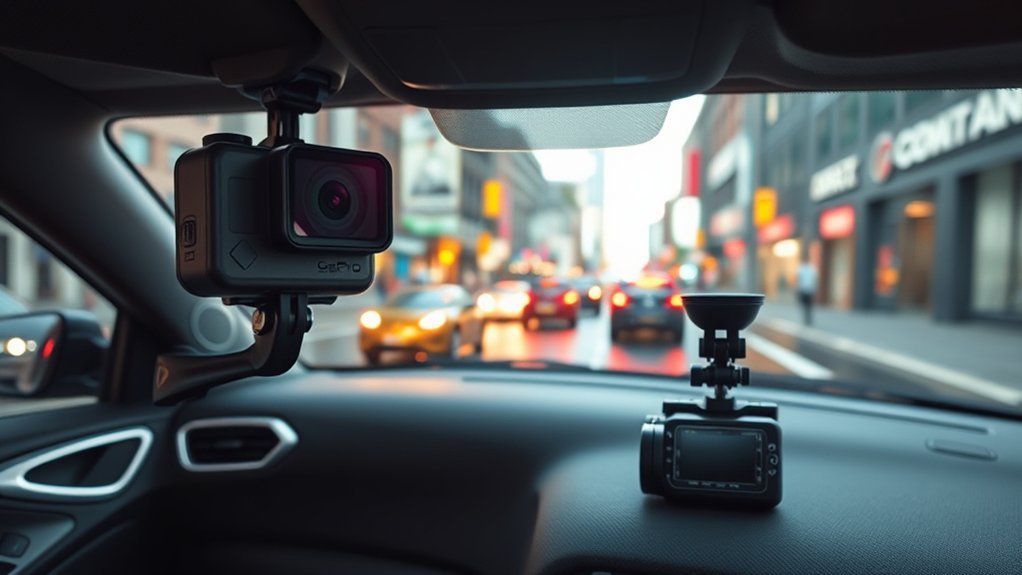
GoPro cameras, such as the HERO10, excel in high-quality 4K video and offer a wide-angle view, making them appealing for various activities. However, when comparing a GoPro as a dash cam to dedicated models, several key features highlight the differences:
- Automatic recording: Dash cams are designed for continuous monitoring, while GoPros require manual activation.
- Loop recording: Essential for capturing video without running out of storage; GoPros lack this feature.
- G-sensors: These save footage during sudden events, critical for insurance purposes, which GoPros don’t have.
- Thermal management: Dash cams perform better in long drives; GoPros can overheat.
- Night vision: Dedicated dash cams excel in low-light conditions, whereas GoPros have limited capabilities.
Ultimately, while a GoPro can capture high-quality video, dedicated dash cams work best for reliable, everyday driving needs.
[Products Worth Considering]

【1296P QHD & 130° Wide-Angle FOV】Equipped with a 3-megapixel camera, the 70mai dash cam M310 records in 2304 x 1296P HD high resolution, featuring almost 1.5 times clearer than the standard 1080P dash cams. The dash cam front can easily capture license plates, road signs, and other critical details on the road. With 130° wide-angle FOV, this dash cam enables you to monitor more lanes with fewer blind spots

【Dash Cam Front and Rear Inside 1440P+1080P+1080P】 Advanced Sony IMX Sensor & High-Performance Processor – Captures crisp and detailed footage with 2.5K front, 1080P inside, and 1080P rear recording, ensuring reliable evidence for road incidents and disputes. The super night vision and auto IR cabin camera enhance visibility, delivering clear video even in low-light conditions.

【Unmatched Clarity with 1296P HD Resolution】Experience the road like never before with the Veement V300 1296P car dash cam. Capturing ultra-clear footage at 2304*1296@30FPS, this dash camera for cars ensures every detail is preserved with exceptional clarity, offering comprehensive coverage both day and night.
How to Effectively Set Up a GoPro as a Dash Cam
To effectively set up a GoPro as a dash cam, start by selecting a reliable suction cup mount that securely attaches to your windshield without obstructing your view of the road. Next, connect the GoPro to a USB power supply that plugs into the vehicle’s accessory jack. This allows the camera to detect ignition power and start recording automatically when the vehicle is turned on. Utilize the GoPro Quik app to enhance your footage with metadata, such as speed and GPS data, creating a clearer and more informative recording experience. Set the video looping feature to continuously record, but be cautious with the MAX loop setting due to possible firmware bugs. Regularly check your SD card’s storage capacity to prevent video corruption, especially during extended recording sessions. Finally, verify the GoPro is charged to avoid interruptions during your drive.
[Products Worth Considering]

【360° Adjustment】Double ball head structure, 360° angle adjustment; Can adjust the angle according to different usage scenarios and shooting needs.

Attach your GoPro to cars, boats, motorcycles and more

【Convenient to Use】Attach the car mount to cars, boats, motorcycles and more. Suction cup mount with adjustable arm allow for ultra compact mounting, provides a broad range of motion and stability, you can enjoy the POV filming. Quick release base mount makes moving between shots and locations quick and convenient with ease.
What Are the Best Alternatives to a GoPro Dash Cam?
If you’re looking for alternatives to a GoPro as a dash cam, there are several options worth considering. Dedicated dash cams are specifically designed for road use, offering features like loop recording and G-sensor technology. You might also explore affordable action cameras or smartphone apps that can effectively capture your driving experience.
[Products Worth Considering]

Smart 4-Level Voltage Protection: Prevent Car Battery Drainage With Our Upgraded Hardwirekit Featuring 4 Adjustable Low-Voltage Cutoff Settings (11.6V / 11.9V / 12.2V / 12.5V). Simply Select The Threshold That Matches Your Vehicle'S Battery Type And Local Climate Conditions. The Intelligent Circuit Automatically Cuts Off Power When The Voltage Drops To The Set Level, Ensuring Your Engine Starts Reliably Every Time While Enabling Safe 24/7 Parking Surveillance.
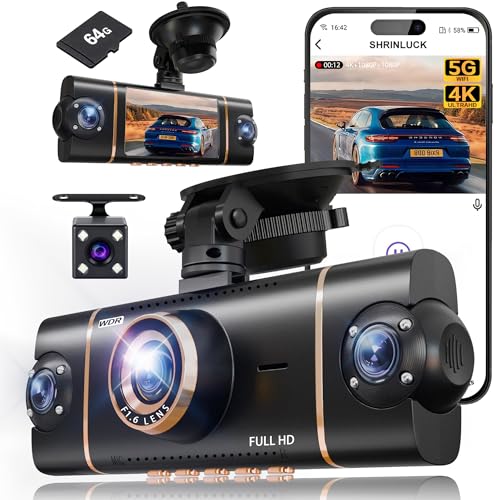
【𝟑𝟔𝟎° 𝐀𝐥𝐥 𝐒𝐢𝐝𝐞𝐬 𝐃𝐚𝐬𝐡 𝐂𝐚𝐦 𝟒 𝐂𝐡𝐚𝐧𝐧𝐞𝐥】: Our 4-channel dash cam equipped with a 3" IPS screen synchronizes four lenses to record the dash cam front and rear, left, and right sides of your vehicle simultaneously in high definition. With a crisp 4K front camera and three adjustable 1080P lenses, it captures every critical detail, eliminating all blind spots for complete peace of mind on the road.

Ultra HD 4K Front + 4K Rear Recording: The Terunsoul dash cam supports dual-channel simultaneous recording, capturing both front and rear footage. Both cameras record in 3840×2160P, ensuring clear footage of the road ahead and behind. The front camera features a 170° ultra-wide-angle lens, providing full coverage of six-lane roads and capturing more road details with this 4K dash cam
Dedicated Dash Cam Options
While a GoPro can serve as a dash cam, dedicated dash cam options offer significant advantages tailored specifically for vehicle recording. These specialized devices provide you with peace of mind, knowing they’re designed for continuous recording and automatic activation when you start your vehicle.
Key benefits of dedicated dash cams include:
- High-resolution recording for clear images and details
- G-sensors that automatically save footage during sudden impacts
- Parking mode to monitor incidents while your vehicle is parked
- User-friendly installation for easy setup and operation
- Ability to continue to record even when the engine is off
Choosing a dedicated dash cam can enhance your driving experience and guarantee vital evidence is always captured.
Affordable Action Cameras
Many budget-friendly action cameras can effectively serve as alternatives to a GoPro dash cam. For instance, the Akaso Brave 7 LE and DJI Osmo Action provide 4K recording and waterproof capabilities, often at lower prices. The Yi 4K Action Camera stands out as a best choice for video quality and ease of use, ensuring your footage is clearly visible. If versatility is what you need, the Insta360 ONE R’s modular design allows you to switch lenses for different perspectives. The Apeman A80 is another economical option, equipped with a wide-angle lens and mounting accessories for basic dash cam functionality. Many affordable action cameras also feature built-in Wi-Fi, making video transfer and editing a breeze, enhancing your dash cam experience.
Smartphone Dash Cam Apps
As technology advances, smartphone dash cam apps have emerged as effective alternatives to dedicated devices like GoPros. These apps leverage your device’s camera and GPS, providing a cost-effective solution for continuous recording while driving. Here are some standout features:
- Loop recording for seamless footage capture
- Automatic start/stop based on ignition
- Incident detection to capture critical moments
- Cloud storage options for remote access
- Real-time speed monitoring and GPS data overlays
Using a smartphone as a dash cam not only captures essential footage but also mitigates the risk of theft associated with expensive devices like GoPros. By embracing these smartphone dash cam apps, you gain flexibility and security while documenting your drives.
Frequently Asked Questions
Does a Gopro Make a Good Dash Cam?
A GoPro isn’t the best dash cam. While its video quality is excellent, it lacks essential dash cam features, has limited battery life, storage capacity issues, and raises legality concerns with its mounting options.
Is Having a Gopro a Traffic Violation?
Having a GoPro itself isn’t a traffic violation, but improper camera placement can violate traffic laws. Be aware of recording permissions, evidence legality, privacy concerns, and potential insurance implications depending on your jurisdiction’s regulations.
Can You Use a Gopro in Your Car?
You can use a GoPro in your car, leveraging various mounting options. It offers excellent video quality, but consider battery life and storage capacity, along with legal considerations for ideal user experience during drives.
Can You Use a Gopro 13 as a Dash Cam?
You can use a GoPro 13 as a dash cam, but consider its features comparison. With great video quality and mounting options, be mindful of battery life and legal implications for your recordings.
Conclusion
In a world where every moment counts, using a GoPro as a dash cam can be a double-edged sword. While it offers impressive video quality and versatility, it’s not without challenges like battery life and lack of specific dash cam features. If you’re seeking a reliable solution for capturing your drives, weigh the pros and cons carefully. Consider dedicated dash cams for a seamless experience, ensuring you capture every twist and turn on the road ahead.




Leave a Reply