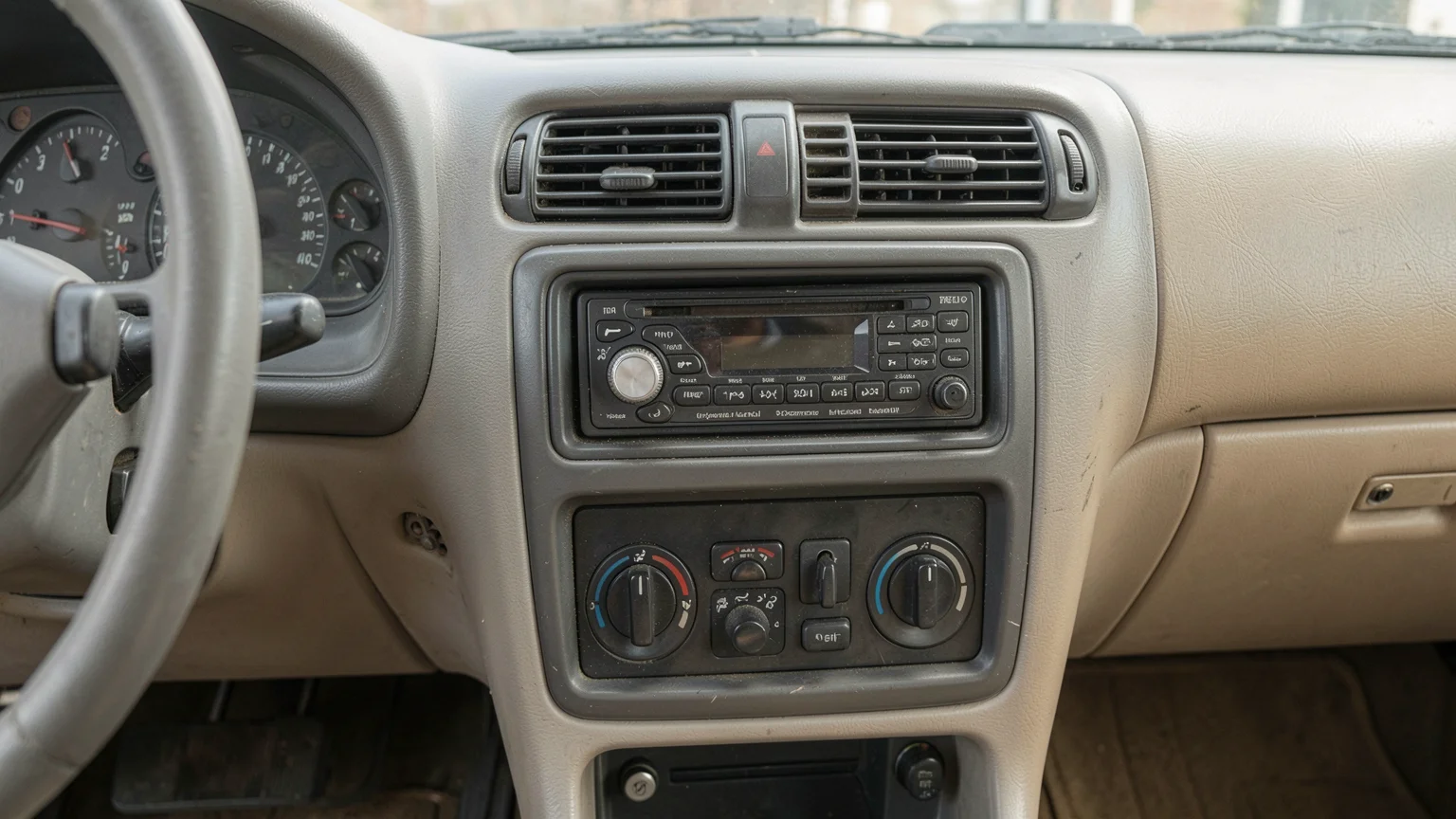
The Toyota 2000 4Runner stereo wiring diagram below covers the factory radio harness: constant power is blue/yellow, switched power is gray, the antenna trigger is black/white, and the speakers use pink/purple, light green/blue, black/yellow and red/white pairs. Sources disagree on a couple of wires, so confirm them with a meter before you connect anything.
This guide lists every wire color, the speaker sizes, what to do about a factory amplifier and the steps to install a new stereo without cutting the factory plug.
Key Takeaways
- The 2000 4Runner belongs to the third generation (1996 to 2002), and published wiring data covers all those years together.
- Power wires are blue/yellow (constant) and gray (switched). Sources disagree on ground, listing both black and brown.
- Front doors use 6-3/4 inch speakers and the rear doors use 5-1/4 inch speakers.
- Some trucks have a factory amplifier, so find out before you swap the radio.
- Use a harness adapter and a dash kit instead of cutting the factory plugs.
In this guide:
- Wiring diagram and wire colors
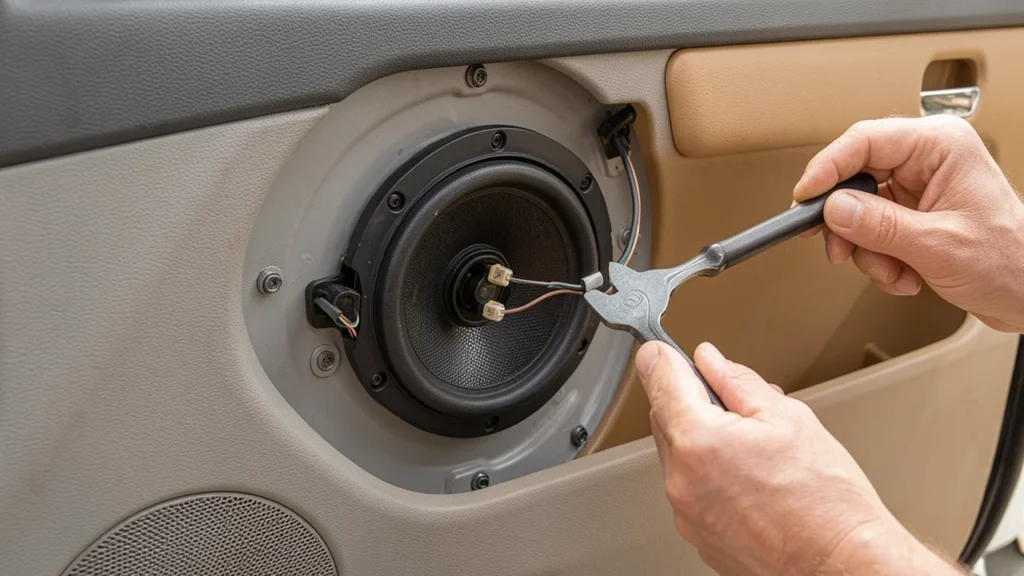
- Speaker sizes and locations
- Factory amplifier check
- Parts you need
- How to install a new stereo
- Troubleshooting
- FAQ
Toyota 2000 4Runner Stereo Wiring Diagram and Wire Colors
The 2000 4Runner radio wiring matches the rest of the 1996 to 2002 run. The table below pairs each factory wire with the color you will usually find on an aftermarket stereo harness, which follows the EIA standard.
| Function | Factory wire color | Typical aftermarket color |
|---|---|---|
| Constant 12V (memory) | Blue/yellow (one source lists blue/black) | Yellow |
| Switched 12V (ignition) | Gray | Red |
| Ground | Black or brown (sources disagree) | Black |
| Illumination | Violet (purple) | Orange |
| Antenna or amp trigger | Black/white | Blue/white |
| Front left speaker (+) | Pink | White |
| Front left speaker (-) | Purple | White/black |
| Front right speaker (+) | Light green | Gray |
| Front right speaker (-) | Blue | Gray/black |
| Rear left speaker (+) | Black | Green |
| Rear left speaker (-) | Yellow | Green/black |
| Rear right speaker (+) | Red | Violet |
| Rear right speaker (-) | White | Violet/black |
These colors come from ModifiedLife’s 1996 to 2002 4Runner guide and from an installer’s reply on the12volt.com forum. The two sources agree on every wire above except ground and the exact shade of the constant power wire.
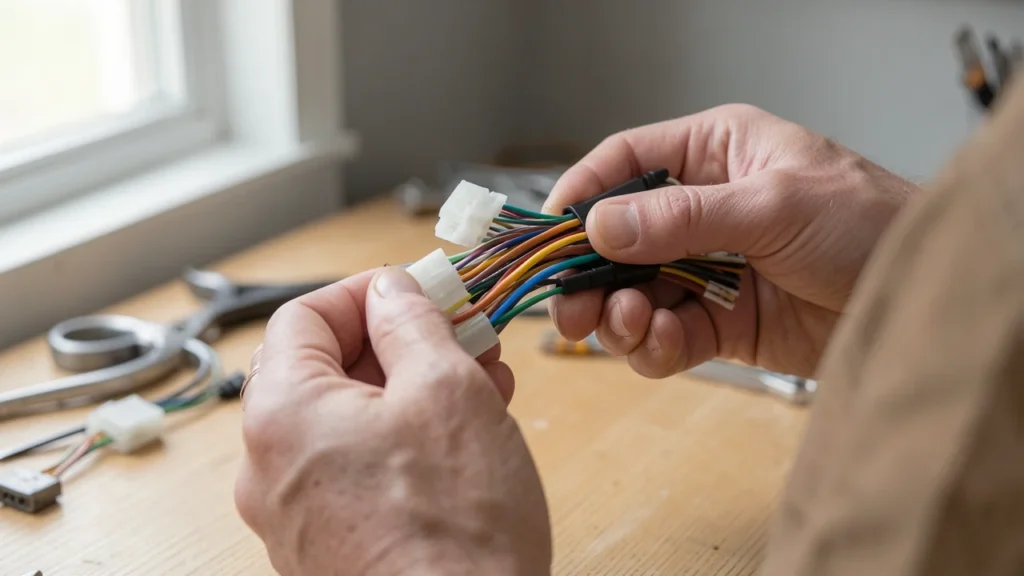
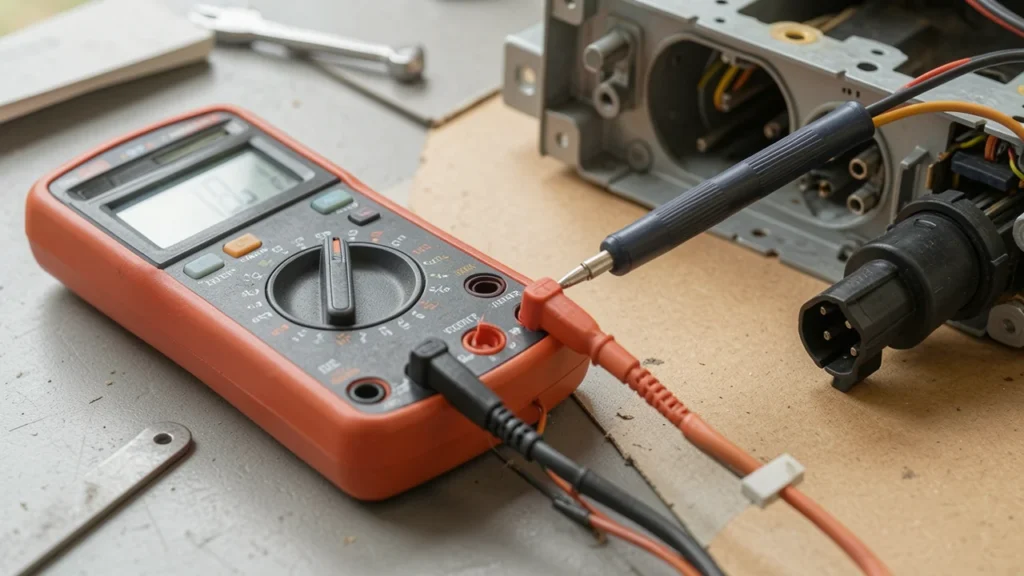
Note: Wire colors can differ between trims and later repairs. Previous owners also change wiring. Use this table as a starting point, then verify each wire with a multimeter before you connect it.
Two more facts help. First, ModifiedLife says steering wheel buttons on this generation were limited to cruise control, so most owners do not need a steering wheel control adapter. Second, the dimmer wire and a few other leads are not confirmed in published charts.
4Runner Speaker Sizes and Locations
Here are the 4Runner speaker sizes for the 1996 to 2002 trucks, based on ModifiedLife and Crutchfield.
| Location | Size |
|---|---|
| Front door speakers | 6-3/4 inch |
| Front door tweeters | 1 inch |
| Rear door speakers | 5-1/4 inch |
| Center speaker and subwoofer | Not confirmed in published charts |
Crutchfield lists 6-3/4 inch as the largest aftermarket speaker that fits the front doors of a 2000 4Runner. If you plan to add bigger speakers, check fit first.
Does Your 2000 4Runner Have a Factory Amplifier?
This is the step most people skip, and it causes most install problems. ModifiedLife explains that later trucks in this generation offered a JBL premium system with a factory amplifier and subwoofer, mainly on Limited trims. Base and SR5 trucks kept a standard head unit that drives the speakers directly.
One forum owner with a 2000 4Runner cut the factory plug off, wired in a new radio and got power but no sound. An installer replied that a small amplifier sits behind the radio on many Toyotas. He said the radio’s antenna trigger wire may need to turn the amp on, and he suggested either bypassing the amp or buying the proper harness.
Where the amp sits depends on the source. ModifiedLife says it can be behind and below the radio, and elsewhere says behind a rear interior panel. Look behind the radio first, and follow the harness.
The same installer said a small second antenna lead on the factory CD player belongs to a diversity antenna system. His advice was to leave it unplugged.
Parts You Need for a 2000 4Runner Stereo Install
- Dash kit: Crutchfield lists a single-DIN dash kit, the American International UPT900, as a fit for the 2000 4Runner.
- Wiring harness adapter: It plugs into the factory connector and gives you color-coded wires. Forum installers point to the Metra 70-1761 for these Toyotas. Confirm fit for your trim before you order.
- Antenna adapter: It connects the factory antenna plug to the standard input on a new radio.
- Amp bypass or integration harness: You need it only if your truck has a factory amplifier.
- Basic tools: Trim tools, a screwdriver set, a multimeter, wire strippers and crimp connectors.
A harness adapter saves time. It also keeps the factory plugs intact, so you can return the truck to stock later.
How to Install a New Stereo in a 2000 4Runner
Follow these steps. Your dash kit’s instructions will show the exact trim and screw locations for your truck.
- Identify whether your truck has a factory amplifier, then buy the matching harness.
- Disconnect the negative battery cable.
- Remove the trim around the radio and take out the factory unit.
- Unplug the factory plugs and the antenna cable from the back of the radio.
- Connect the new stereo’s harness to the adapter harness at a bench. Match wires by function, then crimp or solder and insulate every joint.
- Test the wires you doubt with a multimeter. Check constant power, switched power and ground.
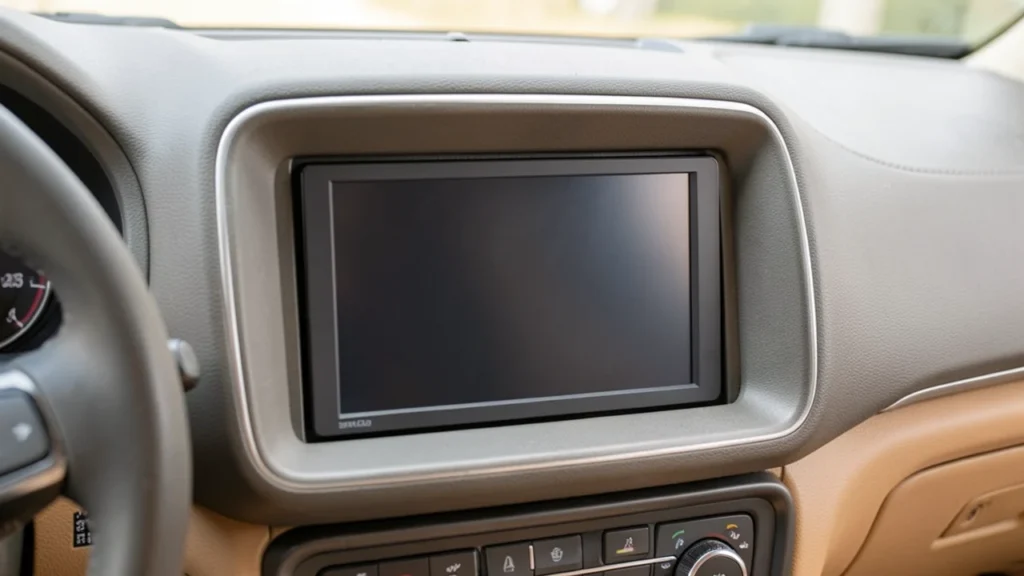
- Mount the new stereo in the dash kit, plug in the adapter and antenna, and reconnect the battery.
- Check every speaker, AM and FM, and the memory function before you put the trim back.
Warning: Disconnect the negative battery cable before you unplug or cut any wiring. A shorted wire can blow fuses or damage the stereo. Your truck has airbags, so follow your owner’s manual for battery work.
If you also plan to add a camera, the same careful wiring habits apply. Our guide on how to install a rear dash cam covers placement and wiring, and dash cam install costs help you decide whether to DIY. Shopping for a camera for this truck? See the best dash cam for the 4Runner.
Troubleshooting a New Stereo
| Symptom | Likely cause | What to try |
|---|---|---|
| No power at all | Bad ground or power wire, or a blown fuse | Test ground and both power wires with a meter, then check the radio fuse |
| Power but no sound | Factory amp not turned on, or amp not bypassed | Connect the antenna trigger wire and use the right amp harness |
| Radio forgets presets | Constant and switched power swapped | Swap the two power wires at the harness |
| One speaker silent | Loose speaker wire or crossed pair | Recheck that speaker’s two wires and the door plug |
| Weak AM or FM reception | Antenna adapter missing or loose | Reseat the antenna cable and adapter |
| Display will not dim | Illumination or dimmer wire not connected | Connect the violet illumination wire as your radio’s manual describes |
Work through the list one item at a time. Most problems come down to a loose connection, a swapped power wire or an amplifier that never turned on.
If you are also thinking about new tires for this truck, our guide to tire sizes for the Toyota 4Runner Limited is a good next read.
Frequently Asked Questions
What color is the constant 12V wire on a 2000 4Runner radio?
Most sources list blue/yellow for constant power, and the switched power wire is gray. One forum installer also mentioned blue/black for the constant wire. Test the wire with a multimeter, since it should read 12 volts with the key off, and connect it to your stereo’s yellow wire.
What is the black/white wire on the 4Runner radio plug?
It is the antenna trigger wire. On trucks with a factory amplifier, an installer on the12volt.com says it may also need to turn the amp on. Connect it to the blue/white remote wire on your new stereo harness when your truck uses an amplifier.
What size are the speakers in a 2000 Toyota 4Runner?
Published charts list 6-3/4 inch speakers and 1 inch tweeters in the front doors, and 5-1/4 inch speakers in the rear doors. Crutchfield names 6-3/4 inch as the largest aftermarket front door speaker that fits. Center and subwoofer sizes are not confirmed.
Does the 2000 4Runner have a factory amplifier?
It depends on the truck. Later third-generation 4Runners offered a JBL system with a factory amplifier and subwoofer, mainly on Limited trims. Base and SR5 trucks usually have a standard head unit. Look behind the radio and follow the harness to see if an amp is present.
Do I need a wiring harness adapter?
Yes, it is the safest route. An adapter lets you connect the new stereo without cutting the factory plug. One forum owner who cut the plug found it hard to rebuild the connections. Match the adapter to your truck and confirm whether it works with a factory amplifier.
Does the 2000 4Runner have steering wheel audio controls?
Not as standard equipment. ModifiedLife says the steering wheel buttons on this generation were generally limited to cruise control. Look at your wheel to be sure. If it has no audio buttons, you do not need a steering wheel control adapter for the new stereo.
Final Thoughts
A Toyota 2000 4Runner stereo wiring diagram is only as good as the checks you make before you connect it. Use the color table to plan, confirm power and ground with a meter, and find out whether your truck has a factory amplifier.
Buy a harness adapter and a dash kit, wire the new stereo at a bench and keep the factory plugs uncut. That approach turns a frustrating weekend into a one-afternoon job and leaves you free to enjoy the new sound.