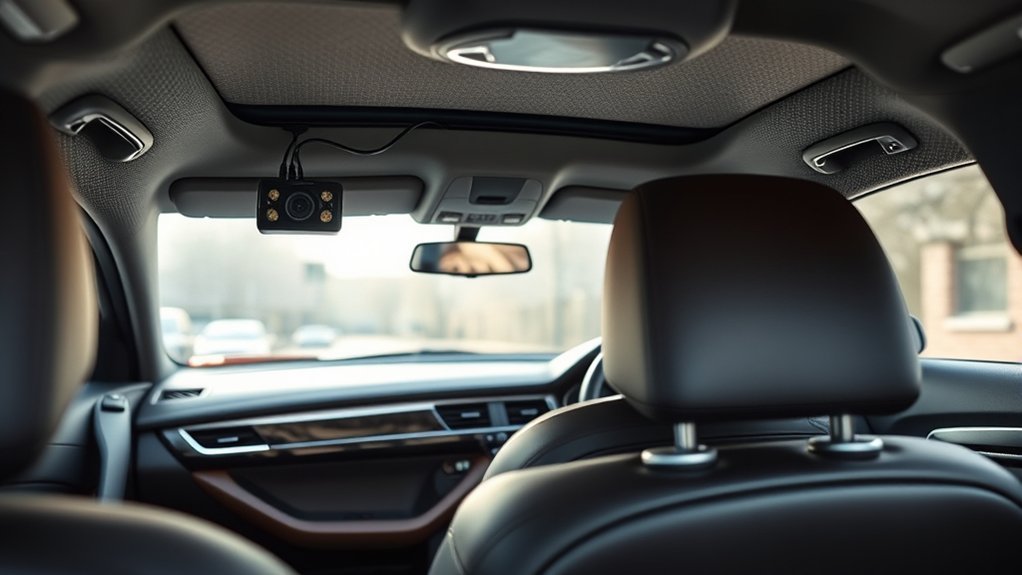
A rear dash cam can record traffic, impacts, and other events behind your vehicle, but the installation must do more than hide a cable. The camera needs a clear view, a secure mount, enough wire for moving doors or liftgates, and a cable route that does not interfere with airbags, hinges, seat belts, or trim. This guide explains how to install a rear dash cam, test the footage, and correct common setup problems.
Quick Answer
Mount the rear dash cam near the top center of the rear windshield, clean and dry the glass, connect the correct rear-camera cable, and route it beside the headliner without crossing an airbag path. Leave safe slack at a trunk or liftgate, then test live view and a saved video before reinstalling every trim panel.
Key Takeaways
- Confirm that the rear camera, connecting cable, and front dash cam are compatible before routing the wire.
- Choose a position with a clear rear view that does not interfere with the driver, rear wiper, sunshade, tint edge, or defroster grid.
- Keep the cable outside all side-curtain airbag deployment paths and away from hinges, latches, seat belts, and sharp trim.
- Do not force a large connector through a liftgate conduit or damage the factory weather seal.
- Test both live view and a saved rear-camera file before you press the mount permanently or reinstall all trim.
At a Glance
| Time Required | About 45 to 90 minutes for a normal plug-in installation; longer when liftgate trim or hardwiring is involved |
| Difficulty | Beginner to intermediate for cable routing; advanced for fuse-box hardwiring |
| Tools Needed | Plastic trim tool, lint-free towel, glass cleaner or alcohol pad, cable clips, tape, flashlight, and vehicle manual |
| Cost | Low when the camera kit includes the cable and mount; a hardwire kit, battery pack, replacement adhesive, or professional installation costs extra |
What’s in This Article
- Before You Begin: Check Compatibility, Safety, and Power
- Choose the Right Rear Dash Cam Location
- Tools and Materials You Will Need
- Plan the Cable Route for Your Vehicle
- Install and Wire the Rear Dash Cam Step by Step
- Mount and Angle the Rear Camera
- Test the Installation Before Reassembly
- Troubleshoot Common Rear Dash Cam Problems
- Frequently Asked Questions
- Conclusion
Before You Begin: Check Compatibility, Safety, and Power
Turn off the engine and remove the key, or switch off the vehicle’s accessory power, before connecting the rear camera. Read the dash cam manual and the vehicle owner’s manual before removing trim or choosing a wiring path.
Confirm Camera and Cable Compatibility
A rear camera is not automatically compatible with every front dash cam, even when the connector appears to fit. Confirm the supported camera model, cable type, cable length, firmware requirements, and connector direction in the manufacturer’s instructions.
Some rear-camera cables have different front and rear ends. Thinkware, for example, identifies the correct orientation on certain model cables. Do not pull a cable through the vehicle and discover afterward that the connector ends are reversed.
- Inspect both plugs for bent pins, loose collars, or shipping covers.
- Confirm which plug connects to the front camera and which connects to the rear unit.
- Connect the cameras temporarily and confirm that the rear feed appears before hiding the cable.
- Install any required firmware update before final mounting.
Choose the Power Method
A normal 12V outlet or compatible USB power connection is the simplest option when you only need recording while driving. Parking mode may require a model-specific hardwire kit, an OBD power cable, or a dedicated dash cam battery pack. Some power methods do not support parking mode, so follow the instructions for your exact camera.
When a hardwire kit uses separate ACC, battery, and ground wires, the installer must identify suitable circuits with the proper test equipment and follow the kit’s fuse requirements. Enable the manufacturer’s low-voltage cutoff or battery-protection setting when available.
Warning: Side-curtain airbags may be stored behind the headliner and A, B, or C-pillar trim. Do not lay, tape, or zip-tie the camera cable across an airbag cover or deployment path. Ford owner-manual guidance specifically warns against mounting equipment near the headliner where it could contact a deploying curtain airbag. Check your own vehicle manual because airbag locations and trim designs differ.
Check Local Recording and Mounting Rules
Windshield-obstruction, privacy, video, and audio-recording rules vary by country, state, province, and city. The Reporters Committee for Freedom of the Press recording guide explains that consent requirements can differ between jurisdictions and circumstances. Check the rules that apply where you drive, and disable audio when you cannot confirm that recording it is lawful.
Choose the Right Rear Dash Cam Location
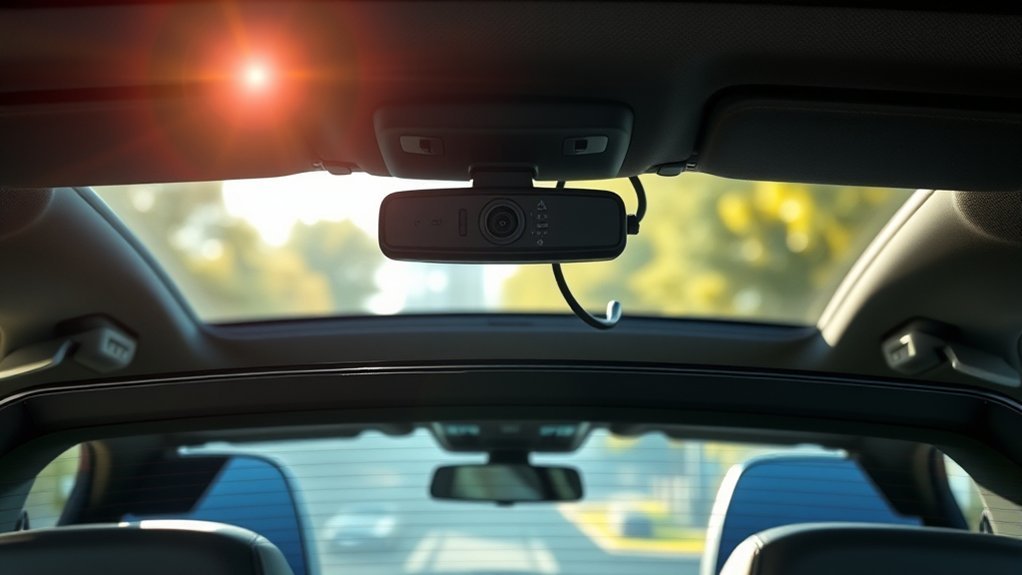
For many cars and SUVs, the best starting point is near the top center of the rear windshield. Current BlackVue installation guidance recommends the top center of the rear windshield, clean glass, and a position that does not block the driver’s view.
Hold the camera and mount against the glass before removing the adhesive liner. Open live view and check the image from the driver’s normal seating position.
Check the Glass and Surrounding Equipment
- Defroster grid: Place the lens between grid lines when possible. Thinkware recommends choosing an area without a defroster wire. A raised line may obstruct the lens or prevent some mounting pads from sitting evenly.
- Rear wiper: On a hatchback or SUV, position the lens inside the area the rear wiper clears when practical.
- Window tint: Avoid a dark tint band, metallic film, damaged tint, or a tint edge that blocks the lens. Adhesive removal may damage aftermarket film.
- Sunshade: Make sure a powered or manual rear sunshade can move without hitting the camera or cable.
- Spoiler and trim: Check whether a spoiler, brake light housing, roof trim, or rear washer jet blocks part of the view.
- Cargo and seats: Confirm that head restraints, cargo, pet barriers, and folded seats will not regularly cover the lens.
Adjust the preview until the lane behind the vehicle is centered. The image should show more road than sky or headliner while still capturing vehicles approaching from both sides.
Note: Adhesive requirements differ by manufacturer. Garmin specifies an installation temperature of 21°C to 38°C for some adhesive dash cam mounts and instructs users to clean away dust, wax, oils, coatings, and moisture. Follow the temperature, pressure, and curing directions supplied with your own mount.
Tools and Materials You Will Need
Gather the full kit before removing trim. This reduces the chance of leaving a panel loose while searching for a missing tool.
- Compatible rear dash camera and front dash cam
- Manufacturer-supplied or specifically approved rear camera cable
- Adhesive mount or approved mounting bracket
- Plastic trim removal tool
- Lint-free microfiber towel
- Glass cleaner recommended for automotive glass or an alcohol cleaning pad
- Cable clips, fabric automotive tape, or approved small cable ties
- Flashlight
- Vehicle owner’s manual and dash cam manual
- Replacement trim clips, when the vehicle commonly uses one-time or fragile clips
- Hardwire kit, fuse taps, circuit tester, and appropriate fuses only when required
- Dash cam battery pack when selected for parking-mode power
Avoid substituting a random USB, coaxial, or video cable. Rear-camera connectors may carry power and data using model-specific wiring, and an incompatible cable can cause connection failures or port damage.
Plan the Cable Route for Your Vehicle
Lay the cable loosely from the front camera to the rear mounting point before pushing it behind trim. Confirm that the cable reaches without tension and that the correct connector arrives at each camera.
Sedan or Coupe With Fixed Rear Glass
Route the cable along the upper windshield edge, beside the roof trim, and toward the fixed rear glass. Keep the cable away from side-curtain airbags and do not pinch it beneath a sharp trim clip. Hide the final section behind the rear headliner edge or approved molding.
Hatchback, Crossover, or SUV With a Liftgate
The rear glass moves with the liftgate, so the cable needs enough protected slack for the liftgate to open fully. A factory rubber conduit may offer a clean route when the connector fits without force and the conduit has enough room.
- Open the liftgate fully before measuring the required slack.
- Inspect the conduit for factory wires, tight bends, and limited space.
- Do not puncture, slit, drill, or cut the rubber conduit.
- Do not force a large or right-angle plug through the conduit.
- Do not pull against delicate connector pins.
- Reseat both ends of the rubber conduit completely so water cannot enter.
If the connector cannot pass safely, use the camera manufacturer’s approved routing method or create a short, protected service loop that cannot enter a hinge, latch, weather seal, or cargo path. A professional installer may be the safer choice when the liftgate trim contains airbags, powered hinges, antennas, or tightly packed wiring.
Truck, Van, or Vehicle With an External Rear Camera
Use only a rear camera and cable rated for external mounting. Seal and protect the connection exactly as the manufacturer directs. Do not expose an interior-only camera, connector, or cable to rain, road spray, or direct weather.
Install and Wire the Rear Dash Cam Step by Step
Complete a temporary connection test first. Then route the cable slowly and test the system again before every panel is fully reinstalled.
- Turn off camera and vehicle power. Remove the key or disable accessory power before connecting the rear camera.
- Test the rear camera temporarily. Connect the front and rear units with the supplied cable, power the dash cam, and confirm that a rear image appears. Turn the power off again before routing.
- Dry-fit the rear camera. Hold the camera near the chosen position and use live view to check the field of view, orientation, wiper coverage, defroster grid, sunshade, tint, and cargo clearance.
- Clean and dry the mounting area. Remove dust, oil, wax, fingerprints, moisture, and glass-cleaning residue with a lint-free towel and a cleaner permitted by the camera maker.
- Connect the correct cable end. Insert the designated rear connector fully without twisting or stressing it. Do not connect a plug backward merely because it appears to fit.
- Route the cable beside the headliner. Use a plastic trim tool to guide the cable into an approved gap. Do not push the tool deeply enough to damage wiring, airbags, clips, or the headliner.
- Pass the pillar areas safely. Consult the vehicle manual and keep the cable away from the curtain-airbag deployment path. Do not tie it to an airbag, airbag bracket, or trim panel designed to open during deployment.
- Route the rear section for the vehicle type. Use a fixed-glass route for a sedan or provide protected movement for a hatchback or SUV. Never run the wire through a hinge, latch, seat-belt mechanism, or sharp metal opening.
- Leave controlled strain relief. Keep a small amount of slack near the rear camera and moving liftgate, but secure it so it cannot dangle into the cargo area or catch on folding seats.
- Connect and test the rear camera. Power the system, open live view, and confirm a stable rear feed before reinstalling all trim.
- Secure the remaining cable. Use approved clips or fabric automotive tape where needed. Avoid overtightened zip ties that can crush a thin video cable.
- Reinstall trim carefully. Align every clip and weather seal. The panel should sit flush without pressing hard against the cable.
For hardwiring, follow the exact instructions supplied with the power kit. Use the correct fuse type and rating, confirm switched and constant circuits with an appropriate tester, install fuse taps in the required orientation, and attach ground only to a suitable vehicle grounding point. Avoid airbag, braking, steering, engine-control, and other safety-critical circuits.
Warning: Stop and hire a qualified installer when you cannot identify the airbag path, safe fuse circuits, correct ground point, trim-retaining method, or liftgate wiring route. A hidden cable is not worth compromising an airbag, weather seal, electrical circuit, or moving body panel.
Pro Tip: Photograph each panel and clip before removal. Place removed clips in a small container and reinstall them in their original locations to reduce rattles and loose trim.
Mount and Angle the Rear Camera
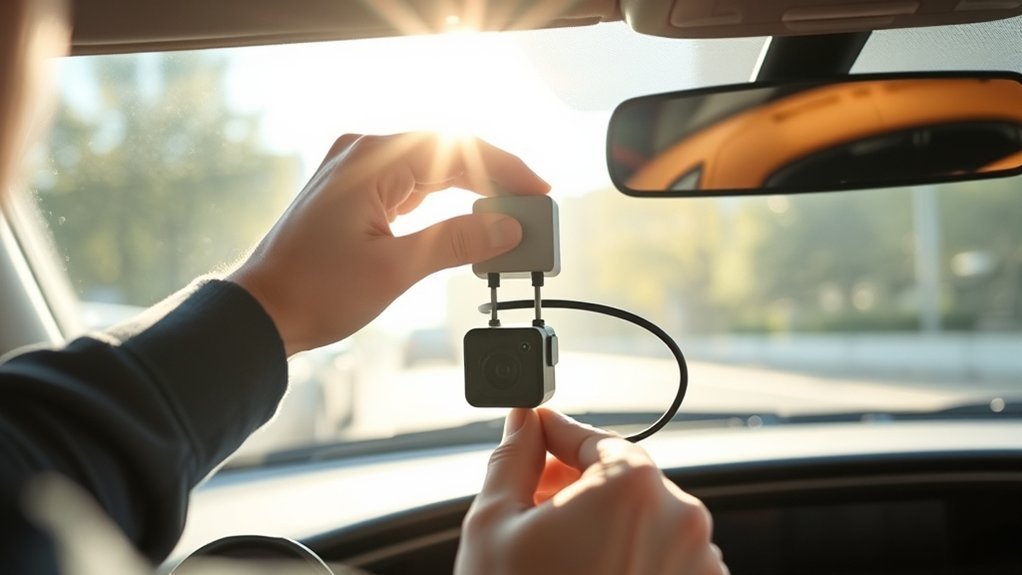
Camera angle controls how useful the footage will be. A lens aimed too high records excessive sky and may underexpose the road. A lens aimed too low can fill the frame with the parcel shelf, cargo area, bumper, or liftgate trim.
Before exposing the adhesive, verify that the recorded image is upright. Some models require a particular logo or label orientation, while others rotate through software. Use the instructions for your camera rather than assuming that the body should face one direction.
- Center the road behind the vehicle rather than the physical camera body.
- Keep the horizon reasonably level.
- Show enough road to capture following vehicles and adjacent lanes.
- Limit the amount of sky, headliner, cargo area, and rear deck in the frame.
- Check that the rear wiper clears the viewing area when possible.
- Confirm that a rear sunshade can operate without striking the camera.
Once the position is correct, remove the adhesive liner without touching the bonding surface. Press the mount evenly against the glass for the time stated by the manufacturer. Some Garmin adhesive-mount instructions specify firm pressure for 30 seconds, but your camera’s directions take priority.
Avoid making repeated immediate adjustments after applying the pad. Adhesive mounts are designed for long-term placement and may be difficult to remove without replacing the adhesive.
Test the Installation Before Reassembly
Live view confirms that the camera is connected, but it does not prove that the system is saving usable rear footage. Complete these checks before pressing every panel fully into place:
- Open live view and confirm that the rear feed is stable.
- Record at least one minute while the vehicle is stationary.
- Stop the recording safely and open the saved rear-camera file.
- Confirm that the footage is upright and not unintentionally mirrored in the saved file.
- Check the date, time, time zone, and camera-channel label.
- Confirm that both front and rear files are being stored.
- Check whether audio is on or off as intended.
- Open and close the trunk or liftgate fully several times.
- Watch the cable near every hinge, weather seal, and moving trim panel.
- Check that folding seats and cargo cannot pull the cable.
- Drive on a short, familiar route and listen for trim rattles.
- Review daytime and nighttime clips for glare, tint obstruction, dirty glass, and excessive sky.
- Test parking mode only after confirming the correct power setup and battery-protection settings.
A successful installation is not complete until the camera saves a clear rear video, the liftgate or trunk moves freely, and no cable crosses an airbag or moving mechanism.
Troubleshoot Common Rear Dash Cam Problems
No Rear Camera Feed
- Turn the system off and reseat both cable ends.
- Confirm that each connector is in the correct port and facing the correct direction.
- Check whether the rear camera requires a firmware update or menu setting.
- Temporarily connect the cameras with the cable outside the trim to separate a camera fault from a pinched-cable fault.
Intermittent or Flickering Video
- Inspect the cable for sharp bends, crushed sections, and tension near the liftgate.
- Check whether a trim clip is pressing directly on the cable.
- Make sure the connector locking collar or click fitting is fully engaged.
- Replace the cable only with a model-approved cable.
Rear Footage Is Upside Down
- Check the required camera-body orientation in the manual.
- Rotate the camera body only when the mount is designed to rotate.
- Look for an image-rotation setting in the app or camera menu.
The Preview Looks Mirrored
Some live displays use a mirror-style preview to make the image feel like a rearview mirror, while the saved video may be normal. Open a recorded file before deciding that the camera is installed incorrectly.
Blurry or Hazy Footage
- Remove the protective film from the camera lens.
- Clean both the lens and the inside and outside of the rear glass.
- Move the lens away from a tint edge, sticker, defroster line, or rear-wiper streak.
- Check whether condensation is present inside the camera housing.
Poor Night Footage or Strong Reflections
- Aim the camera slightly lower if the image contains too much bright sky or interior trim.
- Remove reflective objects from the parcel shelf or cargo area.
- Dim or move bright interior accessories near the rear glass.
- Review exposure, HDR, or night-mode settings supported by the camera.
The Adhesive Mount Falls Off
- Remove old adhesive residue and use a replacement pad approved for the mount.
- Clean and dry the glass completely.
- Install within the temperature range stated by the adhesive or camera manufacturer.
- Hold even pressure for the required time and allow the adhesive to bond before placing strain on it.
Parking Mode Does Not Work
- Confirm that the selected power method supports parking mode.
- Check the hardwire, OBD cable, or battery-pack instructions.
- Verify ACC and constant-power detection when the kit requires both.
- Review the low-voltage cutoff, parking timer, and parking-mode menu settings.
- Have the installation tested professionally if the vehicle battery drains or the camera repeatedly restarts.
Radio, GPS, or Keyless Functions Become Unreliable
Temporarily move exposed cable sections away from antennas, receivers, and factory wiring modules. Confirm that the supplied cable and power adapter are genuine or manufacturer-approved. If the interference stops when the rear camera is disconnected, contact the dash cam manufacturer before rerouting or replacing parts.
Frequently Asked Questions
Can I use a rear dash cam while parked?
Yes, when the dash cam supports parking mode and receives power through a compatible hardwire kit, OBD cable, battery pack, or other approved source. Enable low-voltage protection when the system uses the vehicle battery, and follow the camera maker’s parking-mode instructions.
How do I maintain my rear dash cam?
Clean the rear lens and rear windshield after dust, rain, snow, or road salt. Inspect the adhesive, connector, and liftgate slack. Install firmware updates from the camera maker and format or replace the memory card according to the manual.
Does a rear dash cam record audio?
Some systems record audio through the front camera even when rear video is active. Others allow audio to be disabled. Check the microphone setting and the recording-consent rules that apply in your location before recording cabin conversations.
What rear-camera resolution should I choose?
Use 1080p or higher when the rear camera supports it and the setting provides stable recording. Higher resolution may improve detail but can use more card space, reduce recording time, or change the front camera’s available resolution or frame rate on some systems.
Are there legal restrictions for dash cams in my area?
Possibly. Mounting, windshield obstruction, privacy, surveillance, and audio-consent rules vary by jurisdiction. Check current local law before installation and before enabling audio or unattended recording.
Can I mount a rear dash cam on tinted glass?
You can when the tint does not block the camera and the film maker permits adhesive mounting. Avoid damaged tint, metallic bands, and film edges. Removing the mount later may lift or tear aftermarket tint, so confirm the placement before applying the adhesive.
How do I install a rear camera on a hatchback or SUV?
Provide enough protected cable movement for the liftgate to open fully. Use the factory rubber conduit only when the connector fits safely and the seal can be restored. Otherwise, follow the camera maker’s approved routing method or use a protected service loop away from hinges, latches, and cargo.
Can I remove and reposition the adhesive mount?
Usually, but the original adhesive pad should not be reused after removal. Follow the manufacturer’s removal method, protect window tint and defroster lines, remove residue safely, and install a genuine or approved replacement pad.
Legal and Safety Disclaimer: This article is for general informational purposes and is not professional legal, electrical, or vehicle-safety advice. Follow the instructions for your camera and vehicle, check current local recording and mounting laws, and use a qualified installer when work involves airbags, fuse boxes, powered liftgates, safety systems, or unfamiliar trim.
Conclusion
A dependable rear dash cam installation combines a clear mounting position, a compatible cable, safe trim routing, controlled liftgate slack, and a complete recording test. The cable must never obstruct an airbag, hinge, latch, seat belt, or other moving safety component.
Before your first normal drive, open a saved rear-camera file, verify the date and orientation, move the trunk or liftgate through its full range, and inspect every reinstalled panel. Once those checks pass, the rear camera should provide stable, useful footage without compromising visibility or vehicle safety.
Sources
- BlackVue Dashcam Installation Guide — rear-camera placement, glass preparation, cable connection, power methods, and cable concealment
- Thinkware Rear View Camera Installation Guide — defroster-grid placement, camera orientation, connection, and live-view testing
- Garmin Adhesive Camera Mount Instructions — glass cleaning, installation temperature, mount positioning, and application pressure
- Ford Owner’s Manual: Side Curtain Airbags — warnings about headliner equipment, pillar trim, and airbag deployment paths
- Reporters Committee for Freedom of the Press Recording Guide — jurisdiction-dependent audio, conversation-recording, and privacy considerations
