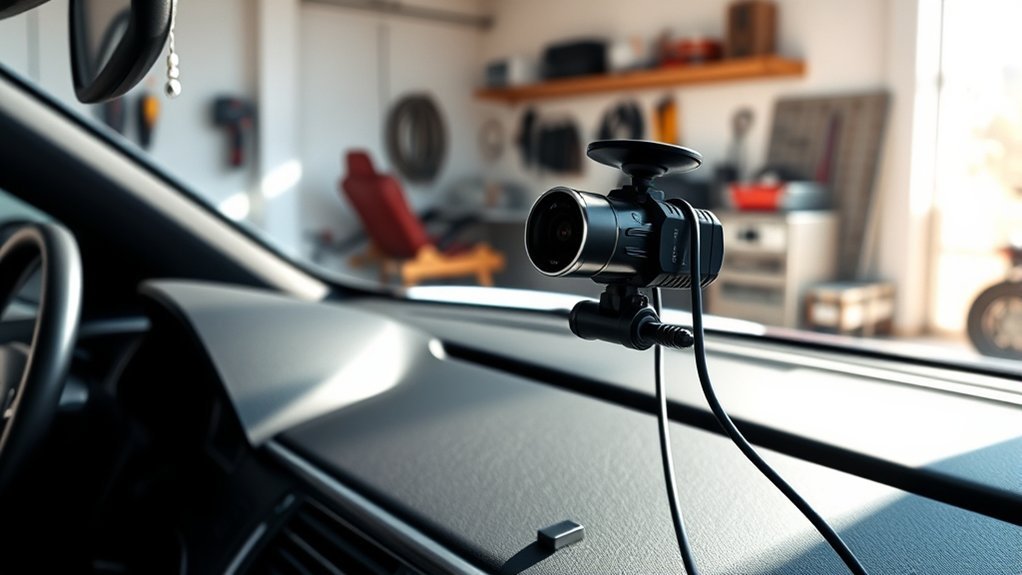
To prevent your dash cam from draining your battery, consider hardwiring it with a low-voltage cutoff device, ensuring it stops drawing power before your battery reaches a critical level. Opt for energy-efficient models and adjust settings to minimize power usage during idle times. Regularly monitor your battery’s voltage, and replace old batteries to avoid drainage issues. For more effective strategies and maintenance tips, you can explore additional insights on power management.
Understanding Dash Cam Power Consumption
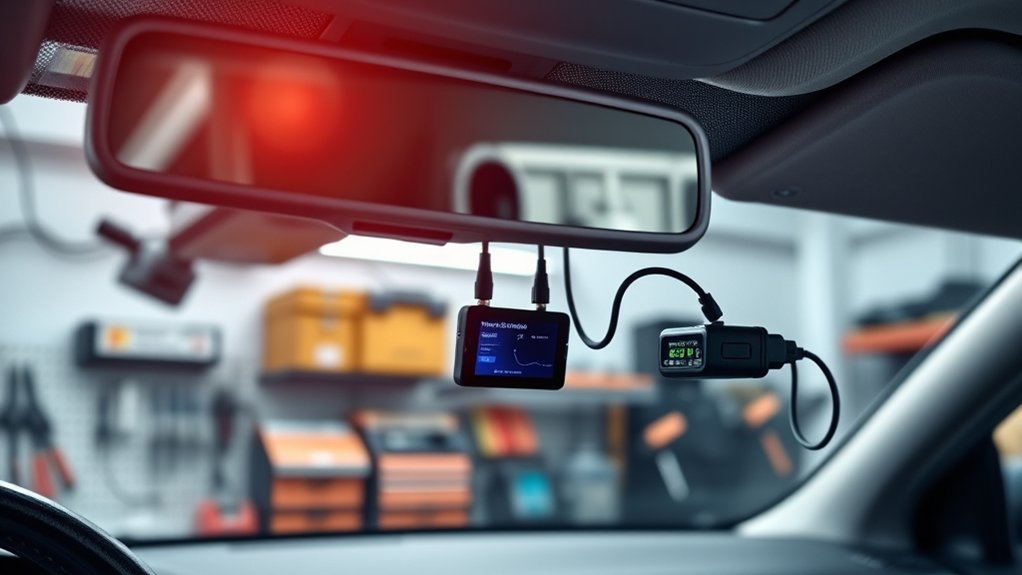
Understanding how dash cams consume power is essential to preventing battery drain. Dash cam uses can greatly impact your vehicle’s battery life, as these devices typically consume between 0.25 to 0.45 amps. When connected to cigarette lighter outlets that remain active post-ignition, they risk continuous power draw, leading to quicker depletion. Features like parking mode further exacerbate this issue, demanding more energy when the vehicle’s off.
For example, a typical 48Ah vehicle battery can be drained in just 4 to 7 days with a dash cam left plugged in continuously. If your battery is aging, it loses capacity, making it even more susceptible to discharge from dash cam usage, especially if you don’t drive regularly. To mitigate this, consider implementing power management solutions like hardwiring the dash cam to a switch or using a dedicated battery. This way, you can enjoy the benefits of your dash cam without compromising your battery’s health.
How Dash Cams Can Drain Your Battery and What to Do About It?
Dash cams can notably drain your car battery, especially when in parking mode, leading to depletion in just a few days. To manage this power consumption effectively, consider options like hardwiring with a low-voltage cutoff device or using an external battery pack. Regular battery checks are also essential to guarantee your vehicle’s battery can handle the additional load from the dash cam.
Power Consumption Factors
Battery drain is a significant concern for dash cam users, particularly when the vehicle is off. Dash cams typically consume between 0.25 to 0.45 amps, which can lead to substantial battery depletion if left running, especially in parking mode. Without driving to recharge, a standard 48Ah vehicle battery can be completely drained in just 4 to 7 days. The power consumption increases with features like parking mode, making it vital to monitor battery health. Implementing a hardwire kit with low voltage cutoff can help by disconnecting the dash cam when the battery voltage dips, protecting against damage and excessive drain. Regularly checking the battery voltage is essential, especially for older batteries that may deplete faster.
Effective Power Management Solutions
When parking mode is activated, the risk of battery drain escalates considerably, making effective power management solutions essential. To protect your vehicle’s power source, consider these strategies:
- Use a hardwire kit with low-voltage cutoff to prevent excessive drain.
- Incorporate an external battery pack, allowing your dash cam to run independently.
- Choose energy-efficient dash cam models that minimize power consumption.
- Optimize dash cam settings to reduce battery usage during inactivity.
- Regularly monitor battery voltage, especially for older or weaker batteries.
Choosing the Right Power Source for Your Dash Cam
Choosing the right power source for your dash cam is essential to prevent unnecessary battery drain. Consider using a hardwire kit with low-voltage cutoff features; this guarantees your dash cam only receives power when the vehicle is on, effectively mitigating battery drain when off. Alternatively, opt for a parking mode battery pack that allows your dash cam to operate independently, preserving your car’s battery health during extended parking periods.
Evaluate dash cam models that are energy-efficient, consuming between 0.25 to 0.45 amps, minimizing overall power usage and reducing the risk of battery depletion. If you prefer a cigarette lighter power source, make sure it’s switched off when the vehicle isn’t running to avoid continuous power draw. Regularly monitor your battery health, as older batteries are more susceptible to drain from dash cams, and consider maintenance charging solutions to sustain battery longevity.
Hardwiring Your Dash Cam: Best Practices
When hardwiring your dash cam, prioritize wiring safety by using a reliable hard wire kit with low voltage protection. This setup should include a voltage cutoff installation to prevent battery drain and potential damage. Properly routing the wiring and ensuring a secure ground connection are also critical for maintaining functionality.
Wiring Safety Considerations
To guarantee a safe and reliable installation while hardwiring your dash cam, it’s essential to incorporate several best practices. Prioritize wiring safety by adhering to the following guidelines:
- Always include a fuse in your wiring setup to protect against short circuits and excessive current draw.
- Use a hardwire kit that features low-voltage cutoff to maintain proper voltage and prevent battery drain.
- Confirm a secure ground connection to minimize electrical interference.
- Route wires away from heat sources and moving parts to maintain wiring integrity.
- Regularly inspect hardwired connections for wear or corrosion, ensuring peak dash cam performance.
Voltage Cutoff Installation
Installing a voltage cutoff device is essential for protecting your vehicle’s battery while hardwiring your dash cam. This device automatically disconnects power when the battery voltage drops below a safe level, usually around 12.4 volts, preventing drain. Use a hardwire kit connected to your fuse box or OBD diagnostics port to provide constant power and integrate low voltage protection features. Confirm the hardwire kit is compatible with your dash cam and designed for parking mode, enhancing functionality without depleting your battery. During installation, include a fuse to guard against electrical surges. Properly route and secure wiring away from heat sources, and confirm a solid ground connection to maintain reliable operation and protect your vehicle’s electrical system.
How to Use Low-Voltage Cutoff to Protect Your Battery?
Using a low-voltage cutoff device is essential for protecting your vehicle’s battery while ensuring your dash cam operates effectively. This device automatically disconnects the dash cam when your car battery voltage drops below a set threshold, usually around 12.0 volts. Here’s how to make the most of it:
- Maintain battery charge: Prevents depletion, ensuring your car starts.
- Adapt to conditions: Especially beneficial in cold weather, where battery power can dwindle.
- Proper installation: Connect to the dash cam’s hardwire kit for ideal monitoring.
- Built-in features: Many hardwire kits include low-voltage protection for added security.
- Customize settings: Regularly check and adjust the threshold based on your driving habits.
Optimize Dash Cam Settings for Lower Power Use
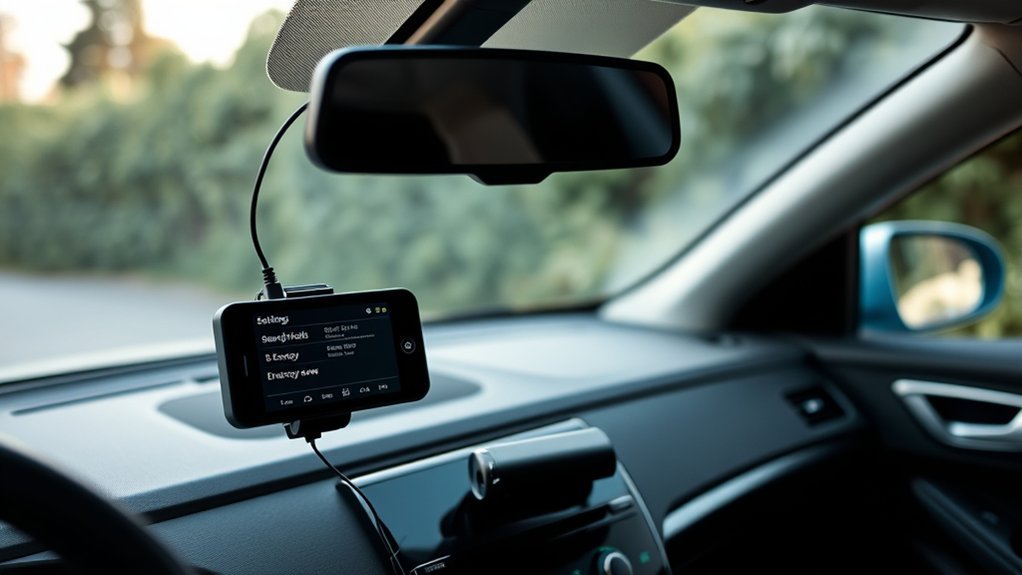
While optimizing your dash cam settings may seem like a minor adjustment, it can greatly reduce battery drain and enhance overall performance. Start by disabling unnecessary features like Wi-Fi and GPS when they’re not in use; these can notably increase power consumption. Lowering the resolution or bitrate settings also helps cut down power draw while still providing sufficient footage quality.
Instead of using continuous recording, switch to event recording mode to limit the time your dash cam actively records, conserving battery life. Be mindful of parking mode; enable it only when necessary, as it can quickly drain your battery compared to regular recording modes. Finally, regularly check and optimize dash cam settings specific to your model, since different brands may offer unique power-saving options. By taking these steps, you can efficiently manage battery usage and maximize your dash cam’s performance.
Regular Maintenance for Your Car Battery and Dash Cam
To keep your dash cam functioning efficiently and prevent battery drain, regular maintenance of both your car battery and the dash cam itself is crucial. Here’s how to ascertain both components remain in prime condition:
- Check voltage: Regularly monitor your battery’s voltage; it should be around 12.6 volts for peak performance.
- Monitor age: Replace batteries older than 3-5 years to avoid increased susceptibility to drain from your dash cam.
- Visual inspections: Look for signs of buildup or leaks, which can hinder battery performance.
- Professional tests: Schedule periodic battery assessments to evaluate health and capacity, preventing unexpected failures.
- Enhance settings: Adjust your dash cam settings to reduce power consumption, disabling unnecessary features when not in use.
User Insights on Dash Cam Power Management
As dash cam technology evolves, users have shared valuable insights on effective power management to mitigate battery drain. One common recommendation is hardwiring your dash cam using a low-voltage cutoff device. This setup allows for continuous operation in parking mode while markedly reducing the risk of draining your car battery. Many users report that models like Garmin exhibit minimal battery drain when properly configured, without adjusting cutoff voltage settings.
However, feedback highlights that older or weaker batteries may only sustain dash cams for one to two days. To counteract this, consider utilizing external battery packs or opting for energy-efficient models, like those from WOLFBOX, which come equipped with built-in safety systems. Regularly monitoring battery health is essential to guarantee your dash cam remains operational without depleting your car’s battery during extended parking periods. These strategies empower you to enjoy the benefits of your dash cam without the fear of battery drain.
Frequently Asked Questions
How to Prevent Dash Cam From Draining Battery?
To prevent your dash cam from draining the battery, use battery maintenance tips like installing a voltage cutoff device, choose energy-efficient dash cam features, and implement power management solutions for peak performance during extended parking periods.
Will Running a Dashcam Drain My Battery?
Yes, running a dashcam can drain your battery. Implement dashcam power management with energy-efficient settings to extend battery lifespan. Regularly monitor your battery’s health to prevent excessive drain when using dashcams continuously.
How Do I Stop My Camera From Draining My Battery?
To stop your camera from draining your battery, embrace power management tips and optimize camera settings. Employ battery maintenance techniques, like regular checks and adjusting features, ensuring you enjoy freedom without worrying about battery depletion.
How Long Does It Take for a Dashcam to Drain the Battery?
A dash cam can drain your battery within 1 to 7 days, depending on its features and power management. Efficient energy use is essential, especially for models with high power consumption in parking mode.
Conclusion
By understanding your dash cam’s power needs and employing smart strategies, you can keep your battery healthy and your camera rolling. Think of your car battery as a crucial heart; it needs protection from unnecessary strain. Whether it’s hardwiring, using low-voltage cutoffs, or optimizing settings, you hold the reins. With a little diligence and care, you can guarantee your dash cam captures every moment without leaving you stranded. Keep your battery’s pulse steady, and drive with peace of mind.
