How To Update Toyota RAV4 Infotainment Software
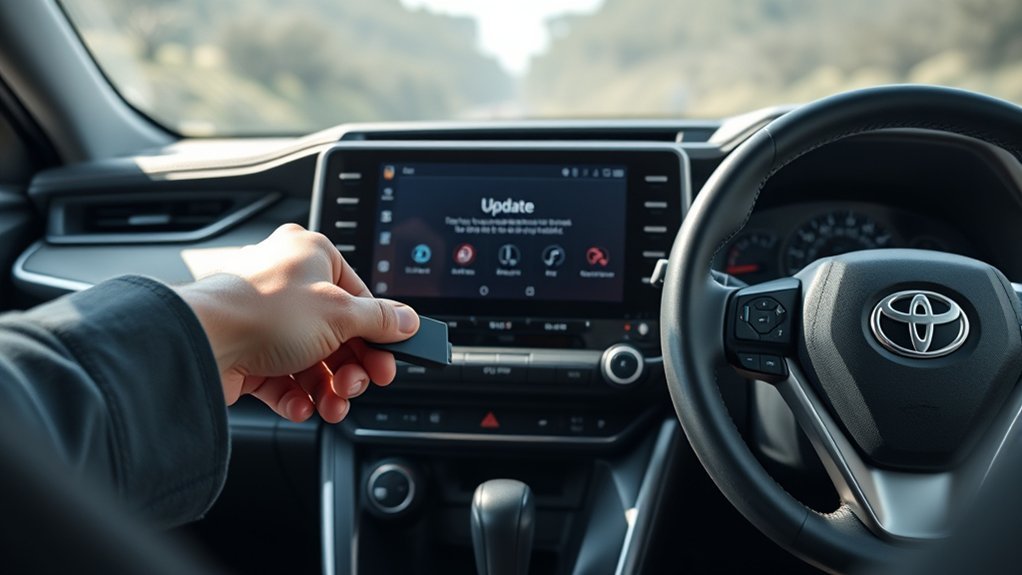
To update your Toyota RAV4’s infotainment software, start by checking model year compatibility and formatting a USB drive to FAT32. Download the required update files from the Toyota Software Updates page, ensuring both files are on the USB. Insert the drive into your RAV4’s infotainment system and follow on-screen instructions. After installation, verify the software version and test features like Apple CarPlay and Android Auto for smooth operation. There’s more to explore for a seamless experience.
How To Update Your RAV4 Infotainment Software: A Comprehensive Guide
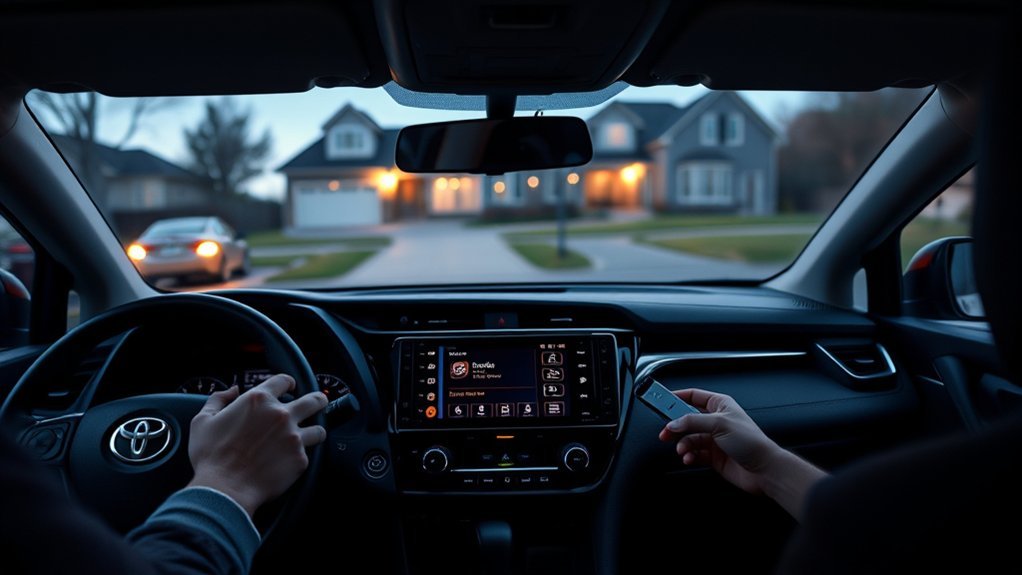
Updating your Toyota RAV4’s infotainment software is essential for ensuring peak performance and access to the latest features. Start by downloading the update file from the Toyota website onto a blank USB flash drive formatted in FAT32. It’s vital to verify that you have the correct software version compatible with your specific RAV4 model, as different years may need distinct updates. Once you’ve prepared the USB, insert it into the vehicle’s infotainment system. Follow the on-screen instructions to complete the installation process. If you encounter issues, double-check that both update files (if applicable) are present and that the USB drive is properly formatted, as NTFS can cause recognition failures. Keeping your system updated enhances functionality and overall vehicle performance.
Why Updating Your RAV4 Infotainment Software Is Crucial
Updating your RAV4 infotainment software is vital for enhancing vehicle performance and accessing new features that improve your driving experience. Regular updates also bolster security measures, protecting your system from potential vulnerabilities. By staying current, you guarantee that your infotainment system functions at its best and remains compatible with the latest devices.
Enhanced Vehicle Performance
When you keep your Toyota RAV4 infotainment software up to date, you can greatly enhance vehicle performance and overall user experience. Regular software updates fix bugs, ensuring smoother operation and improving features like Apple CarPlay® and Android Auto™. An updated infotainment system boosts navigation and safety features, elevating driving convenience. Furthermore, staying current helps comply with safety standards, proactively addressing potential issues. User feedback highlights that updated systems offer better connectivity and responsiveness, considerably enriching your driving experience.
| Benefit | Description | Impact |
|---|---|---|
| Bug Fixes | Resolves glitches | Smoother user experience |
| Feature Efficiency | Enhances Apple CarPlay® and Android Auto™ | Improved app compatibility |
| Safety Enhancements | Upgraded navigation and safety features | Increased driving convenience |
Access To New Features
To fully enjoy your Toyota RAV4’s capabilities, staying current with infotainment software updates is essential. Regular updates guarantee you access the latest features that enhance your experience, such as improved navigation, connectivity, and media options. These updates not only fix bugs but also introduce compatibility with new smartphone apps, making Apple CarPlay® and Android Auto™ integration seamless. By keeping your infotainment system updated, you may also benefit from enhancements to safety features, improving vehicle performance and driver assistance systems. You can easily access these updates through the Toyota website or with a compatible USB drive, allowing you to enjoy new functionalities from home without needing a dealership visit. Embrace the liberation of staying connected and informed!
Improved Security Measures
Staying current with your Toyota RAV4’s infotainment software not only opens up new features but also fortifies your vehicle’s security. Regular updates are essential for addressing vulnerabilities and shielding your vehicle from cyber threats. Here’s why you should prioritize it:
- Enhanced encryption: Protects sensitive user data, including navigation history and personal info.
- Security patches: Fixes known issues, minimizing unauthorized access to your vehicle’s functionalities.
- Mobile compatibility: Guarantees a secure connection between your RAV4 and devices, enhancing overall user experience.
What You Need Before Starting The Update
Before you plunge into the infotainment software update for your Toyota RAV4, it’s crucial to gather a few essential items to guarantee a smooth process. First, verify you have a compatible USB drive, formatted to FAT32, ready to download the Toyota software update files. Check your vehicle’s model year to confirm eligibility for the latest infotainment system update. Download both necessary update files simultaneously, as some updates require multiple files for successful installation. It’s also wise to back up your existing vehicle settings to preserve any personalized configurations. Finally, familiarize yourself with the update instructions from Toyota to avoid interruptions during the installation. With these steps, you’re well on your way to a successful update.
How To Download The Update Files From Toyota’s Website
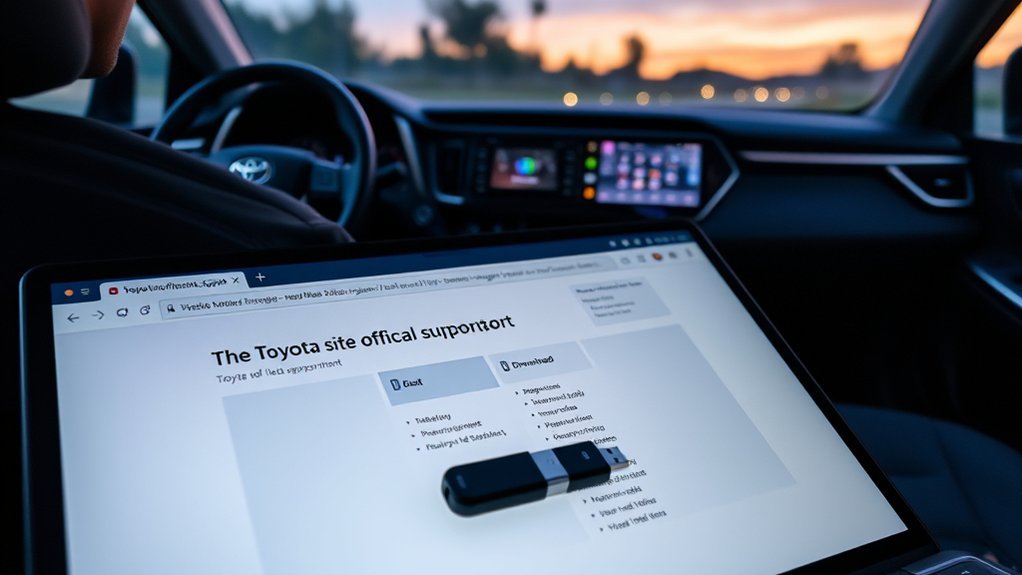
With your preparations complete, you can now move on to downloading the update files for your Toyota RAV4’s infotainment system. Start by visiting the Toyota Software Updates page on the official Toyota website. Make certain your vehicle’s model year is registered, as updates may not be available for all RAV4 models.
Here’s what you need to do:
- Look for the update available for your specific model.
- Download both necessary update files simultaneously to guarantee compatibility.
- Use a blank USB flash drive formatted in FAT32 to avoid update failures.
Follow the specific instructions provided on the website for a successful download and installation process, and you’ll be ready for the next step!
Step-By-Step Guide To Format Your USB Drive
To format your USB drive for your Toyota RAV4, make certain it meets the required specifications and is empty. You’ll use your computer’s formatting tool to select the FAT32 file system, which guarantees compatibility with the infotainment system. After formatting, safely eject the USB drive to prepare it for use in your vehicle.
USB Drive Requirements
Properly preparing your USB drive is essential for successfully updating your Toyota RAV4’s infotainment software. To guarantee a smooth process, keep these requirements in mind:
- Use a blank USB flash drive formatted in FAT32; NTFS will cause update failures.
- Back up any important data, as formatting erases all existing files.
- Make sure to download the correct update files from the Toyota website and save them to the root directory of the USB drive.
Formatting Steps Explained
Formatting your USB drive is an essential step in preparing for the infotainment software update in your Toyota RAV4. To begin, connect the USB drive to your computer and open the file explorer. Right-click the USB drive icon and select “Format” from the dropdown menu. In the format window, choose “FAT32” as the file system for ideal compatibility with your vehicle’s infotainment system. Before starting the format, check the “Quick Format” box to expedite the process. Then, click “Start” to begin formatting. Once the formatting steps are complete, safely eject the USB drive from your computer. You’re now ready to use it for the software update in your RAV4, ensuring a smooth and efficient upgrade.
How To Install The Update Using Your USB Drive
Before you begin the installation of the Toyota RAV4 infotainment software update, verify you’ve downloaded the necessary update files from the Toyota website onto a blank 2.0 USB flash drive formatted in FAT32. Follow these steps to install the update:
- Insert the USB drive into the RAV4’s infotainment system.
- Confirm both update files are on the USB drive and used simultaneously during installation.
- Follow the on-screen instructions to complete the update.
Be cautious; using an improperly formatted USB drive can lead to update failures. After the update, monitor your system’s performance to confirm all features are functioning correctly. Enjoy the enhanced capabilities of your RAV4 with the latest software update!
Troubleshooting Common Update Issues: Solutions You Need
When updating your Toyota RAV4’s infotainment software, you might encounter issues related to USB drive formatting and model compatibility. Make sure your USB is formatted to FAT32 and check that your vehicle model supports the update. If the system doesn’t recognize the update, follow troubleshooting steps to resolve these common problems effectively.
Formatting USB Drives Correctly
To guarantee your Toyota RAV4 infotainment system recognizes the USB drive for software updates, it is crucial to format it correctly. Follow these steps to assure a smooth process:
- Format to FAT32: Other formats like NTFS can cause recognition issues.
- Backup Data: Remember, formatting erases all existing content on the drive.
- Use a Compatible Drive: Opt for a blank 2.0 USB flash drive, at least 8 GB, to accommodate the software version files.
If your updates aren’t recognized despite proper formatting, consider trying a different USB drive, as compatibility issues can arise with certain brands. By formatting USB drives correctly, you can streamline your software update process and enjoy the latest features in your RAV4.
Checking Model Compatibility
After ensuring your USB drive is formatted correctly, the next step involves checking your RAV4’s model compatibility with the latest infotainment software updates. Verify your model year; 2020 Highlander and newer models use Entune 3.0, while earlier models rely on Entune 2.0. This distinction is vital for successful updates. You can find specific update details on Toyota’s website, including required files and procedures for your model year. It’s also essential to confirm that your head unit version aligns with the update you’re attempting. If you encounter issues, remember that some updates require both files to be used simultaneously. Ensuring model compatibility will set you on the right path to enhancing your RAV4’s infotainment experience.
Resolving Update Recognition Issues
If your RAV4’s infotainment system doesn’t recognize the update, several troubleshooting steps can help resolve the issue. Start by confirming your USB drive is formatted to FAT32; NTFS can cause problems with update files. Next, verify that both required update files are on the USB drive since some updates need multiple files for installation. If recognition issues persist, try rebooting the vehicle or switching to a different USB port.
Here are a few additional tips:
- Check for error messages during the update process.
- Confirm the USB drive is securely connected.
- If all else fails, consult your local Toyota dealer for professional assistance.
Taking these steps can liberate you from frustrating update challenges!
How To Verify Successful Installation Of The Update
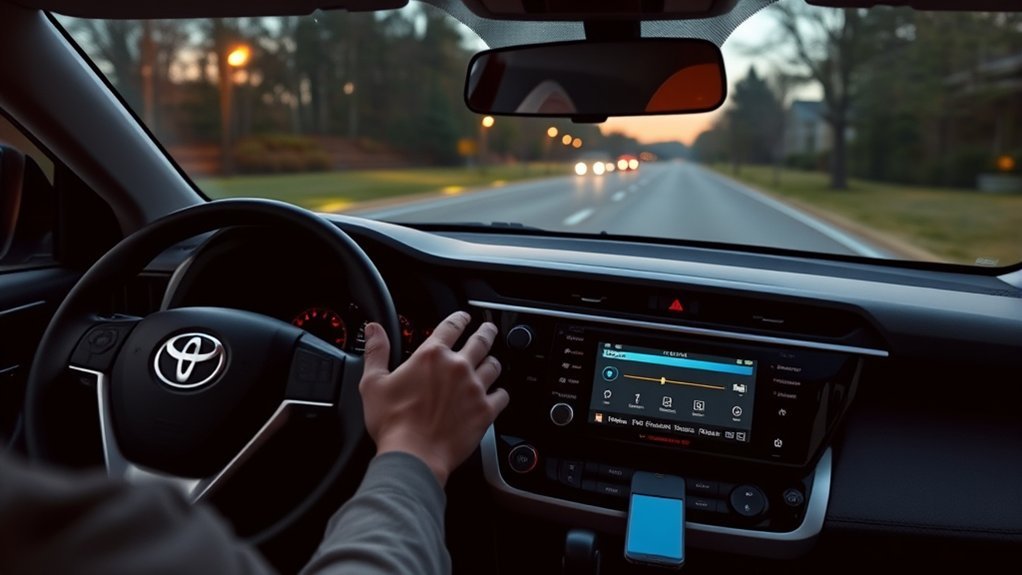
Once you’ve completed the update installation, it’s essential to verify its success to confirm your Toyota RAV4’s infotainment system is functioning at its best. Start by checking the software version in the settings menu; it should match the latest version available on the Toyota website. Next, perform a system reboot by turning the vehicle off and back on. Test key features like Apple CarPlay or Android Auto to make sure they’re operating smoothly. Also, monitor for any error messages or glitches, which may indicate installation issues. Finally, review the update history to verify that the installation was recorded successfully.
| Step | Action | Expected Outcome |
|---|---|---|
| Check Software Version | Access settings menu | Matches latest version |
| Reboot System | Turn vehicle off and back on | New software activates |
| Test Features | Use Apple CarPlay or Android Auto | Smooth operation |
| Review Update History | Check settings for installation record | Changes applied successfully |
Tips For Maintaining Your Infotainment System Post-Update
To keep your Toyota RAV4’s infotainment system running smoothly after an update, regularly check for software updates on the Toyota website or through the Toyota App. Here are some key tips to maintain peak performance:
- Monitor the functionality of apps like Apple CarPlay® and Android Auto™ to verify they’re working seamlessly.
- Clear the cache and data of any infotainment apps if you notice glitches or slow performance; this often refreshes the system.
- Keep your USB drive formatted in FAT32 and have the correct update files ready for future installations.
Additionally, consider scheduling periodic maintenance checks with your local Toyota dealer to address any potential issues and stay informed about new software updates.
Check For Update Availability For Your Model?
How can you guarantee your Toyota RAV4’s infotainment system is up to date? Start by visiting the Toyota Software page dedicated to infotainment updates specific to your model. Confirm your vehicle’s registered and you have the correct model year since updates vary across different RAV4s. You can check for update availability directly from your vehicle’s multimedia display or through the Toyota App for any over-the-air notifications. If you prefer manual updates, download the necessary files to a USB drive formatted in FAT32 for compatibility. Don’t forget to consult your local Toyota dealer regularly; they can provide insights on any recall-related updates that might not be listed online. Stay informed, and keep your RAV4’s infotainment system functioning effectively!
Frequently Asked Questions
Can You Update the Toyota Infotainment System?
Yes, you can update the Toyota infotainment system to enhance its features. Confirm your software’s compatibility by checking the Toyota website, then follow the update process using a properly formatted USB drive for installation.
How to Get Toyota Software Update?
To get a Toyota software update, you’ve got methods galore! Download files from the Toyota Software page, or visit your dealer. Check for over-the-air updates via notifications and the Toyota App for instant upgrades!
How to Update Toyota RAV4 Navigation System for Free?
To update your Toyota RAV4 navigation system for free, download the latest navigation updates from the Toyota website onto a FAT32 USB drive. Then, plug it in and follow the on-screen instructions for installation.
What Is the Most Common Problem With the Toyota RAV4?
The RAV4’s infotainment system often feels like a digital labyrinth, with common complaints centering on connectivity issues and software glitches. These RAV4 issues can frustrate you, hindering your driving experience and overall satisfaction.
Conclusion
Updating your Toyota RAV4’s infotainment software is essential for peak performance and access to the latest features. Did you know that nearly 80% of drivers experience improved functionality after a software update? By following the steps outlined in this guide, you can guarantee your system runs smoothly and efficiently. Regular updates not only enhance your driving experience but also help in maintaining compatibility with new apps and services. Stay connected and enjoy the benefits of a well-maintained infotainment system!