Toyota RAV4 Bluetooth Not Working Troubleshooting (guide)
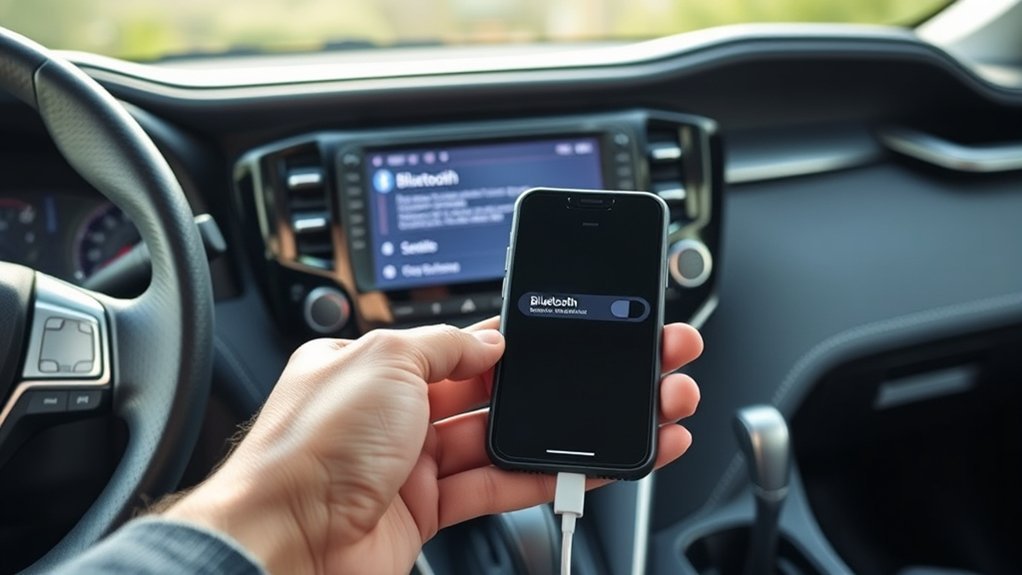
If your Toyota RAV4’s Bluetooth isn’t working, first check the connection by forgetting the device on both your phone and the car’s system, then re-pair them. Make sure Bluetooth is enabled on both devices and within 30 feet of each other. Restart your phone and the car’s multimedia system, and update both systems for peak performance. If problems persist, consider factory resetting the infotainment system or consulting a dealer for assistance. Continue exploring solutions for better connectivity!
Common Bluetooth Issues in Toyota RAV4
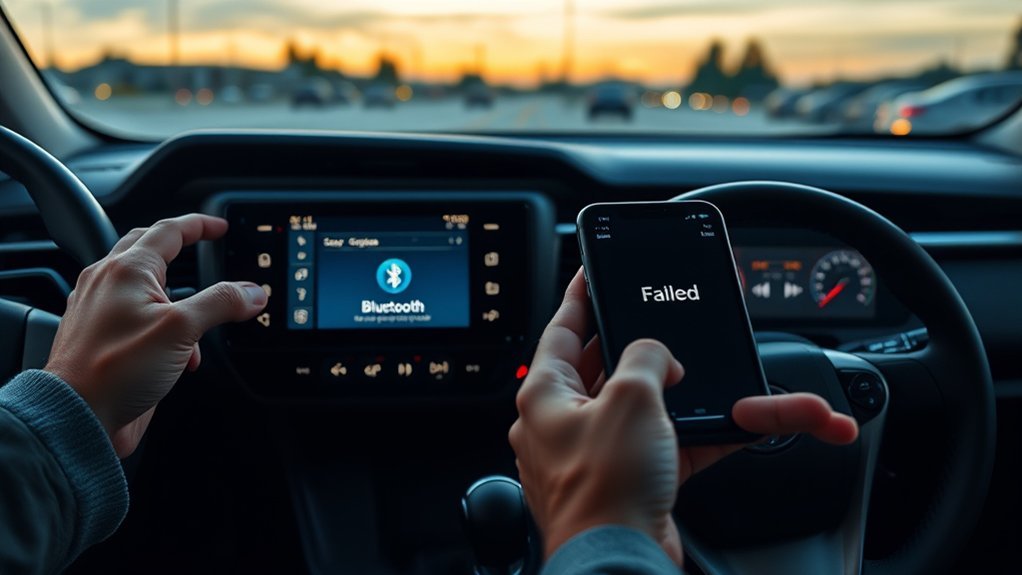
When you’re driving a Toyota RAV4, you might encounter several common Bluetooth issues that can disrupt your experience. One frequent problem is your infotainment system displaying “initializing” messages, which can persist for days. You may find that while your Bluetooth connection works for phone calls, audio streaming can be frustratingly inconsistent, limiting your enjoyment of music.
Another issue arises from outdated software or incompatibility with newer phone models, leading to interrupted connections. Many RAV4 owners struggle with accessing music, maps, or contacts via Bluetooth after initial functionality fades, often having to resort to USB connections.
You might also face challenges when trying to pair your phone, as troubleshooting steps like resetting the multimedia system and re-pairing devices often don’t resolve these persistent issues. Understanding these common Bluetooth issues will help you better navigate your RAV4’s connectivity landscape.
How to Fix Common Bluetooth Problems
To fix common Bluetooth problems in your Toyota RAV4, start by checking the connection reset techniques. Make sure both your device and the vehicle are compatible and within range. If issues persist, unpair and re-pair your devices to refresh the connection.
Connection Reset Techniques
If your Toyota RAV4’s Bluetooth connection isn’t working as it should, resetting the connection might be the key to resolving the issue. Start by forgetting the device on both your phone and the Toyota infotainment system. Then, re-pair them by following the Bluetooth pairing process in your owner’s manual. If problems persist, restart your phone and the car’s multimedia system to refresh connectivity. A soft reset of the system can also help; hold the volume knob for over 10 seconds. Make certain your phone’s Bluetooth is enabled and within range, as this can affect connection stability. If all else fails, disconnect the vehicle’s battery for a few minutes to reset Bluetooth connections and possibly clear glitches.
Device Compatibility Check
How can you guarantee your device is compatible with your Toyota RAV4’s Bluetooth system? Start with a device compatibility check by consulting the owner’s manual or accessing the Audio & Connected Services Support tool. Confirm that Bluetooth is enabled on both your device and the vehicle’s infotainment system before attempting pairing. If your device was previously connected but isn’t now, remove it from the RAV4’s Bluetooth settings and restart both your device and the car system before re-pairing. Ascertain your device stays within 30 feet of the vehicle for a stable connection. Finally, keep your device’s software and the RAV4’s infotainment firmware updated to minimize compatibility issues and enhance your wireless experience.
Ensuring Device Compatibility With Your RAV4
To guarantee your device works seamlessly with your RAV4, start by checking Bluetooth version compatibility between your device and the vehicle’s system. You’ll also want to confirm the device’s pairing status and verify that it supports the audio formats required by your RAV4. Following these steps will help you troubleshoot any potential connectivity issues effectively.
Check Bluetooth Version Compatibility
Are you confident your device will connect seamlessly with your Toyota RAV4’s Bluetooth system? To guarantee compatibility, follow these steps:
- Check Bluetooth Version: Confirm your device supports Bluetooth 4.0 or higher to maximize compatibility with the RAV4’s system.
- Consult the Owner’s Manual: Review your RAV4’s owner’s manual for specific Bluetooth version requirements or limitations related to your model year.
- Software Updates: Verify that both your phone and the RAV4’s infotainment system have the latest software updates, as these can improve connectivity.
Confirm Device Pairing Status
Once you’ve confirmed Bluetooth version compatibility, it’s important to check the pairing status of your device with the Toyota RAV4. First, verify your device is Bluetooth-enabled and compatible with the RAV4’s system. If your device has been previously paired, it should connect automatically when in range. However, if it’s unpaired, you’ll need to initiate the pairing process. Make certain Bluetooth is turned ON and your device is within proximity of the RAV4. If you encounter connection issues, consider restarting your device to refresh the Bluetooth connection. For specific pairing guidance, consult the Audio & Connected Services Support tool or your Owner’s Manual. This will help guarantee a smooth connection experience.
Verify Supported Audio Formats
How can you guarantee that your device is compatible with the Toyota RAV4’s Bluetooth system? Start by verifying the supported audio formats and Bluetooth profiles in your owner’s manual. Your RAV4 likely requires A2DP for audio streaming and AVRCP for playback control. Follow these steps to ascertain compatibility:
- Check Audio Formats: Confirm that your device supports A2DP and AVRCP.
- Update Software: Verify your device’s software and operating system are up to date for seamless interaction with the RAV4.
- Test Multiple Devices: Try connecting different devices to determine if the issue lies with your specific device.
Keep in mind that older RAV4 models may lack support for the latest Bluetooth protocols, affecting audio playback.
How to Properly Pair Your Phone With the RAV4
To successfully pair your phone with the Toyota RAV4, start by verifying your device is Bluetooth-enabled, updated, and compatible with the vehicle’s system. Begin by starting your RAV4 and heading to the infotainment screen. Select Menu, then Bluetooth or Phone to initiate the pairing process.
Next, activate Bluetooth on your phone by going to Settings > Bluetooth, making certain it’s discoverable. On the Toyota screen, tap “Add New Device” or “Pair New Device.” Confirm the pairing code displayed on both your phone and the vehicle’s display to complete the setup.
If pairing fails, double-check that Bluetooth is turned ON, restart both devices, and verify they’re within range for a stable connection. With these steps, you should connect your phone seamlessly to your Toyota RAV4, allowing you to enjoy hands-free calls and audio streaming.
Resolving Persistent Bluetooth Connection Problems
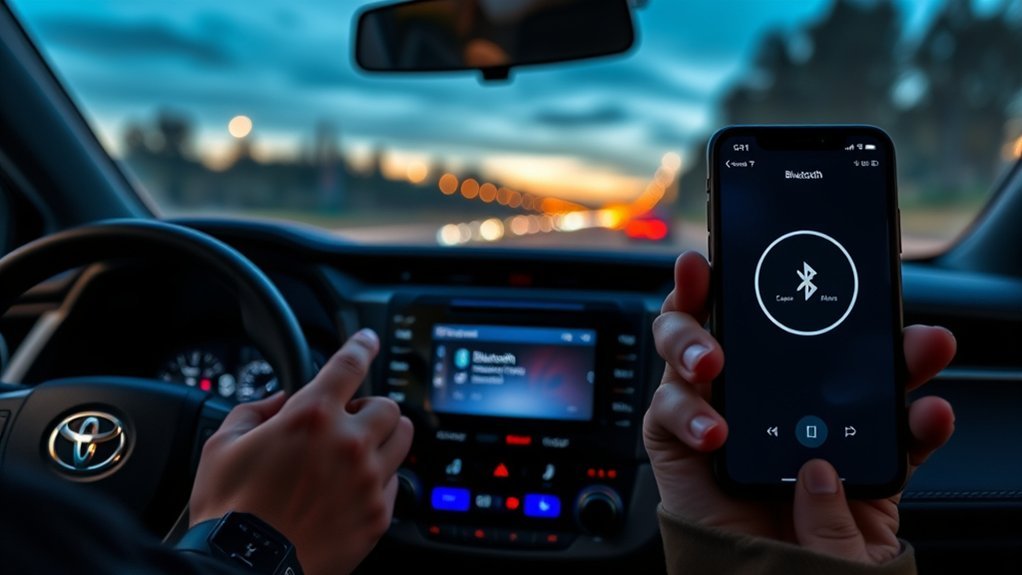
If you’re experiencing persistent Bluetooth connection problems with your Toyota RAV4, it’s crucial to address potential software issues or configuration errors. Start by checking the following:
- Bluetooth Status: Verify Bluetooth is turned ON on both your RAV4 and smartphone, as devices need to be properly configured to connect.
- Factory Reset: If you see an “initializing” message for too long, consider a factory reset. Disconnect the vehicle’s battery briefly to reset the Bluetooth system and clear any faults.
- Software Update: If issues persist, visit a Toyota dealer for a potential software update or diagnostics, as they may possess tools specific to your vehicle.
Additionally, regularly check and update your vehicle’s firmware and smartphone’s operating system to prevent compatibility issues that could disrupt your Bluetooth connection. This proactive approach can help guarantee a smooth and reliable connection.
Bluetooth Settings and Key Connectivity Factors
While ensuring a stable Bluetooth connection in your Toyota RAV4 may seem straightforward, several key settings and factors play an important role in establishing and maintaining that link. First, make sure Bluetooth is enabled on both your device and the RAV4; a disabled Bluetooth will prevent connections. Next, keep your device within 30 feet of the vehicle to facilitate proper connectivity. If issues arise, restart both your device and the vehicle’s infotainment system to refresh the connection.
Additionally, confirm your device’s compatibility with the Toyota RAV4’s Bluetooth system by consulting the Owner’s Manual or the Audio & Connected Services Support tool. Regularly updating your device’s software is vital, as outdated versions can disrupt Bluetooth connectivity. By attending to these settings and factors, you’ll enhance your chances of a seamless Bluetooth experience in your RAV4.
The Importance of Software Updates for Bluetooth
Keeping your Toyota RAV4’s infotainment system and your smartphone up to date is essential for maintaining ideal Bluetooth connectivity. Regular software updates enhance compatibility with the latest Bluetooth protocols, improving overall performance. Here’s why you should prioritize these updates:
- Resolve Compatibility Issues: Firmware updates can fix bugs and enhance functionality, ensuring your devices work seamlessly together.
- Prevent Connectivity Problems: Outdated software may lead to persistent issues like audio dropouts or difficulty pairing devices, disrupting your driving experience.
- Enhance Features: Keeping both the RAV4’s system and your smartphone updated allows uninterrupted access to services like Apple CarPlay and Android Auto.
When to Consult Your Toyota Dealer for Help
Maintaining your Toyota RAV4’s Bluetooth functionality is important, but sometimes issues persist despite your best efforts. If you’ve reset the system or re-paired devices without success, it might signal a deeper software or hardware problem that needs professional attention. Consult your dealer if the Bluetooth displays error messages or fails to connect after repeated attempts. Their expertise and tools can pinpoint specific vehicle issues.
If your phone’s software is updated but Bluetooth remains inconsistent, a dealer visit for a software update could resolve compatibility problems. Persistent audio playback issues or connectivity failures are also signs that warrant dealer support; they can perform diagnostic checks to identify hardware failures in the Bluetooth module or head unit. Ultimately, if you’ve exhausted troubleshooting methods and the problem lingers, seeking dealer assistance guarantees your system functions correctly and avoids further complications.
Looking for Better Connectivity? Check Out Aftermarket Solutions!
If you’re seeking improved Bluetooth connectivity in your Toyota RAV4, exploring aftermarket solutions could be the answer. Upgraded stereo systems can greatly enhance compatibility with newer phone models and provide a range of beneficial features. Consider the following options:
- Apple CarPlay and Android Auto: These systems offer seamless integration for music, navigation, and communication, making your driving experience smoother.
- Audio Quality: Users often report enhanced audio quality and fewer connectivity issues with aftermarket systems compared to factory-installed ones.
- Installation Costs: Expect to invest between $500 to $1,000 for installation, depending on the complexity and desired features.
Researching reputable brands guarantees better performance and ongoing software updates, addressing potential compatibility challenges. By choosing the right aftermarket system, you can liberate your RAV4’s connectivity and enjoy a more integrated driving experience.
Frequently Asked Questions
Why Is My Toyota RAV4 Bluetooth Not Working?
Your Toyota RAV4’s Bluetooth might not be working due to connectivity issues, compatibility problems from software updates, or device pairing difficulties. Confirm Bluetooth is enabled and consider removing old connections for a fresh start.
How to Reset Toyota Bluetooth System?
To reset your Toyota Bluetooth system, disconnect the battery, hold the volume knob for ten seconds, and check device compatibility. Updating the software version may also resolve persistent Bluetooth connection issues. Reconnect and try pairing again.
Why Did My Car’s Bluetooth Suddenly Stop Working?
Your car’s Bluetooth might suddenly stop working due to connectivity issues, device compatibility problems, or software updates. Common troubleshooting steps include checking compatibility, resetting devices, and ensuring both systems are updated for ideal performance.
How to Fix Uconnect Bluetooth Issues?
To fix Uconnect Bluetooth issues, update your Uconnect software, check Bluetooth compatibility, and troubleshoot common connectivity problems. Make certain Bluetooth’s enabled on your device, and remove old pairings to enhance connection reliability. Restart devices if necessary.
Conclusion
In the world of connectivity, your Toyota RAV4’s Bluetooth system is like a bridge that links your devices. When it falters, it can feel frustrating, but with the right troubleshooting steps, you can restore that connection. Remember to check compatibility, pair correctly, and stay updated on software. If issues persist, don’t hesitate to reach out to your Toyota dealer. By taking these measures, you’ll guarantee your Bluetooth experience flows smoothly, just like a well-paved road ahead.