How To Install Maps On Toyota RAV4
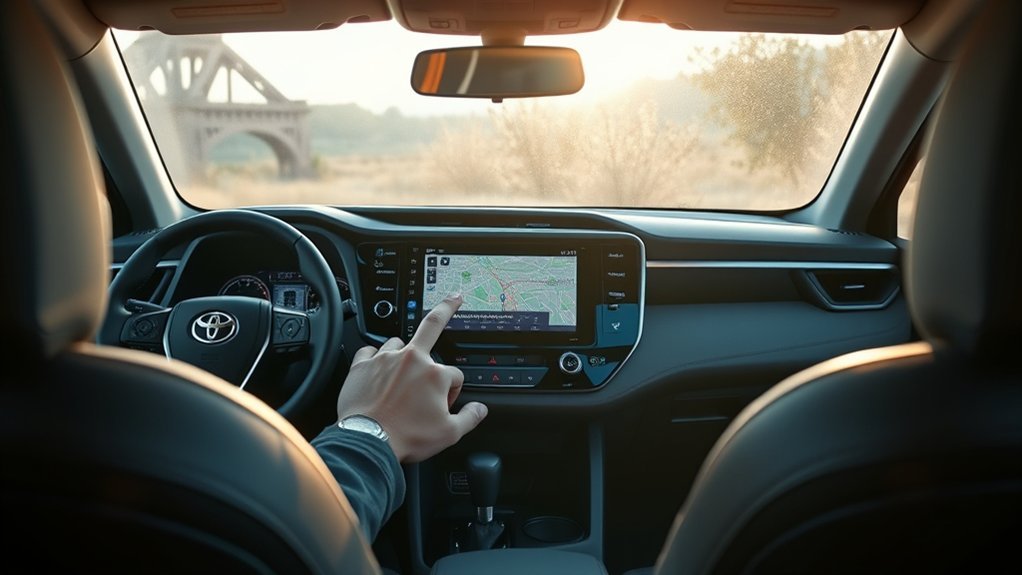
To install maps on your Toyota RAV4, start by downloading the Entune app from the App Store or Google Play. Create an account using your email and vehicle identification number (VIN). Next, enable Bluetooth on your smartphone and turn on your RAV4. Pair your device through the infotainment menu, and then connect it via USB to access navigation features. This setup not only enhances your navigation experience but also keeps it updated. Discover more tips to optimize your RAV4’s navigation.
How to Set Up Your RAV4 Navigation System
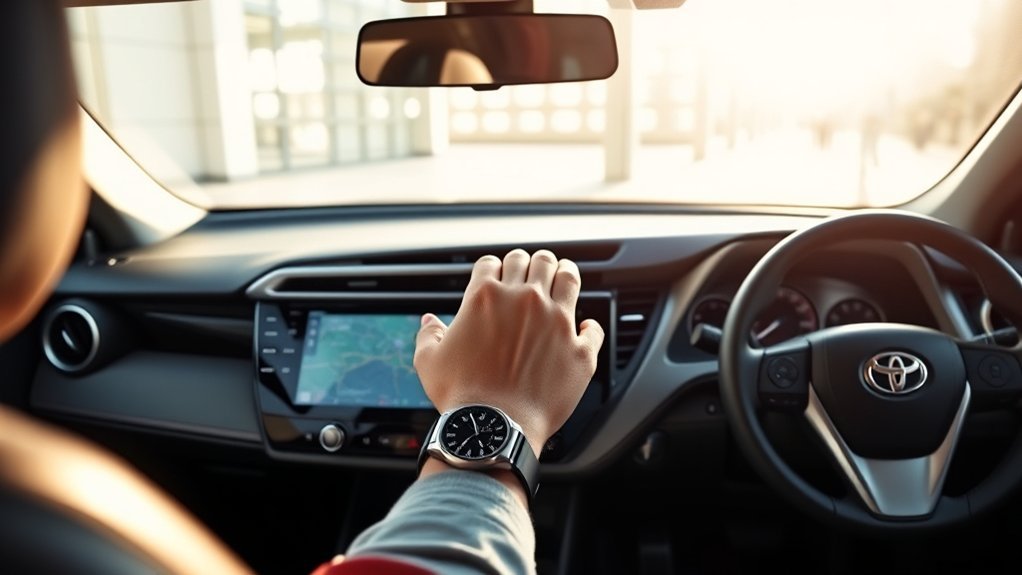
To set up your RAV4 navigation system, you’ll need to start by downloading the Entune app from either the App Store or Google Play. After creating an account with your email and vehicle identification number (VIN), enable Bluetooth on your smartphone and turn on your RAV4. In the infotainment menu, select Bluetooth to pair your device. Once paired, connect your smartphone using a USB cable to access navigation features like Google Maps through the Android Auto or Apple CarPlay functionality. Regularly check for updates for the Entune app and your vehicle’s infotainment system to maintain peak performance. If you run into issues, consider resetting the infotainment system or consult the vehicle’s manual for troubleshooting steps related to the navigation setup.
Benefits of Using Maps on Your RAV4
Using maps on your Toyota RAV4 greatly enhances your navigation experience by integrating real-time traffic updates and route optimization. You’ll appreciate the user-friendly interface that allows you to access essential navigation tools without relying on your smartphone. This seamless integration not only makes driving more convenient but also boosts overall safety on the road.
Enhanced Navigation Experience
When you integrate maps into your Toyota RAV4, you greatly enhance your navigation experience. Utilizing apps like Google Maps through Android Auto or Apple CarPlay gives you access to real-time updates and accurate data, which built-in systems often lack. You’ll benefit from the latest road conditions and points of interest, ensuring your journey is both efficient and safe. The RAV4 Prime XSE Tech Package simplifies access to navigation features without the hassle of app subscriptions. If you opt for the Entune navigation app, you can enjoy advanced features like live-agent assistance and personalized routing. Regular updates keep your map data fresh, allowing you to navigate with confidence and freedom.
Real-Time Traffic Updates
Real-time traffic updates can transform your driving experience in the Toyota RAV4, offering critical information that helps you navigate efficiently. By using a GPS app like Google Maps through Android Auto or Apple CarPlay, you can avoid congestion and reduce your travel time considerably. These apps provide alerts about accidents, road closures, and delays, enabling you to take alternative routes and reach your destination faster. With live traffic data integration, your route can dynamically adjust based on current conditions, enhancing driving efficiency. Many GPS apps update their traffic information frequently, ensuring you have the most current details while driving. This access allows for better travel planning, so you can anticipate travel times and avoid peak traffic periods effortlessly.
User-Friendly Interface
Maneuvering your Toyota RAV4 becomes effortless with its user-friendly interface, designed specifically to enhance your driving experience. The multimedia system features a touch screen panel that allows easy access to various navigation options, including the Entune navigation app. This app seamlessly integrates with Google Maps, providing you with real-time navigation and traffic updates. If you prefer not to register for additional apps, the built-in maps functionality on the RAV4 Prime offers basic navigation right out of the box. You can switch effortlessly between Android Auto and Apple CarPlay, ensuring you find the navigation method that suits you best. Plus, with voice command capabilities, you can access maps hands-free, promoting safer driving.
Do You Have Entune? Compatibility Check?
Are you unsure if your Toyota RAV4 is equipped with Entune? First, check if your model year is 2018 or newer, as these typically include the Entune multimedia system. Next, verify your smartphone has the latest version of the Entune app installed from the App Store or Google Play. It’s also essential to confirm that your vehicle’s infotainment system is updated to the latest software version for peak performance and compatibility. Visit the Toyota website for a list of compatible applications and services specific to your RAV4 model and year. Finally, make certain the navigation app within Entune is activated and that you’ve subscribed to any required services for full navigation functionality.
Step-by-Step Navigation App Installation
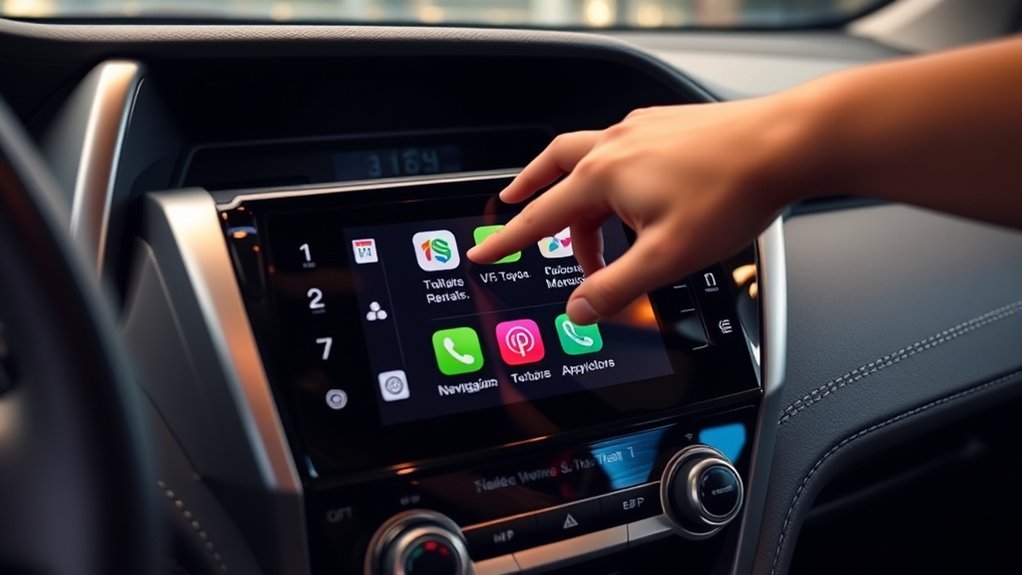
To get started with your navigation app installation, you’ll first need to download the Entune app from the App Store or Google Play Store. Once downloaded, pair your smartphone with your Toyota RAV4 via Bluetooth to guarantee a seamless connection. Don’t forget to regularly update the navigation app for peak performance and functionality.
Download Entune App First
Before you can enjoy the navigation features in your Toyota RAV4, you need to download the Entune app from either the App Store or Google Play Store. Once you’ve installed it, create an account using your email and the vehicle’s VIN. This step is essential for seamless integration.
| Step | Action | Notes |
|---|---|---|
| 1 | Download Entune | Available on both stores |
| 2 | Create an account | Use your email and VIN |
| 3 | Enable Bluetooth | Verify it’s on your phone |
After setting up Entune, confirm your smartphone’s Bluetooth is enabled, turn on your vehicle, and select Bluetooth in the Entune menu. This leads you to the next important steps.
Pair Smartphone Via Bluetooth
Pairing your smartphone with the Toyota RAV4 is a straightforward process that enhances your navigation experience. Follow these steps to connect your devices:
- Enable Bluetooth: Make sure Bluetooth is activated on your smartphone and the vehicle’s infotainment system is on.
- Access Bluetooth Menu: On the RAV4 display, navigate to the Bluetooth menu and select “Add New Device” to search for available smartphones.
- Select Device: On your smartphone, go to Bluetooth settings and choose the Toyota RAV4 from the list.
- Confirm Pairing: Confirm the pairing request on both devices, entering any required PIN codes.
Once paired, open the Entune App on your smartphone to access navigation features, ensuring a seamless connection with your Toyota.
Update Navigation App Regularly
Keeping your navigation app updated is essential for optimal performance and access to the latest features. Regularly check for updates to the Entune app on your smartphone to guarantee it functions correctly. You can do this by visiting the App Store or Google Market and looking for available updates.
Additionally, access the Map Update Toolbox within the app to install any available map updates for your navigation system. This step guarantees that you have accurate navigation and the most current information on your routes.
If you encounter any issues with the navigation app, make certain your vehicle’s infotainment system is also updated. Restarting the system can help resolve glitches and maintain peak app performance.
Connecting Your Smartphone for Enhanced Navigation
To enhance your navigation experience in the Toyota RAV4, start by connecting your smartphone via a USB cable. This will open various navigation apps like Google Maps or Apple Maps. Here’s how to do it effectively:
- Enable Bluetooth: Make sure Bluetooth is activated on your smartphone for seamless multimedia integration.
- Connect Your Smartphone: Use a USB cable to link your smartphone to the vehicle’s system.
- Select Navigation App: After connecting, choose the appropriate navigation app on the display to start using the maps.
- Download Entune App: Install the Entune app from the App Store or Google Play Store for peak performance.
Regularly check for updates on your smartphone’s navigation apps and the vehicle’s multimedia system to keep your maps current.
Fixing Navigation App Problems
While enjoying the convenience of navigation apps in your Toyota RAV4, you might encounter occasional issues that hinder performance. First, verify your Entune app is updated on your smartphone; outdated versions can lead to navigation app problems. Verify compatibility between your smartphone and the vehicle’s multimedia system, as certain models have specific requirements. If issues persist, restart the infotainment system to refresh the connection and resolve minor glitches. Also, confirm that your smartphone is properly connected via USB cable for Android Auto functionality, which is essential for using navigation features. Finally, utilize the Map Update Toolbox to check for any available map updates, verifying your navigation app has the latest data for accurate directions.
How to Keep Your Maps Updated
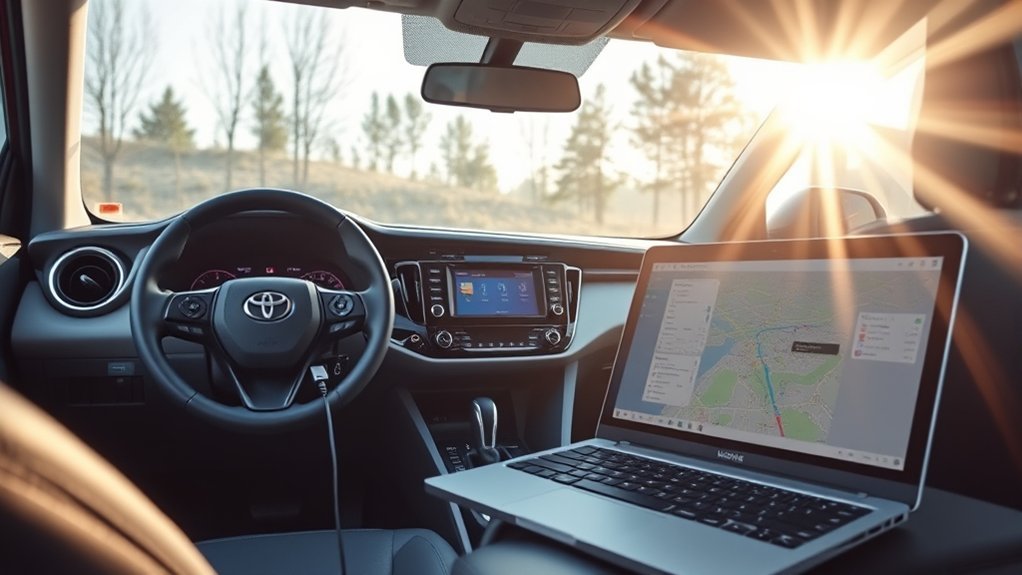
To keep your maps updated, regularly check the Map Update Toolbox for new updates. Confirm your Entune app is up-to-date, as this maintains compatibility with the latest map versions. Staying proactive about these updates will help guarantee your navigation system runs smoothly and efficiently.
Regular App Updates
Keeping your maps updated is essential for guaranteeing accurate navigation and access to the latest features. To maintain peak map functionality, follow these steps for regular app updates:
- Check for Entune Updates: Regularly verify that the Entune app on your smartphone is updated for peak performance.
- Utilize the Map Update Toolbox: Access Toyota’s Map Update Toolbox to download and install any available map updates for your vehicle.
- Update Multimedia Software: Verify your vehicle’s multimedia system software is current to maintain compatibility with the app.
- Set Update Reminders: Schedule reminders every few months to check for updates, as map databases frequently change.
Check Map Update Toolbox
Accessing the Map Update Toolbox is essential for guaranteeing your Toyota RAV4’s navigation system remains up-to-date. Start by launching the Entune app on your smartphone, ensuring it’s updated to the latest version for compatibility. Connect your vehicle to Wi-Fi or use a USB cable to download the latest map updates from the toolbox. Regularly check for updates in the Map Update Toolbox to avoid incomplete maps and guarantee accurate navigation functionality. Don’t forget to keep your vehicle’s multimedia system updated, as software updates can impact the availability and accuracy of map updates. By staying proactive with the Map Update Toolbox, you empower yourself with the most reliable navigation experience on your journeys.
Best GPS Apps for Your RAV4
When maneuvering the roads in your Toyota RAV4, which GPS app should you choose? Here are some top options to evaluate:
- Google Maps – Offers real-time traffic updates, route planning, and offline maps, making it a reliable choice.
- Waze – User-generated traffic information helps you avoid delays and find quicker routes.
- Apple Maps – Seamlessly integrates with your RAV4’s infotainment system, featuring lane guidance and points of interest.
- Scout GPS – Part of Toyota’s Entune system, it provides navigation features but may require installation and a subscription.
These GPS apps will enhance your driving experience, ensuring you navigate effortlessly on your journeys. Choose the one that best suits your needs!
Safety Tips for Using Navigation While Driving
To guarantee a safe driving experience while using navigation, it’s crucial to set your destination and review the route before hitting the road. This prevents distractions that could compromise your focus. Utilize hands-free features of your navigation system to keep your hands on the wheel and eyes on the road. Familiarize yourself with your navigation app’s features and settings in a safe environment to assure smooth operation while driving. Always keep your smartphone charged and connected to the vehicle to avoid losing navigation functionality mid-journey. Finally, adhere to local laws regarding mobile device usage in vehicles, as many may restrict or prohibit using navigation apps while driving. Following these safety tips will enhance your driving experience.
Make the Most of Your RAV4 Navigation
Utilizing your RAV4’s navigation system effectively enhances your driving experience and helps you reach your destinations more efficiently. Here are some tips to make the most of your navigation:
- Connect via USB: Use a USB cable to connect your smartphone and access navigation apps like Google Maps.
- Check for Updates: Regularly update the Entune app and your vehicle’s infotainment system for the latest map data.
- Explore Built-in Maps: If needed, use the RAV4’s built-in maps as a backup, though they may lack recent updates.
- Consider Subscriptions: Subscribe to navigation services within the Entune app for real-time traffic updates and additional features.
Frequently Asked Questions
How Do I Get Maps on My RAV4?
To get maps on your RAV4, download the Entune app, create an account, and connect your smartphone. Regularly check for map updates to guarantee your navigation system remains accurate and reliable during your travels.
How Do I Install Navigation Maps in My Toyota?
To install navigation maps in your Toyota, download the Entune app, pair your smartphone, and connect via USB. Regularly check for map updates to guarantee your navigation system remains accurate and reliable on every journey.
Can You Add Navigation to a Car That Doesn’t Have It?
Yes, you can add navigation to a car without it. Consider smartphone integration, standalone GPS devices, or aftermarket infotainment systems. These navigation options enhance your driving experience, providing flexibility and up-to-date mapping solutions.
How Do I Download the Toyota Navigation App?
To download the Toyota Navigation App, verify your smartphone’s app compatibility by installing the Entune app first. Set up your account, enable Bluetooth, and follow prompts in your vehicle’s display to complete the installation.
Conclusion
Installing maps on your Toyota RAV4 can transform your driving experience into a seamless journey. With the right setup, you’ll navigate the roads like a seasoned traveler, effortlessly finding your way. Regular updates keep your maps fresh, ensuring you’re never lost in unfamiliar territory. By exploring compatible apps and connecting your smartphone, you’ll access a world of navigation features. So, gear up and embrace the road ahead with confidence, knowing your RAV4’s navigation system has your back.