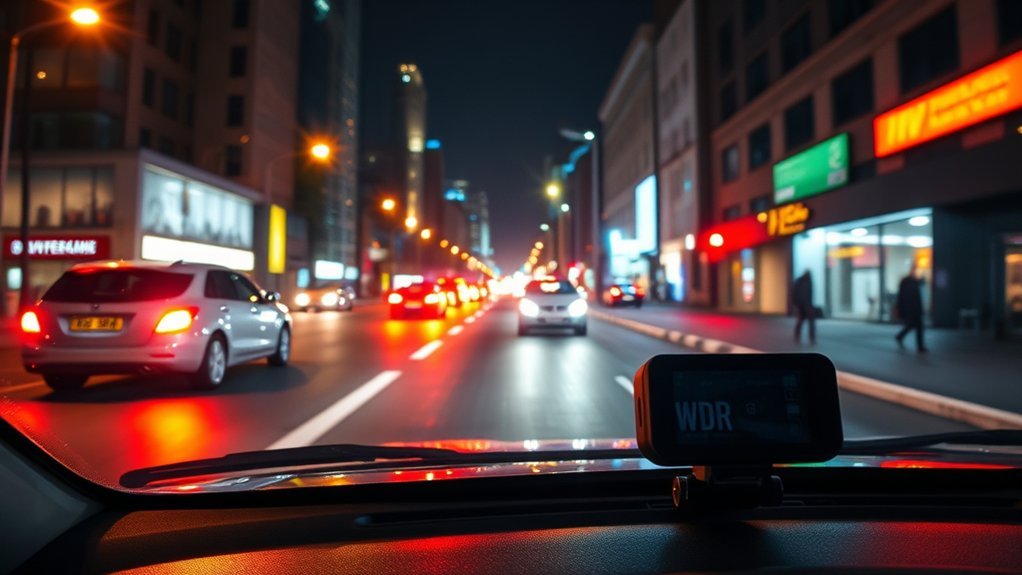
Bright headlights, dark roads, tunnels, and sunrise glare can make dash cam footage hard to use. WDR, or Wide Dynamic Range, helps your dash cam balance bright and dark areas in the same scene. It can make road signs, lane markings, vehicles, and some license plates easier to see, especially during night driving or mixed-light conditions.
Quick Answer
WDR in a dash cam helps the camera handle bright and dark areas at the same time. It does this by processing images at different exposure levels, then blending them into footage with better detail. You should keep WDR on for most daily driving, especially at night, near headlights, in tunnels, or during sunrise and sunset.
Key Takeaways
- WDR helps your dash cam record clearer footage in high-contrast light.
- It works best when bright glare and dark shadows appear in the same scene.
- WDR can improve license plate and road sign visibility, but it can’t fix every recording problem.
- You should compare real sample footage before you choose a WDR dash cam.
What Is Wide Dynamic Range (WDR) in Dash Cams?
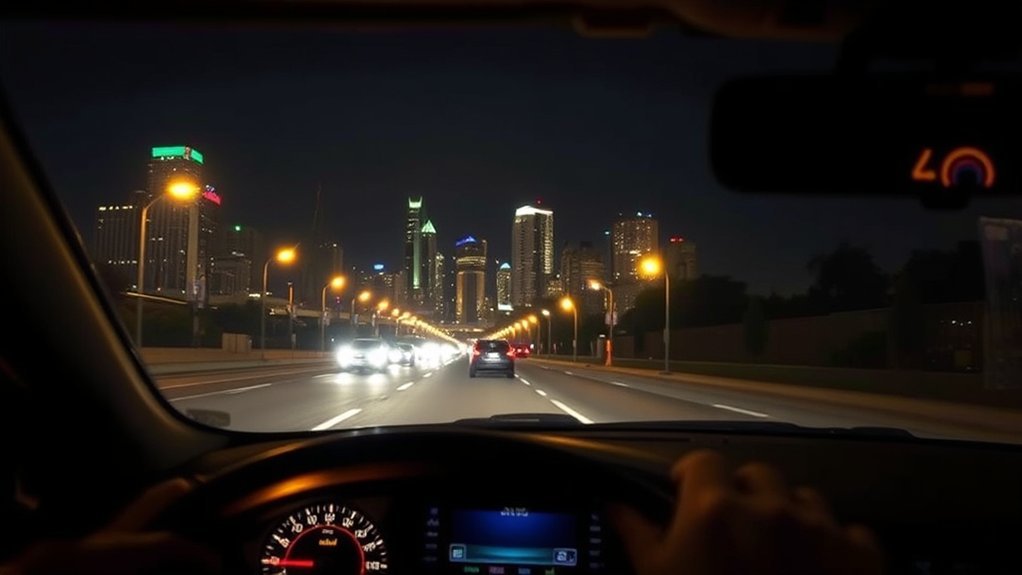
Wide Dynamic Range (WDR) helps a dash cam record clearer video when one part of the scene looks very bright and another part looks very dark. According to Nextbase, WDR processes bright and dark light by combining images at different brightness levels into one clearer image.
This matters because roads often have strong contrast. You may drive from shade into sunlight, face bright headlights at night, or enter a tunnel with a dark entrance and a bright exit. WDR helps the camera keep more detail in both shadows and highlights.
WDR does not make every clip perfect. A fast-moving car, dirty windshield, weak sensor, poor lens, or low resolution can still reduce detail. Still, a good WDR dash cam gives you a better chance of capturing useful footage when light changes quickly.
How Does WDR in Dash Cams Enhance Visibility in Low-Light Conditions?
Low-light driving creates two problems at once. Dark roads hide detail, while headlights and streetlights can create bright glare. WDR helps by reducing the gap between those bright and dark areas.
- It captures or processes images at different exposure levels.
- It reduces blown-out highlights from headlights and streetlights.
- It lifts shadow detail without making the whole video too bright.
- It helps road signs, lane lines, and nearby vehicles stand out more clearly.
The National Highway Traffic Safety Administration has reported that nighttime glare can reduce a driver’s ability to see safety hazards. A dash cam can’t improve your eyesight, but WDR can help the recording keep more detail in the same type of harsh light.
When WDR Helps Most
WDR helps most when your dash cam faces uneven light. You may notice the biggest difference during night driving, sunrise, sunset, tunnel driving, parking lot exits, and roads with strong shop lights or streetlights.
The Federal Highway Administration reports that about half of traffic fatalities occur at night, even though about one quarter of travel happens after dark. Clear video can help after an incident, but it should never replace safe speed, clean glass, proper headlights, and full attention on the road.
Main Benefits of WDR Technology in Dash Cams
WDR improves dash cam footage by keeping more detail in hard lighting. It can stop bright areas from washing out and help dark areas show more shape and texture.
- Better night footage: WDR can reduce glare from headlights and streetlights.
- Clearer high-contrast scenes: It helps when sunlight and shadows appear in the same frame.
- More useful incident footage: It can make signs, vehicles, lane markings, and nearby plates easier to review.
- Smoother light changes: It helps when you move from shade to sun or from a tunnel to open road.
You should still check real sample footage before you trust a spec sheet. Two dash cams can both claim WDR, but the better sensor, lens, processor, and software will usually record the cleaner clip.
Limits of WDR in Real Driving
WDR improves video, but it can’t overcome every problem. Strong motion blur, rain, fog, dirty glass, heavy tint, poor mounting angle, or a weak image sensor can still make footage hard to read.
Warning: Don’t rely on WDR alone for legal or insurance proof, because lighting, speed, angle, and distance can still hide key details.
License plates create one of the hardest tests. Reflective plates can blow out under headlights, and fast vehicles can blur before the camera records enough detail. For the best chance, choose a dash cam with strong low-light performance, sharp resolution, and good WDR processing.
WDR Dash Cams vs. Regular Dash Cams: What’s the Difference?
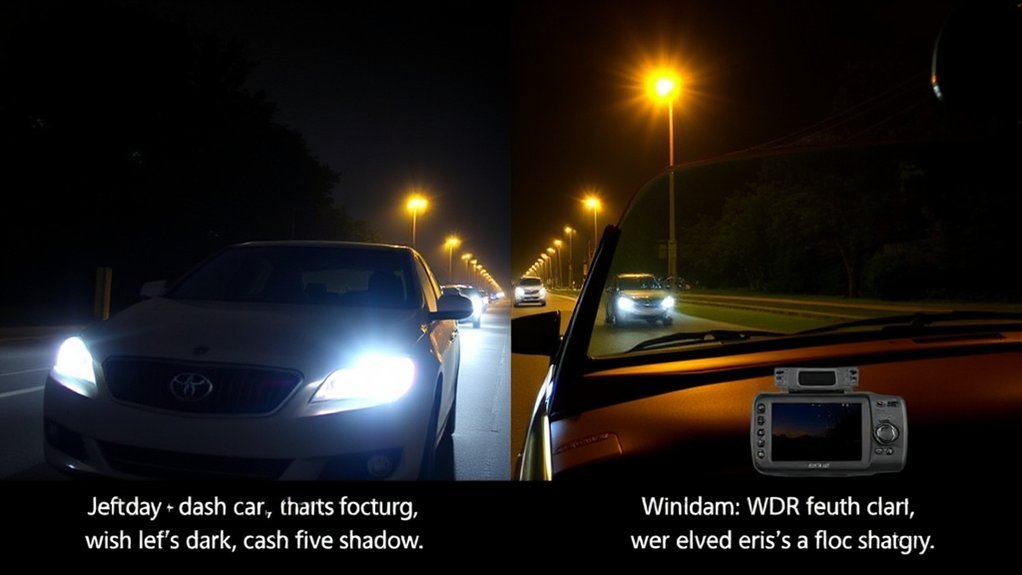
A regular dash cam may record a bright sky, dark road, and reflective plate as one flat or washed-out scene. A WDR dash cam tries to balance those areas so you can see more usable detail.
- Image balance: WDR models keep more shadow and highlight detail than basic cameras.
- Night driving support: WDR can reduce glare and help objects stand out in dark scenes.
- Light-change control: WDR helps when the camera moves between bright and dark areas.
HDR and WDR can overlap in dash cam marketing. Some brands use the terms in different ways. Instead of buying by the label alone, compare night clips, tunnel clips, and footage with oncoming headlights.
How to Choose a WDR Dash Cam for Your Needs
Start with the image sensor. Sony says its STARVIS technology helps image sensors capture faint light in dark places with less noise. That kind of low-light sensor can help WDR perform better at night.
Check the video resolution and frame rate next. A good baseline starts at 1080p, but 2K or 4K can capture more detail when the sensor and lens quality match the resolution. A high resolution alone won’t help much if the camera uses a weak sensor or poor processing.
- Look for real daytime, nighttime, and tunnel sample footage.
- Check whether WDR or HDR works on the front and rear cameras.
- Choose a model with a clear app or screen for reviewing clips.
- Look for reliable loop recording, emergency lock, and parking mode if you need them.
- Read owner reviews that mention glare, plates, night roads, and heat performance.
If a brand lists a dynamic range rating in decibels, a higher number can suggest better contrast handling. Many dash cam brands don’t list that rating, so real footage often gives you the clearest answer.
Frequently Asked Questions
Should WDR Be on or Off?
You should keep WDR on for most driving. It helps your dash cam handle glare, shadows, tunnels, and mixed light without constant manual changes.
Which Is Better, HDR or WDR?
WDR usually matters more for dash cam footage in changing road light. HDR can help with color and tonal detail, but each brand may use these terms differently. Compare real night and glare footage before you choose.
Does WDR Affect Video Quality?
Yes, WDR can improve video quality in high-contrast scenes. Poor WDR processing can also make footage look flat or unnatural, so sample footage matters.
How Does WDR Improve Image Quality?
WDR improves image quality by balancing bright and dark areas in one scene. It helps reduce glare, lift shadow detail, and keep more usable information in the frame.
Can WDR Make License Plates Clear at Night?
WDR can improve your chance of reading nearby plates at night, especially under headlights or streetlights. It can’t guarantee plate clarity because distance, speed, angle, weather, lens quality, and resolution still matter.
Safety Disclaimer: This article is for informational purposes only. A dash cam can record useful footage, but it does not replace safe driving, local traffic laws, proper vehicle maintenance, or professional advice after a crash.
Conclusion
WDR matters because it helps your dash cam record more useful detail when light works against the camera. Choose a model that combines strong WDR processing with a good low-light sensor, sharp resolution, and real sample footage that matches your driving conditions. Keep your windshield clean, mount the camera correctly, and review clips before you need them. A better setup gives you clearer footage when every detail counts.
References
- Wide Dynamic Range (WDR) — Nextbase, accessed May 2026.
- Security Camera Image Sensor Technology STARVIS / STARVIS 2 / STARVIS 3 — Sony Semiconductor Solutions, accessed May 2026.
- Nighttime Visibility Overview — Federal Highway Administration, 2025.
- Nighttime Glare and Driving Performance — National Highway Traffic Safety Administration, 2007.
