
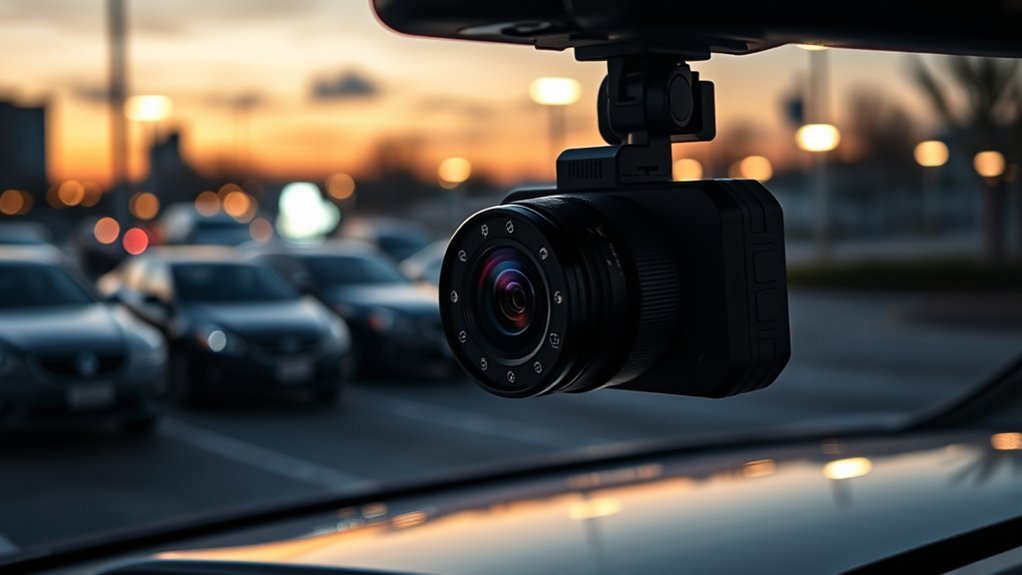
Parking mode on a dash cam provides essential protection for your vehicle while it’s parked. It activates through triggers like ignition shutdown or G-sensor detection, capturing footage during impacts or nearby movements. Key features include real-time alerts, adjustable motion sensitivity, and voltage cut-off settings to prevent battery drain. With parking mode, you get continuous surveillance, but there are pros and cons to evaluate. Keep exploring to uncover more about optimizing your dash cam functionality.
Understanding Parking Mode in Dash Cams: Importance and Functionality
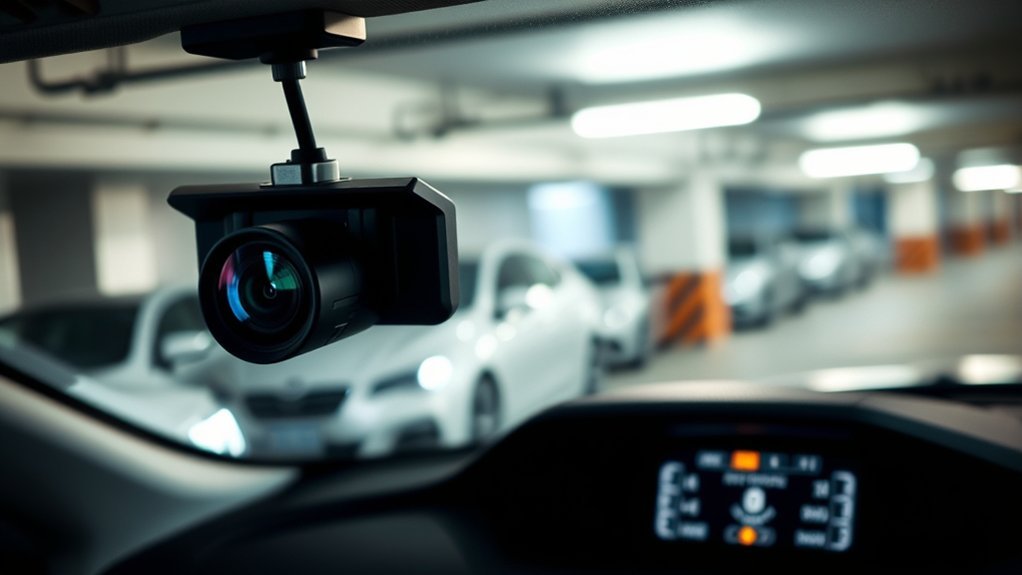
When you’re parked and away from your vehicle, parking mode on a dash cam becomes your best defense against potential incidents like theft or vandalism. This advanced technology guarantees you have around-the-clock protection, continuously recording while your ignition is off. Utilizing impact detection and motion detection sensors, the dash cam automatically activates to record footage when it senses any significant movement or jolts near your car. This feature is vital for capturing evidence during hit-and-runs or vandalism, giving you peace of mind. Most models can operate for about 7-8 hours on a healthy battery, but be aware that factors like battery health can influence this duration. To prevent excessive battery drain, the voltage cut-off settings monitor your vehicle’s voltage levels, guaranteeing you can still start your car when needed. With parking mode, you’re empowering yourself with a reliable safeguard against unexpected incidents.
Types of Triggers for Parking Mode Activation
Parking mode activation relies on various sophisticated triggers to guarantee your vehicle remains monitored even when you’re not around. One common method is ignition-triggered mode, which automatically switches your dash cam to parking mode when you turn off the ignition. Alternatively, G-sensor triggered mode activates after your vehicle has been stationary for five minutes, detecting inactivity through built-in sensors.
Impact detection enhances security by generating a one-minute event video when vibrations or shocks are sensed, providing essential evidence of incidents. Motion detection takes it a step further, triggering recording when any movement near your vehicle is detected, ensuring you capture nearby activity.
For those seeking even more advanced protection, buffered parking mode continuously records footage but only saves clips surrounding detected events. This approach maximizes security while minimizing storage use, making it a smart choice for vigilant vehicle owners.
How Do Dash Cams Switch to Parking Mode?
Dash cams seamlessly switch to parking mode through intelligent mechanisms designed to enhance security while you’re away from your vehicle. You can rely on ignition-triggered parking mode, which activates immediately after you turn off your ignition, or the G-sensor triggered mode, engaging when your vehicle remains stationary for about five minutes. In parking mode, your dash cam conserves storage by recording only when motion or impact detection occurs. This guarantees efficient use of space while still capturing vital events.
Many advanced parking options, like Buffered Parking Mode, continuously record but only save footage around detected incidents, greatly improving your incident capture capabilities. You can also customize your parking mode settings, adjusting sensitivity levels for motion detection and impact detection to reduce false alerts. This flexibility allows you to optimize your dash cam’s performance based on your unique environment and security needs.
Key Features of Parking Mode Dash Cams

Many modern dash cams offer impressive features in parking mode that enhance your vehicle’s security while it’s unattended. With these advanced systems, you can enjoy peace of mind knowing your car is protected. Key features include:
Modern dash cams with parking mode provide essential security features, ensuring your vehicle is protected while you’re away.
- Impact Detection: Automatically records when a collision occurs, ensuring crucial video footage is saved.
- Motion Sensors: Captures activity around your vehicle, alerting you to potential threats.
- Real-Time Alerts: Notifies you via your smartphone if any unusual activity is detected.
- Voltage Cut-Off Settings: Prevents battery drain, allowing hours of monitoring without risking your vehicle’s power.
These features make parking mode an essential tool for safeguarding your vehicle against vandalism and hit-and-runs. With such technology at your fingertips, you’re empowered to take control of your vehicle’s security, ensuring that every moment is captured, even when you’re not there.
[Products Worth Considering]

【4K 2160P Resolution Dash Cam】Capture every drive in stunning 4K UHD resolution with the Galphi front dash cam, featuring a 160-degree wide-angle lens for clear, cinematic video footage. Ideal for family cars, new drivers, and Uber/Lyft drivers, it provides reliable video evidence for accident disputes and insurance claims.

Ultra HD 4K Front + 4K Rear Recording: The Terunsoul dash cam supports dual-channel simultaneous recording, capturing both front and rear footage. Both cameras record in 3840×2160P, ensuring clear footage of the road ahead and behind. The front camera features a 170° ultra-wide-angle lens, providing full coverage of six-lane roads and capturing more road details with this 4K dash cam

4K FRONT + 1080P REAR RECORDING – ROVE R2-4K DUAL dash cam offers dual-channel recording capabilities, capturing footage simultaneously from both the front and rear cameras. The front camera records at 3840x2160P @30fps, while the rear camera captures 1920x1080P @30fps footage, ensuring clear recordings of the road ahead and behind you. With a 150° ultra-wide angle for the front camera and a 140° angle for the rear camera, you'll capture more of the road with this 4k dash cam.
Exploring Buffered vs. Cloud Parking Modes: Key Differences
When it comes to parking modes on dash cams, understanding the differences between buffered and cloud parking modes is essential. Buffered parking mode captures critical moments surrounding an incident while conserving storage, whereas cloud parking mode offers real-time uploads and alerts for immediate access to footage. Let’s break down the features of each mode to help you choose the best option for your needs.
[Products Worth Considering]

[4K+2.5K Dual Dash Cam Front and Rear] – The front dash cam records stunning 4K videos, while the rear camera delivers crisp 2.5K HD footage. Experience ultimate coverage: 170° ultra-wide front lens and 165° wide rear angle minimize blind spots. This dual dashcam ensures high-definition recording front and back. Download driving videos easily via the free app. Get clear evidence day or night – record your road trips with peace of mind! Fits minivans, buses, cars, trucks & more.

[ 4 Channel 360° Full Coverage ] Experience complete 360° protection with our advanced 4 channel dash cam 360, eliminating blind spots on the road and inside your vehicle. Featuring a powerful dual-core processor, this dashcam records in stunning 2.7K+1080P+1080P+1440P resolution, with flexible recording modes (1CH/2CH/3CH/4CH) to adapt to any driving scenario. From daily commutes to long road trips, this all-in-one surveillance solution provides effortless driving safety and legal protection.

【Dash Cam Front and Rear Inside 1440P+1080P+1080P】 Advanced Sony IMX Sensor & High-Performance Processor – Captures crisp and detailed footage with 2.5K front, 1080P inside, and 1080P rear recording, ensuring reliable evidence for road incidents and disputes. The super night vision and auto IR cabin camera enhance visibility, delivering clear video even in low-light conditions.
Buffered Parking Mode Explained
Buffered parking mode offers a unique way to enhance your vehicle’s security while parked, as it continuously records video footage and saves only the most significant events. This capability not only helps you monitor your vehicle but also guarantees you capture important footage leading up to an impact. Here are four key benefits of buffered parking mode:
- Pre-buffering: It records several seconds before an event, giving context to incidents.
- Energy-saving: It conserves battery life by activating only during significant events.
- Local storage: Footage is saved directly to a memory card, eliminating reliance on internet connections.
- Peace of mind: You can feel liberated knowing your vehicle is protected, with critical moments safely recorded.
Cloud Parking Mode Features
While both buffered and cloud parking modes offer enhanced security for your vehicle, they do so through different mechanisms that cater to various needs. Cloud parking mode elevates your vehicle security by utilizing a cloud connection to upload critical event footage in real-time. This allows you to access video evidence remotely via a mobile app, ensuring that you’re always in the loop about your car’s safety. You’ll receive immediate notifications and can even stream live footage, providing a proactive approach to monitoring. However, remember that accessing these features typically requires a subscription service for data storage. In contrast, buffered parking mode relies on local storage, limiting your ability to access footage outside your vehicle’s immediate vicinity.
Key Differences Summary
Understanding the key differences between buffered and cloud parking modes can help you choose the best option for your vehicle’s security needs. Here’s a quick comparison:
- Buffered Parking Mode: Continuously records and saves clips around detected incidents, ensuring immediate incident capture.
- Cloud Parking Mode: Uploads critical footage to the cloud, enabling remote monitoring and real-time alerts.
- Storage: Buffered mode relies on onboard storage, while cloud mode needs an internet connection, potentially incurring service fees.
- Surveillance: Buffered mode focuses on localized recording, while cloud mode enhances security with ongoing access and alerts.
Both modes provide 24/7 surveillance, but your choice will depend on whether you prioritize immediate incident capture or the freedom of remote monitoring.
Recording Duration in Parking Mode: What to Expect?
When you activate parking mode on your dash cam, you can typically expect about 7-8 hours of recording time, but this can vary. Factors like your vehicle’s battery health and size play an essential role, as weak batteries might only give you a few minutes of footage. Additionally, extreme temperatures and voltage cut-off settings can further impact how long your dash cam can record while parked.
Average Recording Time
If you’re considering using your dash cam in parking mode, it’s important to know what to expect regarding recording duration. The average recording time typically ranges from 7 to 8 hours on a healthy car battery. Here are some key points to keep in mind:
- Battery Health: A healthy battery impacts how long your dash cam can record.
- Power Consumption: Different models consume varying amounts of power, affecting duration.
- Environmental Factors: High heat or cold can limit your dash cam’s effectiveness.
- Advanced Features: Buffered recording can extend monitoring by capturing events only when needed.
Understanding these factors helps you maximize your dash cam’s potential while your vehicle is parked outside, ensuring you’re covered during any parking incidents.
Factors Affecting Duration
Several factors influence how long your dash cam can record in parking mode, and being aware of these can help you make the most of your device.
| Factor | Impact on Recording Duration | Notes |
|---|---|---|
| Power Supply | Directly affects recording | A healthy car battery provides 7-8 hours. |
| Battery Health | Determines overall capacity | Poor health reduces duration considerably. |
| Voltage Cut-off Settings | Prevents battery drain | Common settings are around 12V-12.2V. |
| Extreme Temperatures | Affects functionality | High heat or cold can limit recording. |
Choosing power-efficient models can extend your recording duration, with some like Thinkware offering up to 35 hours. Understanding these factors allows you to maximize your dash cam’s potential while protecting your vehicle’s power supply.
Battery Health Considerations
Understanding battery health is essential for optimizing your dash cam’s performance in parking mode, as it directly impacts recording duration. Here’s what you should know to guarantee your dash cam captures every moment when your vehicle is stationary:
- Healthy batteries provide 7-8 hours of parking mode recording time.
- Weak batteries can drop recording duration to mere minutes due to voltage issues.
- Voltage cut-off settings (around 12V or 12.2V) prevent excessive drain.
- Extreme temperatures can shorten recording capabilities unexpectedly.
To extend parking mode recording, consider using a trickle charger or battery pack. This consistent power source helps maintain battery health, allowing you the peace of mind that your dash cam is always ready to capture when impact is detected.
Factors Affecting Parking Mode Duration
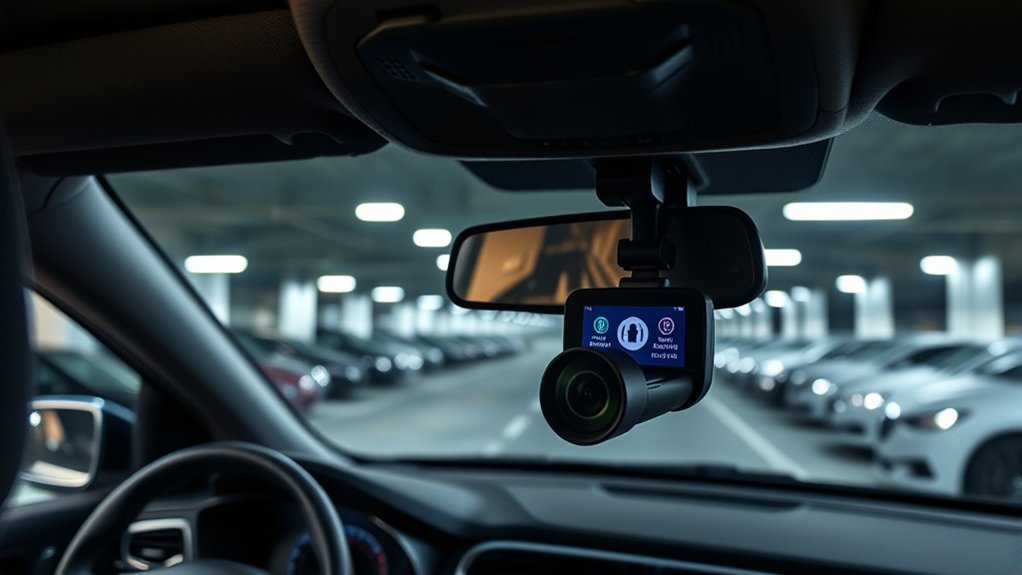
While you may appreciate the convenience of parking mode on your dash cam, various factors can greatly influence how long it lasts. The average recording duration is around 7-8 hours, depending on your car battery’s health and size. Battery voltage cut-off settings are essential, typically set between 12V to 12.2V, to prevent excessive drain. The power draw of your dash cam plays a significant role—models like Thinkware use about 200mA, allowing for longer recordings, while others may consume 400mA or more. Extreme temperatures can also impact functionality; high heat might cause shutdowns, while cold weather can hinder performance. To optimize parking mode duration, consider using battery packs or hardwiring options, which provide continuous monitoring without solely relying on your vehicle’s battery capacity. Understanding these factors will empower you to make informed choices for your dash cam setup.
Extending Battery Life for Parking Mode
Maximizing the battery life for your dash cam in parking mode is key to ensuring it captures important footage while your vehicle is stationary. To effectively extend battery life, consider these strategies:
Maximizing dash cam battery life in parking mode is essential for capturing crucial footage while stationary.
- Use a hardwire kit: This connects your dash cam directly to the vehicle’s battery for uninterrupted power without significant drain.
- Implement a trickle charger: Keeping your battery charged while parked can greatly enhance recording times.
- Adjust motion detection sensitivity: Lowering sensitivity minimizes unnecessary recordings, conserving precious battery life.
- Choose premium features: Opt for low bitrate recording or time-lapse mode; these consume less power and optimize battery usage.
[Products Worth Considering]

【Low Voltage Protection】 Once the input voltage drops below 11.6V (23.2V for 24V input), the battery drain protection will cut off the power supply, leaving enough power to ignite the engine without damaging the battery.

【Wide Compatible】Input:12V-24V; Output:5V/2A. With Type-C ports, this hardwire kit compatible with all of dash cams.

【Input 12–24V, Output 5V/2A】The Hardwire Kit provides a direct connection from your dash cam to the vehicle's fuse box (cars, trucks, buses, SUVs, etc.) for uninterrupted power supply. Designed for compatibility with 12–24V automotive systems, this kit ensures a reliable 5V/2A output.
Advantages and Disadvantages of Using Parking Mode
Parking mode offers significant benefits for vehicle security, but it’s essential to evaluate these advantages against potential drawbacks. One of the standout advantages is that it provides 24/7 surveillance of your vehicle, capturing clear footage during incidents like vandalism or hit-and-runs, enhancing your vehicle protection. Additionally, automatic alerts for detected impacts keep you informed, allowing for immediate responses to threats.
However, there are disadvantages to evaluate. Parking mode can lead to battery drain if not set up correctly, though many dash cams feature voltage cut-off systems to help mitigate this risk. You might also encounter false alerts if your motion detection settings aren’t properly calibrated, resulting in unnecessary notifications and stress. Balancing these factors will help you make the most of parking mode while ensuring your vehicle remains secure and your battery stays charged.
Frequently Asked Questions
How Long Will a Dash Cam Stay in Parking Mode?
Your dash cam’s parking mode duration can vary, typically lasting 7-8 hours. Factors like battery life implications, motion detection sensitivity, and user settings adjustment impact this, along with event recording intervals and storage management.
Does Dash Cam Parking Mode Drain Battery?
Yes, dash cam parking mode can drain your battery. For instance, Thinkware models manage energy consumption effectively, providing impressive battery longevity. Use device settings wisely for ideal power management and enhanced vehicle safety during parking surveillance.
What Does 24 Hour Parking Mode Mean on a Dash Cam?
24-hour parking mode means your dash cam offers continuous recording with surveillance features. It uses motion detection and event triggering to enhance safety benefits while monitoring battery life, ensuring your vehicle’s security even when parked.
What Is the Parking Mode on My Car?
When it comes to your car, parking mode enhances security like a hawk. It employs motion detection for video recording, ensuring you capture accident evidence while managing battery life. Installation tips help optimize these surveillance features effectively.
Conclusion
In conclusion, parking mode enhances your dash cam’s functionality by providing peace of mind, capturing vital evidence, and increasing security. Whether you prefer buffered recordings for added context or cloud storage for remote access, each option has its benefits. By understanding triggers, settings, and battery management, you can maximize your dash cam’s potential. Embrace the advantages of parking mode, weigh the disadvantages, and make an informed choice that protects your vehicle while you’re away.





Leave a Reply