
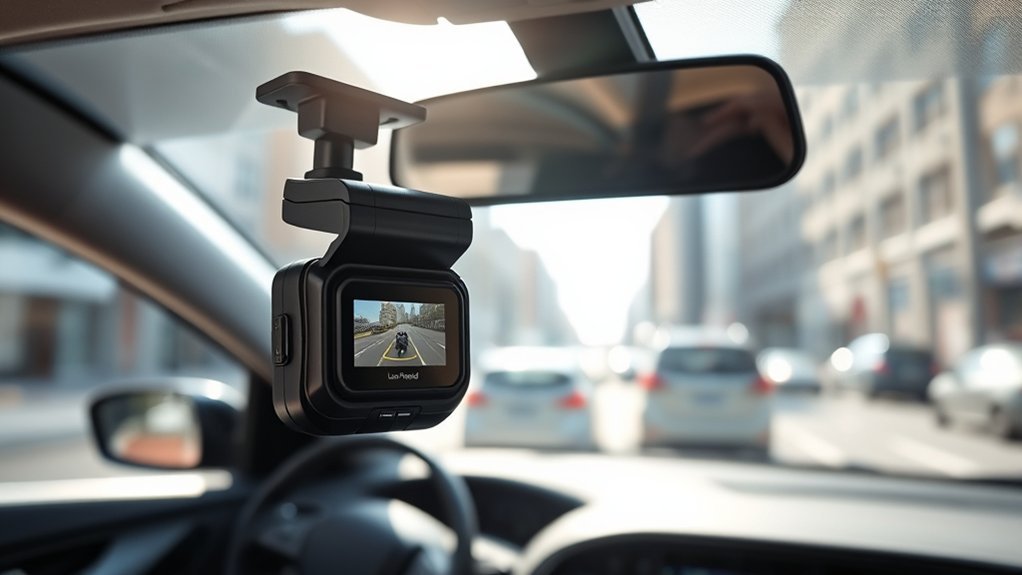
Loop recording on a dash cam is an essential feature that lets you continuously capture video by automatically overwriting the oldest clips. This guarantees you always have access to the most recent footage, which matters for safety and legal protection. The footage is segmented into manageable clips, typically between 1 to 5 minutes, making it easier to organize. With the right settings, you can safeguard important incidents while avoiding storage hassle. You’ll discover more tips on optimizing this feature shortly.
What Is Loop Recording and Why Is It Important for Dash Cams?
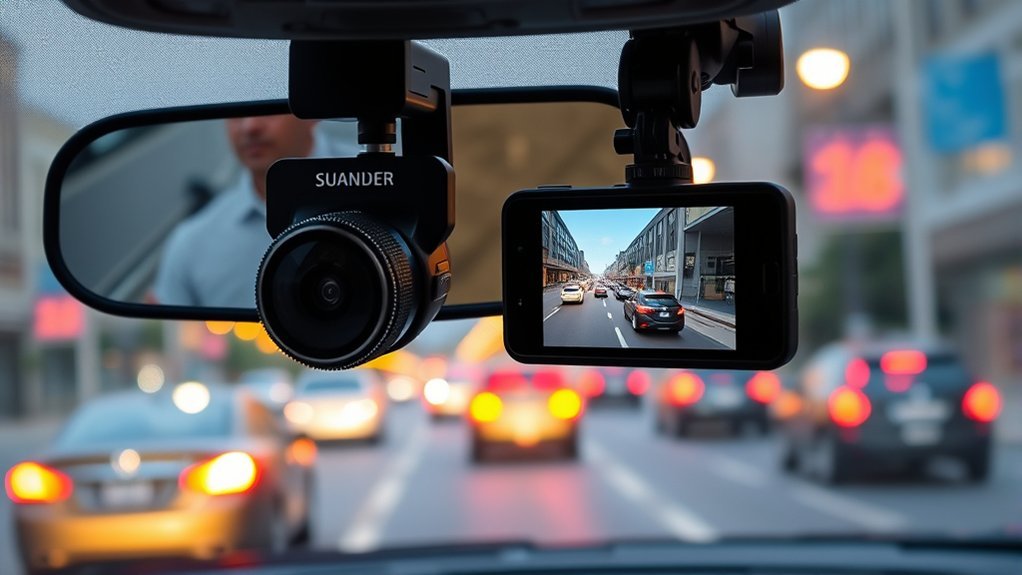
When you’re on the road, having a dash cam with loop recording can be a game-changer. This feature enables continuous recording by automatically overwriting the oldest video files once your memory card reaches capacity. You’ll always have access to recent footage, which is essential for driving safety and peace of mind. Loop recording segments video into shorter clips, typically 1 to 5 minutes, making it easier for you to manage and retrieve specific incidents.
The built-in G-sensor plays an important role too. It detects collisions or hard braking, locking current video clips to prevent them from being overwritten. This guarantees that crucial evidence remains available, especially during accidents or disputes. For both casual drivers and professional fleet managers, loop recording eliminates the hassle of manual storage management, allowing you to drive freely, knowing that your dash cam is always capturing the significant moments on the road.
How Does Loop Recording Work to Ensure Continuous Filming?
Loop recording segments your dash cam footage into short clips, usually between 1 to 5 minutes, making file management straightforward. Once the memory card fills up, the system automatically overwrites the oldest files, ensuring you never miss a moment. This seamless process keeps your recording continuous and efficient without manual intervention.
Video Segmentation Process
As your dash cam captures every moment on the road, it employs a video segmentation process that divides footage into manageable clips, typically lasting between 1 to 5 minutes. This loop recording technique guarantees continuous recording by utilizing a First-In, First-Out (FIFO) methodology, seamlessly shifting between clips without any gaps. When the memory card reaches its capacity, the dash cam automatically identifies and overwrites the oldest video files, keeping your storage efficient. The integrated G-sensor plays an essential role, detecting collisions or hard braking and locking current video clips to safeguard critical evidence. By effectively managing video footage, your dash cam enhances your driving experience and provides peace of mind on every journey.
Automatic Overwriting Mechanism
To guarantee your dash cam captures every moment without interruption, the automatic overwriting mechanism plays an essential role in its loop recording functionality. This system segments video footage into manageable clips, typically lasting 1 to 5 minutes. When your SD card reaches capacity, it automatically overwrites the oldest files, ensuring continuous recording. Utilizing a First-In First-Out (FIFO) process, the oldest clips are deleted first, preserving your most recent recordings. The integrated G-sensor detects incidents and automatically locks current clips, safeguarding critical evidence from being overwritten. Regularly formatting the memory card also enhances functionality, optimizing the loop recording system’s performance.
| Functionality | Description |
|---|---|
| Loop Recording | Segments footage into short clips |
| G-Sensor | Locks clips during incidents |
| Overwriting Mechanism | Deletes oldest files for new footage |
Understanding the Benefits and Drawbacks of Loop Recording for Dash Cam Users
While many dash cam users appreciate the continuous recording feature that loop recording provides, it’s important to weigh its benefits against potential drawbacks. One major advantage of loop recording is that it automatically overwrites the oldest footage, ensuring you always have recent video files available. This simplifies storage management and eliminates the hassle of manual deletions. However, there’s a risk of losing essential evidence if you don’t lock clips in time during incidents; overly sensitive G-sensors can also create unnecessary locked clips, filling up your SD cards. Regularly formatting your memory card can help maintain functionality and prevent corrupted files, but it’s imperative to strike a balance between storage efficiency and data security. Ultimately, understanding these benefits of loop recording allows you to optimize your dash cam experience while safeguarding critical evidence on the road.
How Long Should Each Recording Segment Be for Optimal Usage?
Choosing the right recording segment duration for your dash cam can greatly impact both storage capacity and usability. For most drivers, a 3-minute segment strikes a good balance, but if you frequently review footage, you might prefer shorter 1-minute clips. On the other hand, fleet managers often opt for longer segments to minimize the number of files, making it essential to tailor your settings based on how you use your dash cam.
[Products Worth Considering]

【1296P QHD & 130° Wide-Angle FOV】Equipped with a 3-megapixel camera, the 70mai dash cam M310 records in 2304 x 1296P HD high resolution, featuring almost 1.5 times clearer than the standard 1080P dash cams. The dash cam front can easily capture license plates, road signs, and other critical details on the road. With 130° wide-angle FOV, this dash cam enables you to monitor more lanes with fewer blind spots

【4K 2160P Resolution Dash Cam】Capture every drive in stunning 4K UHD resolution with the Galphi front dash cam, featuring a 160-degree wide-angle lens for clear, cinematic video footage. Ideal for family cars, new drivers, and Uber/Lyft drivers, it provides reliable video evidence for accident disputes and insurance claims.

【NOTE】The dash cam has a screen saver function, the screen will close at a fixed time, to prevent being too bright and influencing driving, but it won't affect recording even when the screen is closed. If you don't like the function, you can close it on the settings.
Recommended Recording Durations
Most drivers find that a recording duration of 1 to 3 minutes per clip strikes the right balance between convenience and functionality. This ideal recording length allows for easier sharing and quicker downloads while managing video files effectively. Shorter clips, around 1 minute, help capture specific incidents without overwhelming your memory card with data. Conversely, longer clips, up to 5 minutes, work well for continuous recording during extended drives. Fleet managers often prefer these longer durations to streamline storage management by reducing the total number of generated files. Ultimately, choosing the right recording duration depends on your individual needs, but sticking within this 1 to 3-minute range enhances usability while keeping your dash cam’s performance efficient.
Impact on Storage Capacity
When it comes to optimizing storage capacity on your dash cam, selecting the right length for each recording segment plays a crucial role. The choice often boils down to 1, 3, or 5 minutes. For general use, 3 minutes is typically the optimum duration, striking a balance between file manageability and ease of sharing. Shorter segments enable quicker downloads, while longer ones reduce the number of files, easing management for fleet managers. Remember, the total recording time will depend on your memory card’s size and video resolution. Regularly formatting your memory card guarantees smooth loop recording operations. Here’s a quick overview:
| Segment Length | Use Case |
|---|---|
| 1 Minute | Quick access |
| 3 Minutes | General use |
| 5 Minutes | Fleet management |
| 10 Minutes | Extended recording |
| 1080P Footage | 55 minutes on 8GB |
Common Issues That Can Prevent Loop Recording From Functioning?
Although you may expect seamless loop recording from your dash cam, several issues can disrupt this functionality. To guarantee continuous recording, keep an eye out for the following common problems:
- Disabled Loop Recording: Check your device settings; if loop recording is turned off, it won’t function.
- Locked Files: If your SD card is full of locked files, new recordings can’t be saved, halting the loop recording process.
- Malfunctioning SD Card: An improperly formatted or failing SD card can severely impact video recording capabilities.
- Overly Sensitive G-sensor: An overly sensitive G-sensor may lock videos during minor incidents, leading to insufficient space for new recordings.
Regularly monitoring your SD card’s available space is essential. Insufficient space can prevent your dash cam from overwriting old files, ultimately disrupting the loop recording process. Stay proactive to keep your footage flowing!
[Products Worth Considering]

【Dual Pack】: Each purchase includes two TF card, offering users the flexibility to expand storage capacity and manage data across multiple devices seamlessly

[NOT compatible with Switch2] Please note that this product is not a microSD Express card and is not compatible with Switch2 for game storage or save data. If used in the Switch2, it may only support limited functions such as storing screenshots or videos, but will not allow game installation or save file access.

Universal Compatibility — NOT for Nintendo Switch 2, but Compatible with Nintendo Switch. Works seamlessly with GoPro/action cams, DSLRs, drones. Always check your device's max supported capacity.
How to Protect Important Footage From Being Overwritten?
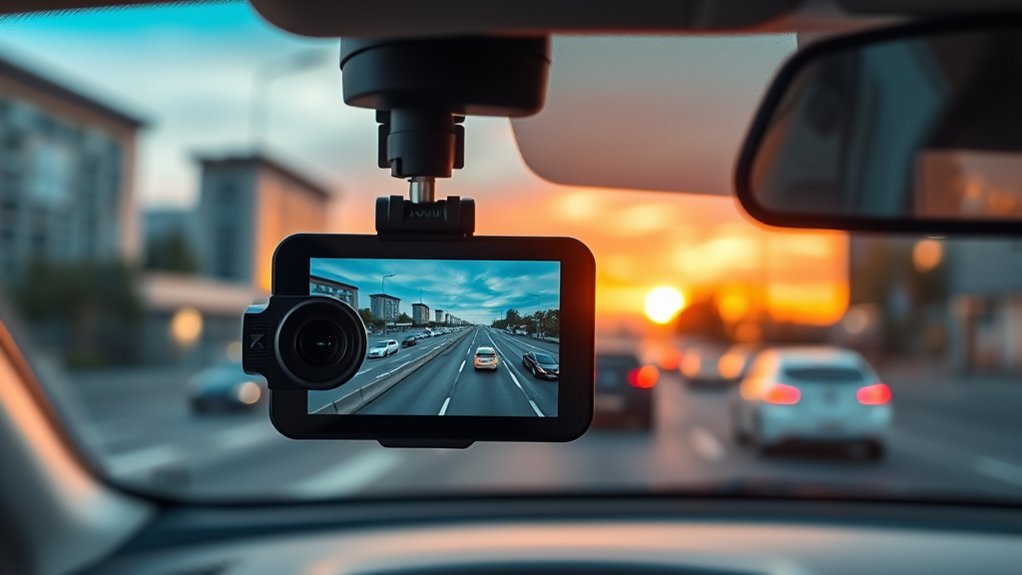
To guarantee your important footage isn’t overwritten, it’s essential to use your dash cam’s locking feature effectively. You can manually lock video clips during or immediately after an incident, making sure they stay secure in a separate Event folder. Take advantage of the G-sensor, which automatically detects collisions or hard braking, locking the corresponding footage for you.
Regularly exporting locked files to your computer or cloud storage not only preserves significant evidence but also frees up space on the SD card. To maintain peak functionality and reduce the risk of accidental overwriting, verify your SD card is properly formatted and consider using high-endurance cards specifically designed for continuous recording. Additionally, setting a shorter loop recording duration, such as 1 to 3 minutes, simplifies the management and retrieval of critical footage without overwhelming your memory card.
[Products Worth Considering]

Compatible with Nintendo-Switch (NOT Nintendo-Switch 2)

Compatible with Nintendo-Switch (NOT Nintendo-Switch 2)

EXTREME ENDURANCE FOR MONITORING DEVICES: Capture your crucial moments in high-resolution, even in harsh conditions; Engineered to deliver long lasting performance, the Samsung PRO Endurance SSD is a perfect fit for CCTV, dash cams and body cams
Frequently Asked Questions
Should I Have Loop Recording on My Dash Cam?
Yes, you should enable loop recording on your dash cam. It enhances storage management, guarantees continuous coverage, preserves accident evidence, and optimizes video quality. Adjust camera settings for emergency situations, maximizing data retention and user experiences.
What Should I Set Loop Recording To?
Set your loop recording to three minutes for a balance of file size and storage capacity impact. Consider recording quality options and user preferences analysis to enhance safety benefits across different dash cam models and application scenarios.
What Is Loop Video on Dash Cam?
Ever wondered how to maximize your dash cam’s efficiency? Loop video allows continuous recording, managing footage by overwriting old files, optimizing storage, and maintaining video quality with customizable recording intervals for user-friendly emergency overwriting and device compatibility.
How Long Is the Loop Recording on a Dash Cam?
Loop recording on a dash cam typically ranges from 1 to 10 minutes, depending on your loop duration settings. Consider your memory card capacity and video quality settings to enhance storage management and incident saving options effectively.
Conclusion
In summary, loop recording is an essential feature for dash cams, ensuring you capture every moment on the road without running out of storage. Did you know that nearly 70% of drivers experience an accident at some point in their lives? With loop recording, you can have peace of mind knowing that important footage is always being captured. Just remember to protect important clips to avoid losing critical evidence when you need it the most!







Leave a Reply