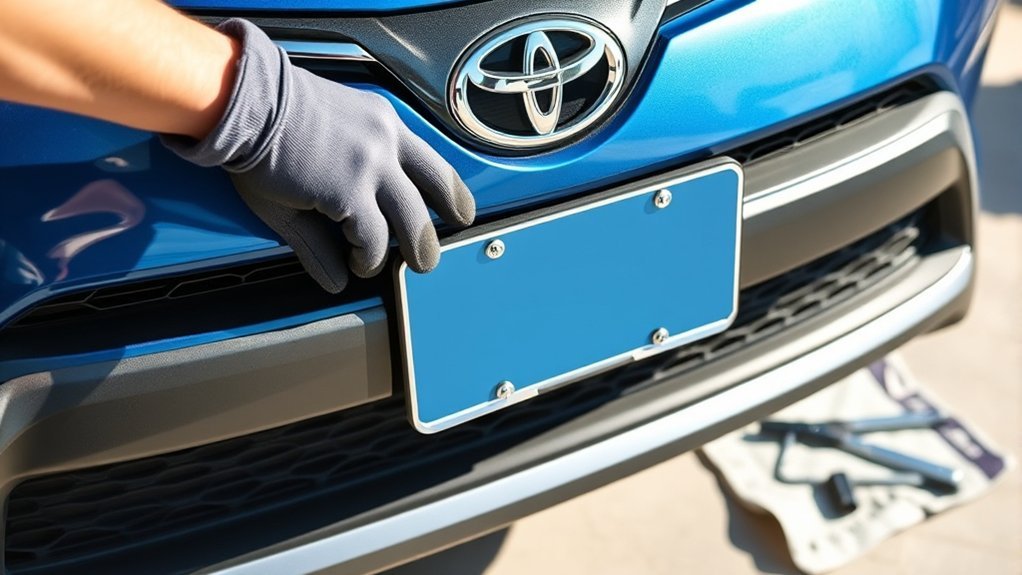
A front license plate bracket on a 2019–2025 Toyota RAV4 mounts to factory-marked points on the front bumper or grille. The job is straightforward when you have the correct trim-specific bracket and matching hardware. Before making any holes, confirm the bracket fits your exact model, inspect the mounting points, and identify which screws secure the bracket and which bolts hold the plate.
Quick Answer
To install a front plate on a 2019–2025 Toyota RAV4, align the correct bracket with the factory dimples, start both supplied bracket screws evenly, level the bracket, and tighten only until secure. Attach the plate with corrosion-resistant hardware that matches the bracket. Do not pre-drill the factory dimples or assume a universal screw size.
Key Takeaways
- This guide covers the fifth-generation 2019–2025 RAV4. The redesigned 2026 RAV4 requires its own bracket and instructions.
- Verify bracket fitment for your model year, trim, bumper design, and VIN before installation.
- Use the supplied bracket screws and a hand tool that matches their heads.
- Do not pre-drill the factory dimples for the self-tapping installation described here.
- Use corrosion-resistant plate hardware that matches the bracket threads instead of forcing a “standard” screw.
- Recheck alignment and tightness after the first few drives and during regular vehicle cleaning.
At a Glance
| Time Required | About 20–30 minutes |
| Difficulty | Easy, provided the correct bracket and hardware are available |
| Tools Needed | Hand driver or socket matching the supplied hardware, cleaning cloth, and optional small level or measuring tape |
| Cost | No added cost if the vehicle already has the correct bracket and hardware; replacement-bracket cost varies by trim and supplier |
What’s in This Article
Confirm Your RAV4 and Bracket
This procedure is intended for the 2019–2025 Toyota RAV4, which belongs to the fifth generation. Toyota introduced an all-new sixth-generation RAV4 for 2026, with a different front-end design. A bracket that fits a 2019–2025 bumper should not be assumed to fit a 2026 model.
Bracket shape can also vary within the 2019–2025 range because of trim, grille, bumper, production location, and powertrain differences. Before installation, compare the bracket against the bumper and confirm fitment by VIN through a Toyota dealer or a reliable Toyota parts catalog.
Note: A correct bracket should follow the bumper or grille contour and place its mounting holes directly over the factory marks. If you must bend, twist, or force it into position, stop and verify the part.
Tools and Hardware Needed
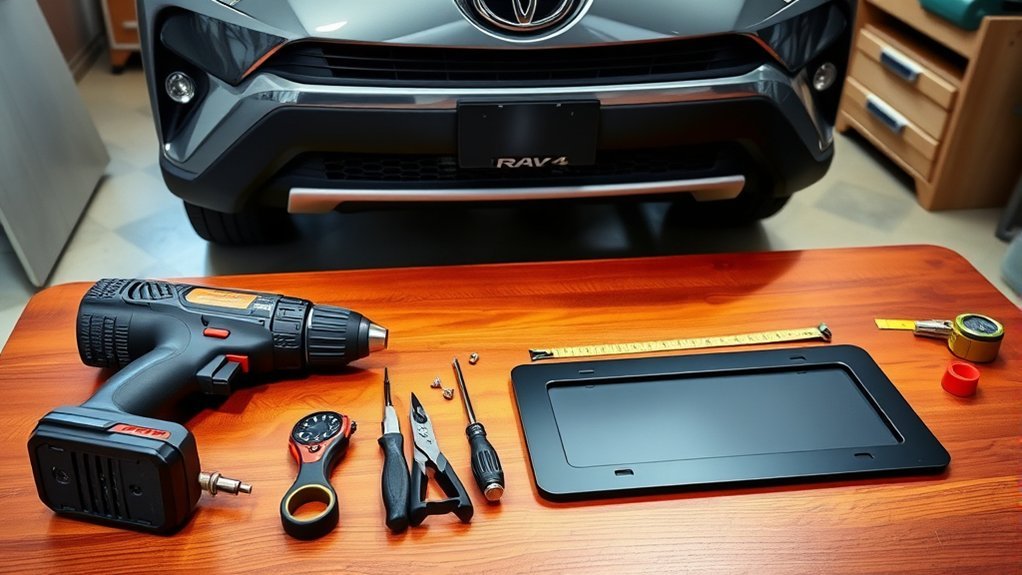
Gather the bracket, plate, and all hardware before you begin. Do not assume every RAV4 bracket uses the same screw head or thread.
- Front license plate bracket that fits your exact RAV4 configuration
- Bracket-to-bumper screws supplied with the bracket, usually self-tapping for a factory-style installation
- Two corrosion-resistant bolts or screws that match the plate-mounting holes in the bracket
- Hand screwdriver, nut driver, or small socket that fits the supplied fastener heads
- Clean microfiber cloth and mild vehicle-safe cleaner
- Optional measuring tape or small level
A Phillips screwdriver or a small hex driver may fit some bracket screws, but inspect the hardware before choosing the tool. Use a hand tool rather than an impact driver so you can feel when a screw becomes snug.
| Hardware | Purpose | What to Check |
| Bracket screws | Secure the plastic bracket to the bumper or grille | Use the screws supplied for the exact bracket |
| Plate bolts or screws | Hold the metal plate to the installed bracket | Confirm thread type, diameter, length, and clearance behind the bracket |
Toyota’s published procedure for the redesigned 2026 RAV4 Hybrid specifies two noncorroding plate bolts measuring 6.0 mm in diameter and 15.0 mm long. However, the 2026 RAV4 is a different generation, so do not treat that measurement as an automatic specification for a 2019–2025 bracket.
Before You Begin
Park the RAV4 on a flat surface, set the parking brake, and switch the vehicle off. Clean the bumper or grille area where the bracket will sit. Trapped dirt can keep the bracket from lying flat and may scratch the finish.
Find the small factory dimples or molded marks intended for the bracket. Then hold the bracket in place without installing any screws. Confirm that:
- The bracket follows the shape of the bumper or grille.
- The bracket mounting holes align with the factory marks.
- The plate-mounting holes face outward and remain accessible.
- The bracket does not cover a light, camera, sensor, or important grille opening.
- There is enough clearance behind the bracket for the plate bolts.
Warning: Do not pre-drill the factory dimples for the self-tapping installation described in this guide. Do not drill a separate relief hole unless the instructions for your exact Toyota bracket specifically require one and identify its location and size.
Driving a supplied self-tapping bracket screw into a factory dimple is not the same as drilling an unmarked hole. If the dimples are missing, hidden, or do not match the bracket, stop and ask a Toyota dealer or qualified body technician to confirm the correct mounting location.
Step-by-Step Installation
Estimated time: About 20–30 minutes.
- Clean the mounting area. Remove dirt, wax residue, and grit from the bumper or grille.
- Test-fit the bracket. Hold it against the front fascia and confirm that its mounting holes align with the factory dimples.
- Position the first bracket screw. Place the tip of one supplied screw in its factory dimple. Turn it with light hand-tool pressure until it begins to hold, but leave it loose enough for adjustment.
- Start the second screw. Install the other bracket screw in the same way. Starting both screws before tightening either side helps prevent a crooked mount.
- Lift and level the bracket. Adjust the bracket until its top edge appears level with the surrounding bumper or grille line.
- Tighten the bracket evenly. Alternate between the two screws and stop when the bracket sits securely without bending or crushing the plastic.
- Attach the license plate. Place the plate against the bracket and install corrosion-resistant hardware that matches the bracket threads.
- Check bolt clearance. Confirm that the plate bolts do not bottom out against the bumper or push the bracket away from the fascia.
- Inspect the finished mount. Make sure the plate is level, visible, flat against the bracket, and unable to rattle.
Do not use excessive force or continue turning a fastener after the bracket is secure. Toyota does not provide a universal bracket torque specification for every 2019–2025 configuration, so “snug without distortion” is safer than guessing a torque value.
Align and Level the Bracket
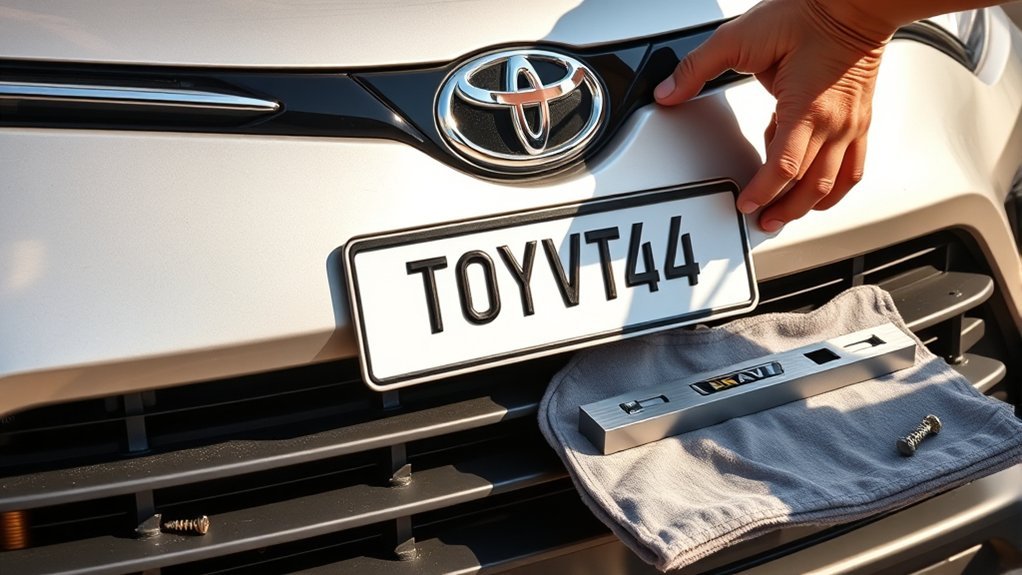
Use Both Factory Marks
Both bracket mounting holes should align with their factory marks. If one side aligns but the other does not, verify the bracket part before making a hole. A mismatched bracket may still appear close enough to install, but forcing it can leave the plate crooked or damage the grille.
Tighten Each Side Gradually
Turn each bracket screw a little at a time instead of fully tightening one side first. Alternating sides keeps the bracket from rotating or twisting as it seats against the bumper.
Check the Bracket From Several Angles
View the bracket from straight ahead and from both front corners. Compare its upper edge with a nearby horizontal bumper or grille line. A small level or equal measurements to fixed bumper features can help, but a visual check is usually enough.
Pro Tip: Take a straight-on phone photo before attaching the plate. A photo often makes a slight tilt easier to see than looking at the bracket from close range.
If one side appears high, loosen both bracket screws slightly, reposition the bracket, and tighten them evenly again. Do not try to level the plate by bending it.
Troubleshooting Common Problems
| Problem | What to Do |
| Bracket looks crooked | Loosen both bracket screws, realign the bracket with the factory marks, and tighten each side gradually. |
| Screw will not start | Confirm that the screw is at the correct dimple, the bracket is correctly oriented, and the supplied screw is being used. Do not force it at an angle. |
| Bracket holes do not match the dimples | Stop. Verify the bracket against the VIN, trim, grille, bumper, and production configuration. Do not create new holes to make an incorrect bracket fit. |
| No factory dimples are visible | Check behind removable trim only when your bracket instructions direct you to do so. Otherwise, have a Toyota dealer or body technician identify the intended mounting location. |
| Bracket remains loose | Confirm that the supplied bracket screws are present and seated correctly. If the screws turn without tightening, the plastic mounting point may be damaged. |
| Mounting hole feels stripped | Stop tightening. Do not automatically install a larger screw because it can split the bracket, grille, or bumper. Ask a dealer or body-repair professional to inspect the mounting point. |
| Plate bolt bottoms out | Remove it and use correctly threaded hardware with an appropriate length. Do not continue tightening a bolt that is pressing against the bumper. |
| Plate rattles while driving | Check both bracket screws and both plate fasteners. Make sure the plate lies flat and that an added plate frame is not contacting the bumper. |
Final Installation Checks
Visual Alignment Check
Stand several feet in front of the RAV4 and confirm that the plate sits level with the front fascia. Check it from both front corners as well. If you want a more exact comparison, measure from each side of the bracket to matching bumper or grille features.
Screw Tightness Evaluation
Each fastener should sit straight and securely. The plastic around the screws should not be bent, crushed, whitened by stress, or pulled inward. Stop tightening as soon as the bracket and plate no longer shift.
Stability Inspection
Hold the bracket gently and pull forward with light pressure. It should remain attached without flexing excessively or clicking against the bumper. Do not bend the plate or use enough force to damage the plastic.
| Check | Pass Condition |
| Alignment | Plate appears level and centered in its intended mounting area |
| Bracket seating | Bracket follows the bumper or grille contour without gaps caused by incorrect hardware |
| Fastener condition | Fasteners are straight and snug with no visible plastic distortion |
| Clearance | Hardware does not contact the bumper, and the mount does not block lights, sensors, cameras, or major grille openings |
| Stability | Bracket and plate do not shift or rattle under gentle hand pressure |
Maintenance, Laws, and Alternative Mounts
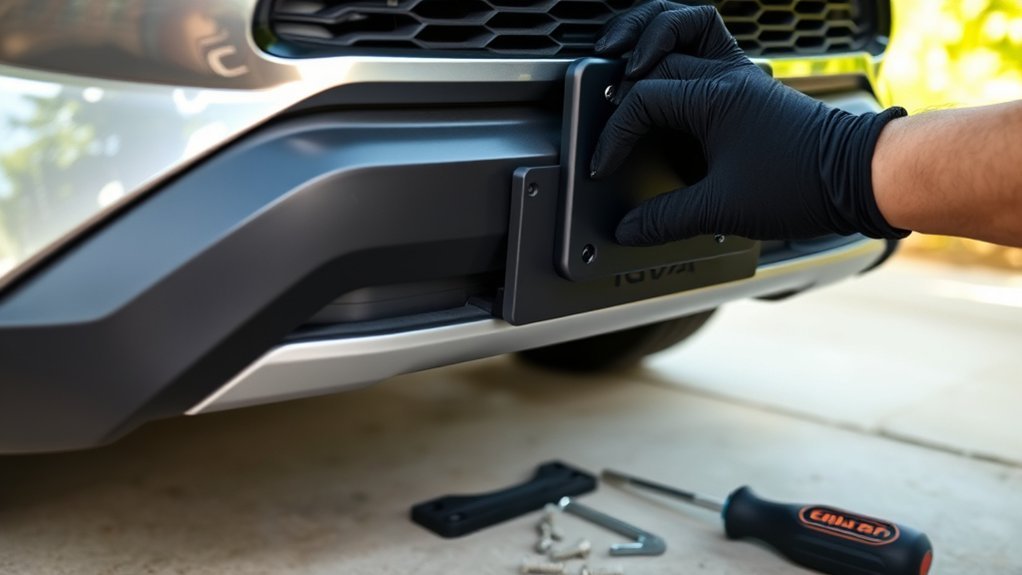
Regular Stability Checks
Inspect the bracket after the first few longer drives because newly installed hardware can settle. After that, look at it while washing the vehicle or performing routine maintenance. Check for loose fasteners, cracked plastic, shifting, corrosion, or contact between the plate and bumper.
If you hear a new rattle, inspect the plate promptly. A loose metal plate can enlarge bracket holes, wear the bracket surface, or mark the bumper.
Compliance With Local Laws
Front plate requirements depend on the jurisdiction where the vehicle is registered and operated. Some authorities issue two plates and require one at the front, while others issue or require only a rear plate.
- Confirm whether a front plate is required by your registering authority.
- Keep the plate securely attached, upright, visible, and legible.
- Do not cover identifying characters with an oversized frame or tinted cover.
- Review the rules again after moving or registering the RAV4 in another jurisdiction.
For example, California Vehicle Code sections 5200 and 5201 require both issued plates to be attached and require plates to be securely fastened and clearly visible. Requirements and penalties differ elsewhere, so consult the official motor-vehicle agency for your location. This article is general installation information, not legal advice.
Alternative and No-Drill Mounts
If your RAV4 does not have a usable factory bracket location, use a vehicle-specific alternative mount rather than a universal bracket that requires random holes. Possible designs include grille-mounted and towing-eyelet-mounted brackets, but compatibility varies.
An alternative mount must remain secure and must not block cooling airflow, lights, cameras, radar equipment, parking sensors, or other safety-related components. Check its position through the full range of normal vehicle use, including car washes and front towing-eyelet access when applicable.
Frequently Asked Questions
How do you install a front plate on a Toyota RAV4?
Verify that the bracket fits your exact RAV4, align its mounting holes with the factory dimples, and start both supplied bracket screws. Level the bracket, tighten the screws evenly until secure, and attach the plate with corrosion-resistant hardware that matches the bracket threads.
Does a RAV4 lawsuit or recall affect front plate installation?
An unrelated lawsuit or recall does not normally change the bracket-installation procedure. However, check your VIN with the official NHTSA recall lookup and follow any Toyota instructions that apply to the front bumper, grille, sensors, or other affected parts.
How do you put a front plate on a car that does not have a factory bracket?
Use a model-specific mount designed for the vehicle’s bumper, grille, or towing-eyelet location. Do not drill an unmarked area until the vehicle or bracket manufacturer confirms the mounting position. Make sure an alternative mount does not block airflow, lights, cameras, radar, or parking sensors.
What size screw fits a Toyota RAV4 license plate?
There is no safe universal size for every RAV4 bracket. Use the hardware supplied with the exact bracket or match its thread diameter, pitch, and available depth. Do not interchange a self-tapping screw with a machine-thread bolt simply because the outside diameter looks similar.
Do you have to drill holes for a RAV4 front plate bracket?
For the factory-style installation described here, the supplied self-tapping screws are driven at the factory dimples, so you should not pre-drill those dimples. Some exact bracket procedures may call for separate relief holes in identified locations. Drill only when the model-specific instructions clearly require it.
Why does my RAV4 bracket not line up with the factory dimples?
The bracket may be upside down, intended for another trim or bumper, or incorrect for the vehicle’s production configuration. Stop before drilling and verify the part by VIN. A correct bracket should align without being bent or forced.
Will a 2019–2025 RAV4 bracket fit a 2026 RAV4?
Do not assume it will. Toyota redesigned the RAV4 for 2026, including its front-end styling and mounting layout. Use a bracket listed for the exact 2026 trim and confirm fitment before installation.
Sources
- Toyota T-SB-0091-25: 2026 RAV4 Hybrid Pre-Delivery Service — bracket alignment, factory dimples, mounting screws, and published 2026 plate-bolt dimensions
- Toyota USA Newsroom: All-New 2026 RAV4 — confirms that the 2026 model begins the sixth generation
- Toyota 2019 RAV4 Manuals and Warranties — official fifth-generation owner-document access
- Toyota 2025 RAV4 Manuals and Warranties — official 2025 model documentation
- California Vehicle Code, Article 9 — official example of front-plate and secure-display requirements
- NHTSA Recall Lookup — VIN-based recall verification
Conclusion
A secure Toyota RAV4 front plate installation begins with the correct bracket, not with a drill. For a 2019–2025 RAV4, confirm fitment, align the bracket with the factory dimples, start both supplied screws evenly, and tighten only until the plastic is secure. Match the plate hardware to the bracket threads, check clearance behind the bolts, and inspect the mount again after the first few drives.
If the bracket does not follow the bumper shape or its holes do not match the factory marks, stop rather than creating new holes. Verifying the part by VIN is safer and usually less expensive than repairing a damaged grille or bumper.
