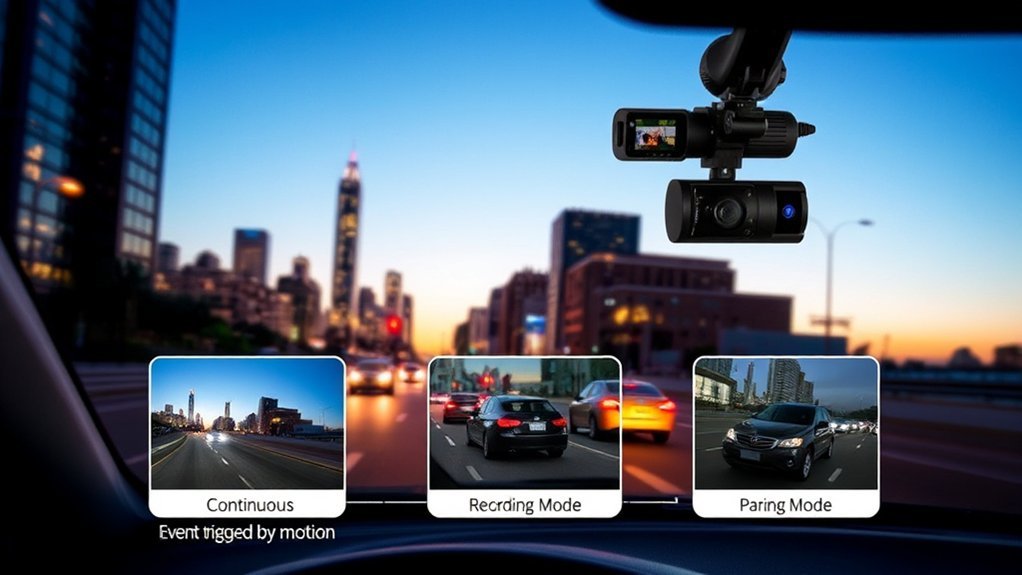
A dash cam can only protect you well when you understand how it records. Some modes capture every drive, while others save only key moments such as impacts, motion, or manual clips. This guide explains the main dash cam recording modes, how they work, and what you should check before you rely on them.
What’s in This Article
- What Recording Modes Do Dash Cams Offer?
- How Does Loop Recording Work on Dash Cams?
- Understanding Parking Mode: How Dash Cams Protect Your Vehicle
- Do Dash Cams Record When Your Car Is Off?
- Why Continuous Recording Matters for Your Dash Cam
- Troubleshooting Common Dash Cam Recording Issues
- Finding the Right Dash Cam for Your Needs
- Frequently Asked Questions
Quick Answer
Most dash cams use loop recording as the main mode, so they record short video clips and overwrite old unlocked clips when the card fills up. Parking mode can record when your car is off, but it needs the right power setup. G-sensor or incident recording protects important clips after an impact, so the camera does not overwrite them during normal loop recording.
Key Takeaways
- Use loop recording so your dash cam can manage storage without manual file deletion.
- Check parking mode if you want the camera to watch your car while it’s parked.
- Use a hardwire kit or dash cam battery pack if you need parked recording for long periods.
- Choose a high endurance microSD card because dash cams write video files often.
- Review locked files often so old incident clips do not fill your memory card.
What Recording Modes Do Dash Cams Offer?
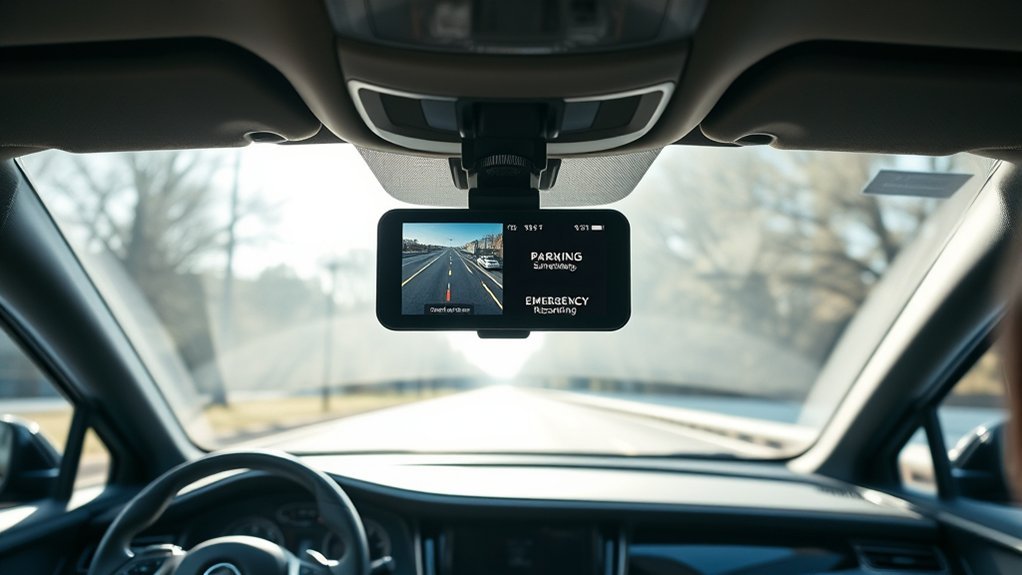
Dash cams offer several recording modes, and each mode serves a clear purpose. The most common modes include loop recording, parking mode, incident recording, manual recording, and continuous recording while driving.
Loop recording records video in short clips and overwrites the oldest unlocked clips when the memory card becomes full. Parking mode watches your vehicle while it’s parked and can record after motion or impact, depending on the model.
Incident recording uses a G-sensor to detect sudden force, then protects footage around that event. Manual recording lets you press a button to save a clip when you see something important.
Continuous recording captures your drive without gaps while the dash cam has power and enough working storage. You should pair this mode with a high endurance memory card because dash cams write data often.
Note: Some brands use different names for these modes, so check your dash cam manual before you rely on a feature.
How Does Loop Recording Work on Dash Cams?
Loop recording helps your dash cam record without stopping when the memory card fills up. The camera saves video in short segments, often 1, 3, or 5 minutes long, then manages old clips on its own.
- The dash cam records each drive in short video files.
- When storage fills up, the camera overwrites the oldest unlocked files first.
- The camera keeps newer footage available without making you delete files by hand.
According to Nextbase, dash cams use loop recording so older unused footage can get recorded over when storage runs out. Garmin and other dash cam brands also use protected event files, so impact clips stay safer from normal overwriting.
Loop recording does not mean every old clip stays forever. You should download important footage soon after an incident because normal files can disappear once the camera needs space.
Understanding Parking Mode: How Dash Cams Protect Your Vehicle
Parking mode helps your dash cam watch your vehicle when you’re not driving. Many models start recording when they detect motion, impact, or vibration near the car.
This mode can help document vandalism, hit-and-run damage, theft attempts, or parking lot contact. Some dash cams stay in a low-power state and wake only when the sensor detects activity.
A parked car still needs power for the camera to record. Many drivers use a hardwire kit, an always-on power socket, or a dedicated dash cam battery pack.
Garmin says its Parking Guard feature needs a constant power source, such as an always-on 12V port or a constant power cable. Garmin also notes that its constant power cable can shut down when it detects low vehicle battery voltage.
Warning: Do not rely on parking mode until you confirm your power setup protects your vehicle battery from deep discharge.
Do Dash Cams Record When Your Car Is Off?
Yes, some dash cams can record when your car is off, but only if the model supports parking mode and has power. A basic 12V socket may lose power after you turn off the car, so the dash cam may stop recording.
Parking mode usually records in one of three ways:
- Impact-triggered recording: The camera records after a bump or hit.
- Motion-triggered recording: The camera records when it sees movement near the vehicle.
- Low-bitrate or time-lapse recording: The camera records longer parked footage while using less storage.
Parking Mode Functionality
While you’re away from your vehicle, a dash cam with parking mode can act as a watchful record keeper. The exact behavior depends on the brand, model, sensor, and power source.
- Enter low-power mode: The dash cam saves power while it waits for activity.
- Detect motion or impact: The camera wakes when sensors detect movement, force, or vibration.
- Protect the incident clip: The camera saves footage that may help with insurance claims or police reports.
Nextbase says its Intelligent Parking Mode can record a bump or physical movement while your vehicle sits unattended. Some models record a protected clip after impact, then shut down again if they detect no further activity.
Continuous Power Options
You need the right power source if you want parked recording after the engine turns off. Many drivers choose a hardwire kit because it connects the dash cam to the vehicle’s electrical system.
Some hardwire kits include low-voltage cutoff protection. This feature turns the dash cam off when the vehicle battery drops too low, which helps reduce the risk of a no-start situation.
A dedicated battery pack gives you another option. It powers the dash cam without drawing directly from your car battery after you park.
Why Continuous Recording Matters for Your Dash Cam
Continuous recording matters because incidents can happen before you notice them. A dash cam that records your whole drive gives you a clearer timeline before, during, and after a road event.
Loop recording and G-sensor protection work together. Loop recording manages storage, while the G-sensor protects important footage when the camera detects an impact.
Uninterrupted Evidence Capture
Continuous recording gives you a full driving record while the dash cam has power. This can help when another driver disputes what happened.
- Capture the full timeline: You can review what happened before and after an incident.
- Reduce manual work: Loop recording handles old files without daily cleanup.
- Protect impact footage: G-sensor clips can stay locked so normal loop recording does not erase them.
High-capacity cards, such as 128 GB or 256 GB cards, can store more footage than smaller cards. Actual recording time still depends on resolution, frame rate, bitrate, number of cameras, and file settings.
Enhanced Vehicle Security
Parking mode can improve vehicle security when you park in a public lot, apartment garage, or street space. It may capture the person, vehicle, direction of travel, or license plate involved in an event.
This footage can support a police report or insurance claim, but it does not replace safe parking habits. Park in well-lit areas, avoid leaving valuables visible, and check your camera angle often.
Troubleshooting Common Dash Cam Recording Issues
Dash cam recording issues often come from storage, settings, power, or heat. Start with the simple checks before you replace the camera.
- Enable loop recording: Turn loop recording on so the camera does not stop when storage fills up.
- Review locked files: Delete or back up old protected clips because too many locked files can fill the card.
- Use a high endurance microSD card: Standard cards may fail faster under constant video writing.
- Format the card in the camera: Follow your manual and format the card on a regular schedule.
- Check the power cable: Loose plugs, weak adapters, or poor hardwire connections can cause recording gaps.
SanDisk says its High Endurance and Max Endurance microSD cards suit dash cams and other video recording devices. You should still confirm the card type, speed rating, and maximum capacity your dash cam supports.
Pro tip: Format your memory card inside the dash cam, not just on your computer, so the camera uses the right file system.
Finding the Right Dash Cam for Your Needs
Choose a dash cam by matching its recording modes to how you drive and park. A commuter may need reliable loop recording, while a street-parked car may need strong parking mode.
Use the table below to compare the main features:
| Feature | Why It Matters | Recommended Specs |
|---|---|---|
| Loop Recording | Keeps recording when storage fills | Yes |
| Parking Mode | Watches the car while parked | Yes, with proper power |
| Video Quality | Helps show details clearly | 1440p or higher |
| SD Cards | Stores more video clips | High endurance, 128 GB or 256 GB if supported |
| GPS Tracking | Adds speed and location data | Useful, but optional |
Also check the app quality, warranty, night recording, heat rating, and rear camera support. These details affect daily use more than a long feature list.
Frequently Asked Questions
Can a Dash Cam Still Record When a Car Is Off?
Yes, a dash cam can record while your car is off if it supports parking mode and still has power. You may need a hardwire kit, always-on socket, or separate battery pack.
Can a Dash Cam Record Continuously?
Yes, many dash cams can record continuously while driving. They usually use loop recording, so the camera overwrites old unlocked clips when the memory card fills up.
How Do You Know if Your Dash Cam Is Recording?
Check the recording light, screen icon, voice alert, or app status for your model. You should also review sample footage after setup to confirm the camera saves files correctly.
What Is the Downside of a Dashcam?
A dash cam can create privacy concerns, storage problems, installation costs, and possible battery drain in parking mode. Local rules may also limit audio recording or how you share footage.
What Size Memory Card Do You Need for a Dash Cam?
Many drivers use 128 GB or 256 GB cards if their dash cam supports them. Higher resolution, rear cameras, and high bitrate settings need more space.
Conclusion
The best dash cam recording mode depends on what you need to protect: your drive, your parked car, or specific incident clips. Start with loop recording, then add parking mode if your car spends time in risky parking areas.
Check your power setup, memory card type, and locked files before you trust the camera in a real incident. A well-set-up dash cam gives you clearer evidence and more confidence every time you drive or park.
References
- Dash Cams | Front & Rear Dash Cameras — Nextbase
- Dash Cam Features — Nextbase
- Using the Parking Guard Feature on a Garmin Dash Cam — Garmin Support
- Vehicle Battery Impact While Using a Garmin Dash Cam in Parking Guard — Garmin Support
- Specialty Memory Cards for Dash Cams, Drones, and More — SanDisk
