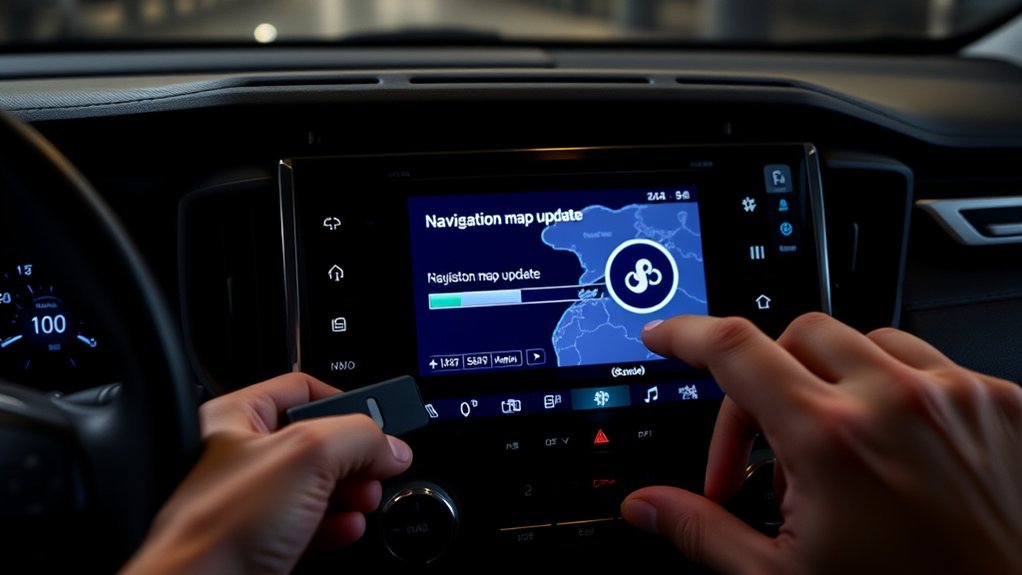
To update the GPS in your Toyota RAV4, start by identifying your model year. If it’s pre-2019, download the Naviextras Toolbox on a compatible computer, format a USB drive to FAT32, and sync it with your navigation system. For 5th generation models, enjoy automatic cloud-based updates. Consider subscriptions for regular map updates and access real-time traffic. There are methods to troubleshoot common issues, and plenty of tips await to optimize your navigation experience.
Accessing Your Toyota RAV4 Navigation Updates
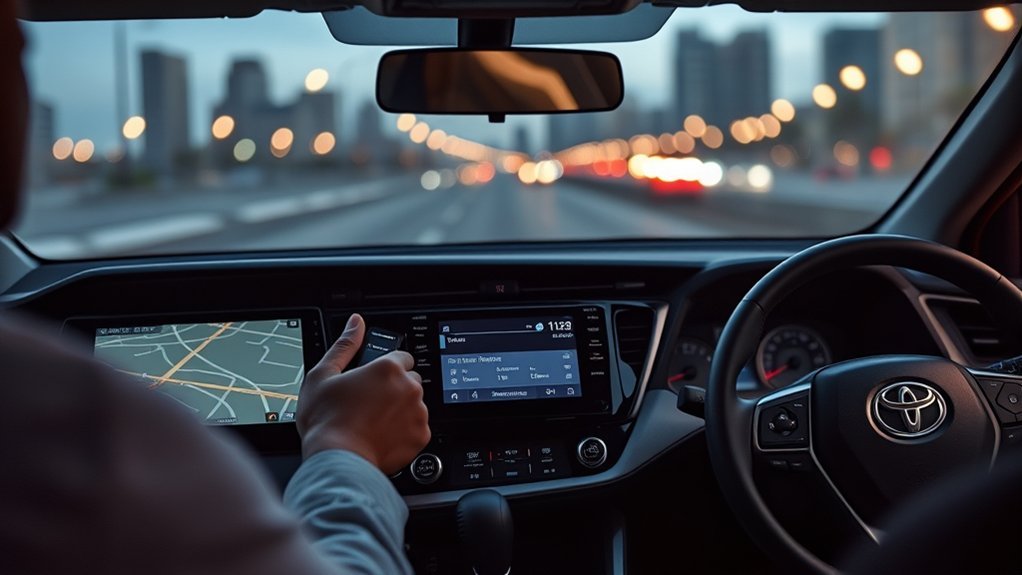
To access navigation updates for your Toyota RAV4, you’ll first need to determine your vehicle’s model year, as the process varies. If you own a 5th generation model, your navigation system features cloud-based data, which means you won’t need manual map updates. For models prior to 2019, you’ll require the Naviextras Toolbox and a USB flash drive. Start by downloading the correct version of the map update, ensuring your regional settings are accurate. After that, synchronize the USB flash drive with your navigation system via the Navigation Main Menu. Keep in mind that an $80 annual subscription fee is necessary for the map/navigation connect service, granting you access to updated traffic information.
Understanding Your Navigation Subscription Options
While exploring the options for your Toyota RAV4’s navigation subscription, it’s essential to understand the costs and benefits associated with each choice. The system utilizes cloud-based navigation data, eliminating the need for physical map updates. Here’s a quick comparison of your options:
| Subscription Type | Cost | Key Features |
|---|---|---|
| Standard Navigation | $80/year | Updated traffic information |
| Dynamic Navigation | $8/month | Continuous map updates |
| Free Alternatives | Free | Apps like Google Maps, Waze |
After the first year, Dynamic Navigation requires a subscription for uninterrupted service. While some users prefer free apps due to high costs, understanding these options helps you make an informed choice that suits your needs.
Preparing Your USB Drive for Manual Map Updates
Preparing your USB drive for manual map updates in your Toyota RAV4 is a straightforward process that guarantees your navigation system stays current. First, verify your USB drive is empty and formatted to FAT32, with a recommended size of at least 32GB. This step is essential for successful map updates. You’ll need a broadband internet connection to download the necessary map updates. Next, install the Naviextras Toolbox application on a compatible computer—Windows 7 or later or macOS (latest and two earlier versions). After downloading the updates, insert the USB drive into your navigation system. Access the Navigation Main Menu and follow the prompts to confirm the update process, guaranteeing a smooth installation of the latest map updates.
Downloading the Naviextras Toolbox for Map Updates
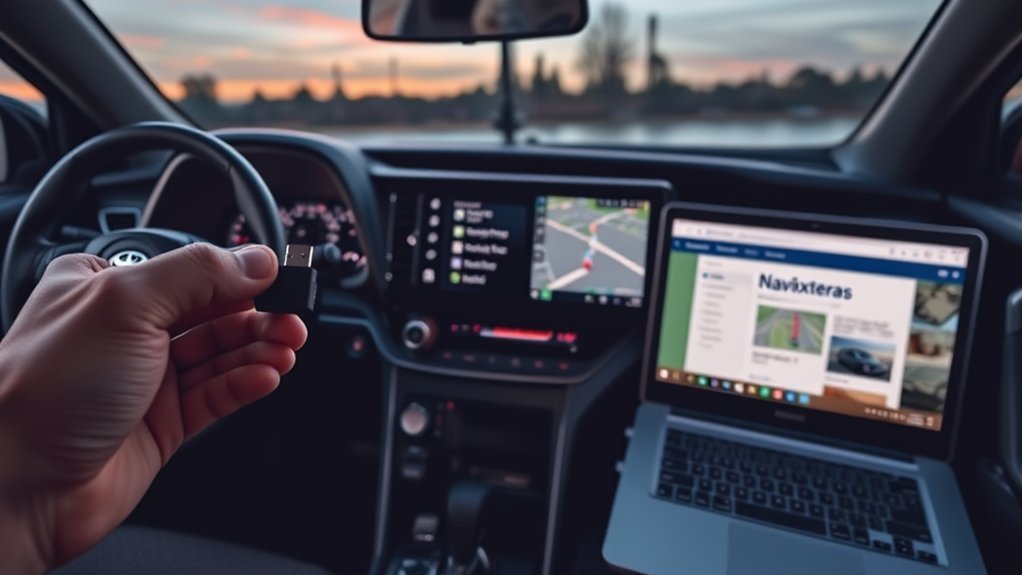
Downloading the Naviextras Toolbox is an essential step for keeping your Toyota RAV4’s navigation system up to date. Start by visiting toyota-carmax.welcome.naviextras.com from a computer running Windows 7 or later or macOS (latest and two previous versions). Make sure you have an empty FAT32 formatted USB flash drive, ideally at least 32GB, ready to store navigation data. Once you’ve installed the Naviextras Toolbox application, insert the formatted USB into your computer so the application can recognize it. Log in with your account credentials; if you forget your password, use the recovery option. After logging in, navigate to the Available Update menu to download and install the latest map updates for your navigation system.
How to Synchronize Your USB Drive
To synchronize your USB drive with the navigation system, first, insert the FAT32 formatted USB flash drive into the navigation unit and turn on the head unit. Follow these steps to complete the synchronization:
To sync your USB drive with the navigation system, insert a FAT32 formatted drive and turn on the head unit.
- Access the Navigation Main Menu by pressing the Navigation icon.
- Select the Update option from the menu.
- Choose the “Download System Information to USB” option to transfer necessary data to your USB drive.
Once the synchronization is complete, a “System Information Download Complete” screen will appear. This indicates that you can safely remove the USB drive. Remember, you’ll need a broadband internet connection available for downloading updates when you later use the Naviextras Toolbox on your computer.
Installing Map Updates on Your RAV4
To install map updates on your RAV4, you’ll need an empty FAT32 formatted USB flash drive of at least 32GB and a stable internet connection. Start by downloading the necessary files using the Naviextras Toolbox application on your computer. Once you’ve prepared your USB drive, you can follow the installation steps to update your navigation system.
Required Tools For Updates
Updating the GPS in your Toyota RAV4 requires a few essential tools to guarantee a smooth process. Here’s what you need:
- USB flash drive: Use a FAT32 formatted drive with a minimum size of 32GB to store the updates.
- Naviextras Toolbox: Install this application on your computer (Windows 7 or later, or macOS) to download the map updates.
- Broadband internet connection: Make sure you have reliable internet access to obtain the necessary updates through Naviextras Toolbox.
Once you’ve gathered these tools, you’ll be ready to proceed with the installation process in your RAV4. Remember to confirm the update by selecting “YES” when prompted after inserting the USB drive.
Update Installation Steps
Installing map updates on your Toyota RAV4 involves a series of straightforward steps that guarantee your GPS system remains accurate and up-to-date. First, verify you have an empty FAT32 formatted USB flash drive, preferably 32GB or larger. Access the Navigation Main Menu in your RAV4, select the Update option, and choose “Download System Information to USB” to synchronize data. Next, download the latest map updates using the Naviextras Toolbox on your computer. Insert the USB back into the RAV4 and confirm the update by selecting YES when prompted. Monitor the progress on the display and wait for the successful installation message before removing the USB. If you face issues, check the update version and consider reformatting the USB.
Fixing Common Update Problems
While steering through the update process for your Toyota RAV4 GPS, you might encounter some common problems that can hinder your progress. To help you troubleshoot effectively, consider these steps:
- Check Validation Issues: Verify you have the correct activation code and that your USB flash drive is formatted to FAT32.
- Reformat and Redownload: If updates fail, reformat your USB drive and redownload the map files to eliminate any corruption.
- Disable Interference: When reinstalling updates, turn off Wi-Fi and auto-download features to prevent interference.
For additional insights, don’t hesitate to explore community forums where users share solutions for similar navigation update challenges. With these tips, you’ll navigate your update process more smoothly.
Top Alternative Navigation Apps for Your RAV4
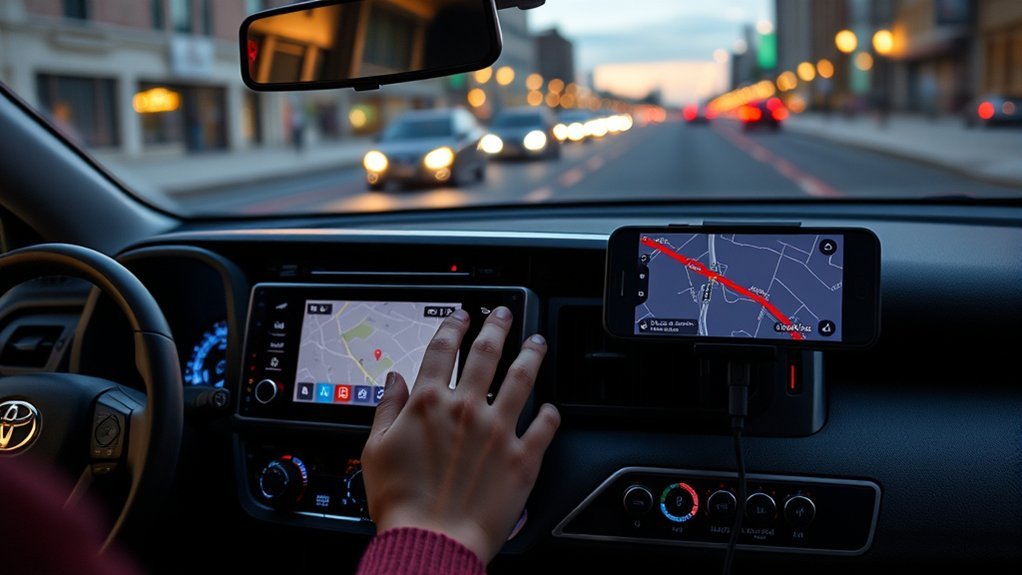
If you’re looking for reliable navigation options in your RAV4, consider using Google Maps and Waze. Google Maps offers detailed route information and a vast database of points of interest, while Waze excels in real-time traffic updates and community-driven alerts. Both apps can enhance your driving experience, making them excellent alternatives to built-in navigation systems.
Google Maps Advantages
When guiding your Toyota RAV4, Google Maps stands out as a top alternative navigation app, thanks to its real-time traffic updates and rerouting capabilities that help you avoid congestion. Here are some key advantages:
- Extensive Points of Interest: Google Maps offers a wealth of local businesses and attractions, often surpassing built-in navigation systems.
- Continuous Updates: The app updates regularly for free, eliminating the need for costly subscriptions associated with OEM systems.
- Seamless Integration: With Android Auto, you can access Google Maps directly from your RAV4’s infotainment system, enhancing your driving experience.
Utilizing Google Maps not only streamlines your navigation but empowers you to explore with confidence. Enjoy the liberation it brings on your journeys!
Waze Features Overview
Google Maps isn’t the only option for navigation in your Toyota RAV4; Waze offers a range of features that enhance the driving experience. This community-driven app provides real-time traffic updates, alerts about road hazards, and notifications of police presence, all reported by users. With Waze, you get voice-guided navigation and can customize your routes to avoid tolls or highways. It integrates seamlessly with Apple CarPlay, allowing you to access its features directly through your RAV4’s infotainment system. You can input destinations using voice commands, making it safer to operate while driving. Plus, Waze’s user-friendly interface showcases points of interest like gas stations and restaurants, often accompanied by user ratings for informed decision-making.
What Users Say About Toyota RAV4 Navigation Updates?
Despite the advanced features of the Toyota RAV4’s navigation system, many users express frustration over outdated maps and the costs associated with updates. Here’s what you should know:
- High update costs: Users report map updates can reach $169, seen as unreasonable, leading many to prefer Google Maps.
- Subscription fees: After the first year, maintaining Dynamic Navigation requires an $80 annual fee or $8 monthly, adding to user dissatisfaction.
- Inaccurate information: Even after updates, some maps still show outdated routes, causing confusion.
Many users turn to the Toyota app and community forums for solutions, highlighting a gap in manufacturer communication regarding navigation updates. It’s clear that for many, the experience could be greatly improved.
Tips for Optimizing Your Navigation Experience in the RAV4
To enhance your navigation experience in the RAV4, consider utilizing smartphone navigation apps for real-time updates and superior functionality. Regularly check for map updates and customize your navigation settings to better suit your preferences and driving habits. These simple adjustments can greatly improve your overall navigation efficiency and accuracy.
Utilize Smartphone Navigation Apps
Smartphone navigation apps can greatly enhance your driving experience in the Toyota RAV4. By utilizing Android Auto or Apple CarPlay, you can access free, up-to-date navigation tools like Google Maps, which often outshine built-in systems. Here are some tips to optimize your navigation experience:
- Connect your smartphone to the RAV4’s infotainment system via USB or Bluetooth for seamless app integration.
- Use voice recognition features for hands-free navigation requests, ensuring safer driving.
- Customize your navigation by saving frequently visited locations and creating preset shortcuts for quick access.
Regularly update your smartphone apps to benefit from the latest features, making every journey easier and more enjoyable. Embrace the freedom that modern technology provides!
Regularly Check Map Updates
Keeping your navigation system in the Toyota RAV4 up-to-date is essential for an ideal driving experience. To achieve this, regularly check for updates through the My Toyota app, ensuring your maps feature the latest data and improvements. If you want real-time updates, consider subscribing to the Dynamic Navigation service, which is available for a monthly fee after the first year. Alternatively, utilize the cloud-based navigation system in 5th generation RAV4 models, but remember it might lack traffic info without a subscription. For a free and always fresh mapping experience, explore third-party apps like Google Maps or Waze via Android Auto or Apple CarPlay. Engaging in user forums can also provide valuable insights to optimize your navigation system effectively.
Customize Navigation Settings Efficiently
Updating your GPS maps is just the beginning; customizing your navigation settings can greatly enhance your driving experience in the Toyota RAV4. Here are three essential tips to optimize your navigation:
- Access Preferences: Go to the Navigation Main Menu, select Preferences, and adjust your route preferences and map display options for a tailored experience.
- Set Presets: Press and hold a button on the navigation system to save favorite locations, allowing quick access during drives.
- Use Voice Commands: Leverage voice recognition in Android Auto and Apple CarPlay for hands-free navigation, making input smoother and safer.
Frequently Asked Questions
How Do I Update the GPS in My Toyota Navigation System?
To update your Toyota navigation system, verify system compatibility, download navigation updates via the Naviextras Toolbox, save them to a FAT32 USB, and follow the prompts in your vehicle to complete the installation.
How Do I Update My GPS System in My Car?
To update your GPS system, download the latest map updates using a USB drive. This enhances GPS accuracy and guarantees your navigation features remain current, providing you with reliable routes and timely information during travels.
How Do I Set up GPS in My Toyota RAV4?
Setting up GPS in your Toyota RAV4 is simple; 90% of drivers benefit from advanced navigation features. Access the Navigation Main Menu, input your destination, and explore handy navigation tips for efficient travels.
Do You Have to Pay for a Toyota Navigation System?
Yes, you’ve got to pay for a Toyota navigation system. Depending on your model, GPS subscription costs can vary, particularly for map updates and dynamic navigation features, which may require ongoing fees after an initial trial period.
Conclusion
By keeping your Toyota RAV4’s GPS updated, you’re ensuring a smooth journey through the ever-changing landscape of roads and routes. Think of it as charting a course through a vast ocean—without the latest maps, you might drift off course. With simple updates and the right tools, you’ll navigate confidently, avoiding detours and dead ends. Embrace the technology, and let your RAV4 be your compass, guiding you to new adventures with precision and ease.