How To Turn On Blind Spot Monitor Toyota RAV4
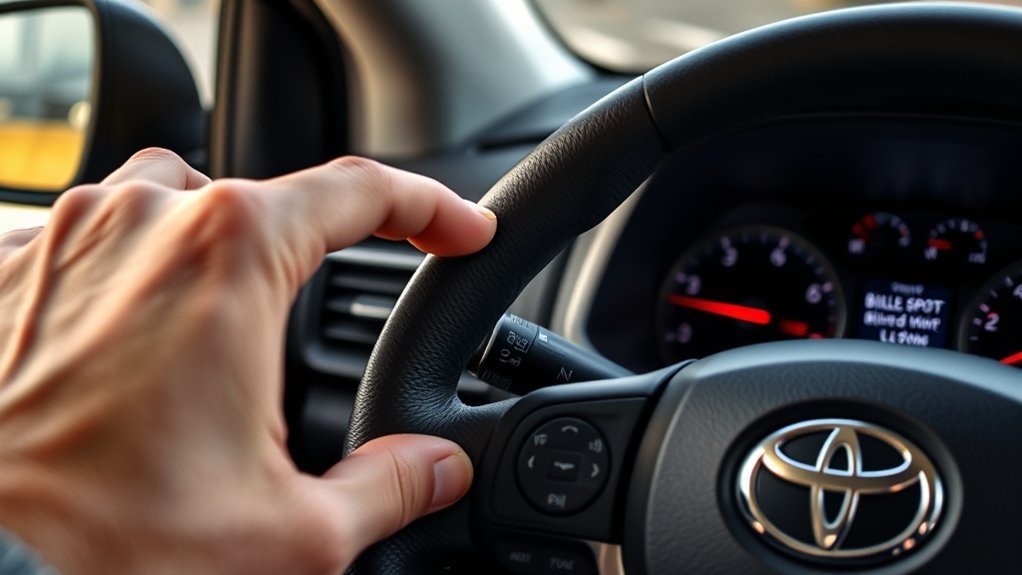
To activate the Blind Spot Monitor (BSM) in your Toyota RAV4, go to the settings menu using your dashboard buttons. Navigate to the BSM option, activate it by pressing “okay,” and make sure the indicator lights up green. You can also adjust sensitivity and brightness for better performance. Remember, it’s essential to always check your blind spots visually before changing lanes. Stick around for more tips on optimizing your BSM experience!
How to Enable the Blind Spot Monitor Feature
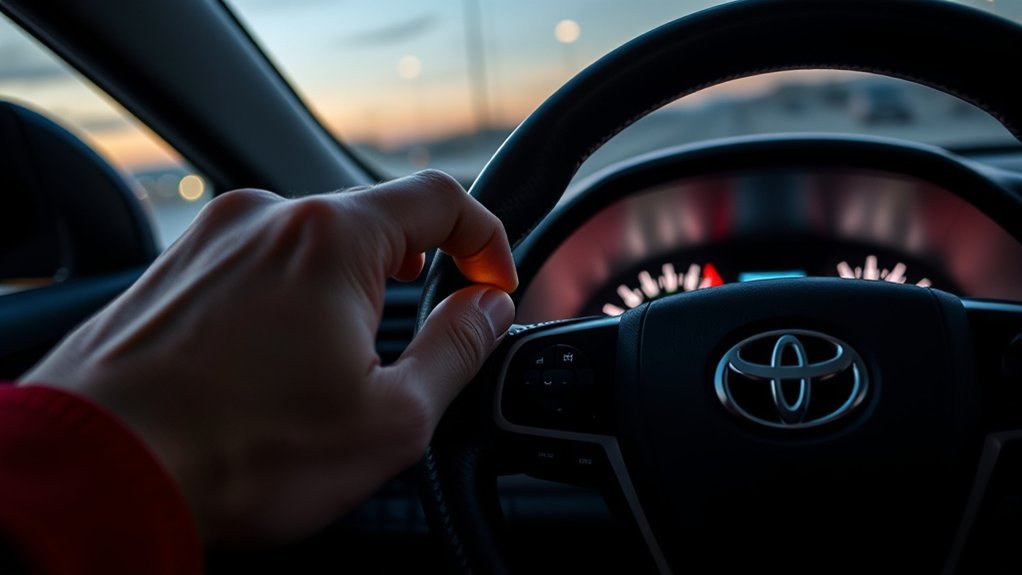
To enable the Blind Spot Monitor (BSM) feature on your Toyota RAV4, you’ll first want to access the settings menu using the dashboard buttons. Use the left, right, up, down, okay, and back buttons to navigate. Once you’re in the settings tab, press “okay” to enter, then locate the BSM option, just below the Lane Tracing Assist setting. Activate it by pressing “okay” again; you’ll see the indicator light up in green, confirming it’s active. For further customization, hold the “okay” button to adjust sensitivity levels from least to most sensitive. You can also tweak the brightness of the BSM indicator lights to your liking, ensuring you’re fully aware of any blind spots as you drive.
Understanding the Blind Spot Monitor (BSM) in Toyota RAV4
The Blind Spot Monitor (BSM) in your Toyota RAV4 is a key feature designed to enhance your awareness while driving. It detects vehicles in adjacent lanes and alerts you through visual signals in the side mirrors, making lane changes safer. Understanding its detection capabilities can help you make the most of this valuable safety tool.
BSM Function Overview
While driving, you might not always notice vehicles lurking in your blind spots, which is where the Blind Spot Monitor (BSM) in the Toyota RAV4 comes into play. This advanced system enhances your safety by alerting you to vehicles in adjacent lanes, especially during lane changes. It detects vehicles within a range of 1.6 ft. to 11.5 ft. when you’re traveling over 10 mph. Visual indicators in your mirrors will light up when a vehicle is detected, and they’ll flash when you activate your turn signal, boosting your awareness. Remember, BSM is a supplementary function, so you still need to visually confirm safety. Keeping sensors clean and aligned is vital for peak performance. Drive confidently with BSM!
Detection Capabilities Explained
Understanding how the Blind Spot Monitor (BSM) functions is key to maximizing its benefits. This system detects vehicles in adjacent lanes and blind spots within a range of 1.6 ft. to 11.5 ft. when you’re driving over 10 mph. However, it’s important to note that BSM doesn’t detect small motorcycles, bicycles, or pedestrians and won’t identify stationary objects like guardrails. Environmental conditions can affect detection accuracy, such as sensor misalignment or obstructions like mud and snow. False detections may occur in narrow lanes or when parked close to walls. To keep the Blind Spot Monitor operating at its best, regularly clean the sensors and avoid impacts that could misalign them. Stay aware and drive safely!
Adjusting BSM Sensitivity and Brightness
When adjusting your Blind Spot Monitor (BSM) in the Toyota RAV4, you’ll want to take into account both sensitivity and brightness settings. You can choose from three sensitivity levels to match your driving style and adjust the brightness for clear visibility in different lighting conditions. Testing these settings in various environments will help you optimize performance and guarantee you never miss an alert.
Sensitivity Adjustment Options
To guarantee your Blind Spot Monitor (BSM) on the Toyota RAV4 works effectively for your driving style, you can easily adjust both its sensitivity and brightness. Start by accessing the BSM settings through your vehicle’s infotainment system. Hold the okay button to reveal the sensitivity adjustment options, ranging from least to most sensitive. Tailoring the sensitivity allows you to adapt the BSM to your unique driving habits and the conditions you encounter, enhancing your overall safety. Whether you prefer a more cautious alert or a responsive system, this adjustment empowers you to create a driving experience that suits your needs. Remember, customizing these settings can greatly improve your awareness during lane changes.
Brightness Control Settings
After adjusting the sensitivity settings of your Blind Spot Monitor (BSM), it’s time to customize the brightness for peak visibility. To access the brightness control, navigate to the settings tab using the dashboard buttons—left, right, up, down, okay, and back. Once you’re in the settings, press the okay button to enter, and locate the BSM option below the Lane Tracing Assist (LTA). Hold the okay button to reach the brightness settings, which range from low to high. Adjust these based on your driving conditions for optimal clarity. Remember, when the BSM is active, its status will glow green, confirming that your system is functioning perfectly. Enjoy the freedom of safer driving with enhanced visibility!
What Do BSM Alerts Mean?
BSM alerts serve as your vehicle’s way of keeping you informed about potential hazards in your blind spots. When another vehicle enters your blind spot, the indicator light in the corresponding mirror illuminates, giving you a clear visual warning. If you signal a lane change while a vehicle is present, the indicator will flash, enhancing your awareness. This system is designed to minimize distractions, relying solely on visual signals without beeping noises. Additionally, the Rear Cross Traffic Alert feature complements BSM by alerting you to vehicles approaching from behind when reversing. Remember, while BSM is a helpful tool, it’s essential to always check your surroundings visually for complete safety before making any lane changes.
Common BSM Issues and How to Troubleshoot Them
While driving your Toyota RAV4, you might encounter issues with the Blind Spot Monitor (BSM) system that can affect its performance. Here are some common BSM issues and how to troubleshoot them:
Encountering Blind Spot Monitor (BSM) issues in your Toyota RAV4? Here are troubleshooting tips to enhance its performance.
- Dirty or obstructed sensors: Make sure the rear bumper sensors are clean and clear of dirt or snow for peak function.
- Sensor misalignment: Check if the sensors are misaligned due to impacts; misalignment can lead to inaccurate vehicle detection.
- Detection limitations: Remember, the BSM may not detect small motorcycles, bicycles, or stationary objects, resulting in missed alerts.
If these issues persist, consider consulting a Toyota dealer for professional inspection or recalibration of your BSM sensors. Keeping your system in top shape guarantees a safer driving experience!
Tips for Maintaining Your Blind Spot Monitor System
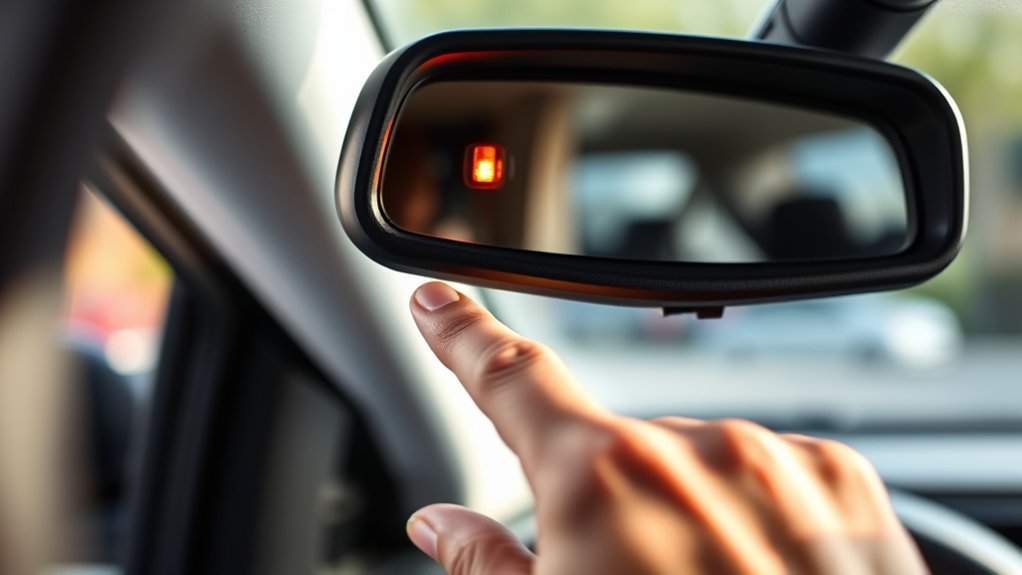
To keep your Blind Spot Monitor system running smoothly, regular maintenance is essential. Start by keeping the sensors and the surrounding area of your rear bumper clean. Dirt or snow can obstruct their function and lead to false warnings. Be cautious of strong impacts; misalignment can occur, resulting in malfunctions and reduced detection accuracy. Regularly check the sensors for any signs of misalignment, especially after accidents, as this can seriously affect performance. If you notice consistent issues, don’t hesitate to contact a Toyota dealer for a professional inspection or replacement. Finally, avoid parking on steep inclines, which can interfere with the sensors’ ability to detect nearby vehicles accurately. Your safety is worth the effort!
Navigating the Dashboard Settings for BSM
After ensuring your Blind Spot Monitor system is well-maintained, it’s time to explore how to navigate the dashboard settings for best use. Access the settings tab on your Toyota RAV dashboard using the directional buttons. Once there, look for BSM, which is the second option after Lane Tracing Assist.
Here’s how to customize your BSM settings:
- Press the okay button to enable or disable BSM; a green indicator confirms activation.
- Hold the okay button to adjust sensitivity, choosing from least to most sensitive.
- Adjust brightness from low to high for maximum visibility based on your preference.
With these steps, you can enhance your driving experience and stay aware of your surroundings.
Frequently Asked Questions
How Does a RAV4 Blind Spot Monitor Work?
The RAV4’s Blind Spot Technology detects vehicles in adjacent lanes, alerting you with visual signals in the side mirrors. It enhances your lane-change safety, but always confirm visually before making any maneuvers.
How Do I Turn on the Blind Spot Safety System?
To activate the blind spot safety system, navigate through your settings, select BSM, and press “okay.” Once you see the green indicator, you’re good to go—safeguarding your journeys like a trusty co-pilot!
Why Is My Blind Spot Monitoring Not Working?
Your blind spot monitoring might not work due to sensor calibration issues, dirt, or obstructions. Check for misalignments, guarantee sensors are clean, and consider weather conditions affecting detection. Adjustments may restore its functionality and enhance safety.
How to Reset Blind Spot Monitor Toyota?
To refresh your Blind Spot Indicators, simply guarantee your vehicle’s on, access the settings menu, and navigate to BSM. Hold the okay button to reset, confirming the indicator’s green for proper functionality. Enjoy safer driving!
Conclusion
So, you’ve mastered the art of turning on your Blind Spot Monitor in your Toyota RAV4, only to discover that it can’t actually see the car you’re about to merge into. Ironically, while you’re busy adjusting the settings, it’s the road that might need the real attention! Remember, technology helps, but it’s no substitute for your own vigilance. Keep those mirrors adjusted, stay aware, and let your BSM be the trusty sidekick it was designed to be!