
How To Program Smart Key For Toyota RAV4
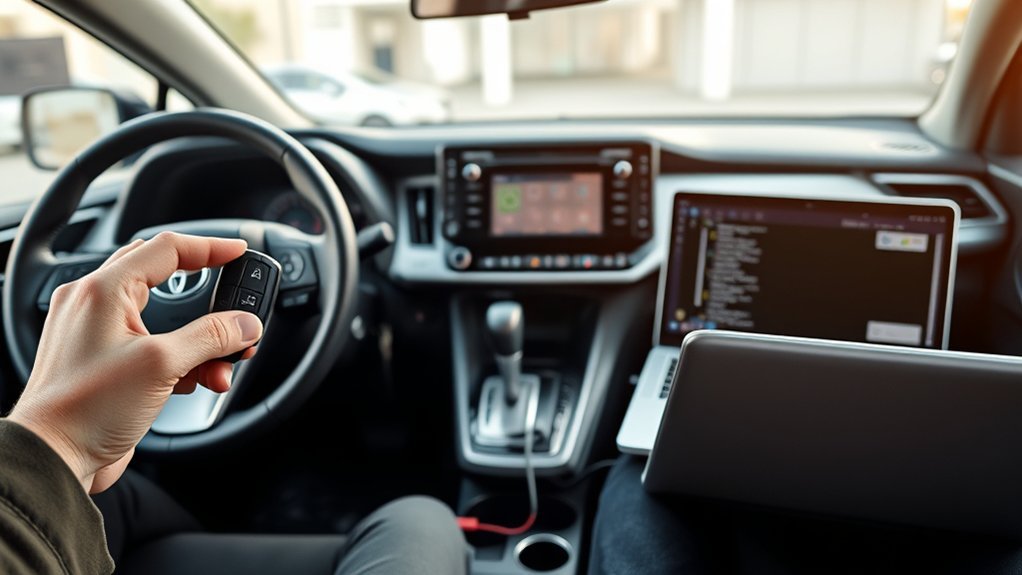
To program a smart key for your Toyota RAV4, connect your XTOOL D7 to the OBD-II port, select your model, and read the existing key numbers. Erase any unnecessary keys and choose Smart Key Type 3 for programming. Always confirm the key’s compatibility, especially if it’s aftermarket. If issues arise, check the immobilizer ECU and verify no old keys remain. Following these steps carefully guarantees your programming success and maintains vehicle security. More details await you.
Step-By-Step Guide to Programming Your Smart Key
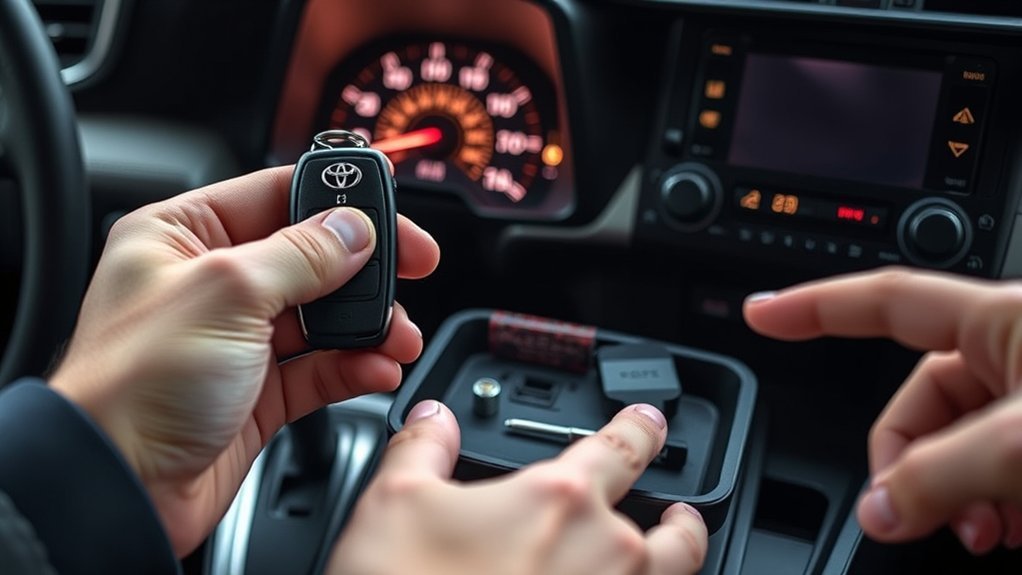
To program your smart key for a Toyota RAV4, start by ensuring you have the correct equipment and compatible key. Connect the XTOOL D7 diagnostic tool to the OBD-II port, then select the Toyota RAV4 model from the interface. Next, read the existing key numbers stored in the system and erase unnecessary keys to prevent conflicts. Choose Smart Key Type 3 during programming. Follow the on-screen instructions meticulously to add your new smart key, ensuring no other keys are present in the vehicle. After programming successfully, test all functions of your new smart key to confirm proper operation. Finally, remove old keys from the system to maintain ideal vehicle security and performance.
Troubleshooting Common Issues During Key Programming
While programming your smart key for the Toyota RAV4, you may encounter several common issues that can hinder the process. First, verify you’re using the correct key fob; aftermarket options must be compatible. Follow each step precisely; even minor deviations can cause the security light to stay lit. If programming fails, check the immobilizer ECU and immo box, as they might need replacement or reprogramming. Always use proper diagnostic tools like the XTOOL D7 and maintain a stable power supply. If the new key doesn’t function properly, verify that all old keys have been removed from the system.
| Issue | Solution |
|---|---|
| Incorrect key type | Use a compatible key fob |
| Security light stays lit | Re-check programming steps |
| Programming failure | Inspect immobilizer ECU and immo box |
| New key not functioning | Remove old keys from the system |
How to Verify Your Key Programming Success?
How can you guarantee that your key programming was successful? First, test your new smart key by trying to open and start your Toyota RAV4. If the vehicle responds, that’s a positive sign. Next, observe the security light; it should turn off after programming. This indicates that the key has been accepted. Check all key functions, including remote locking, opening, and trunk release, to confirm everything operates smoothly. If any function fails, revisit the programming steps and verify that only the new key was in proximity during the process. If issues persist, consult your vehicle’s manual or community forums for troubleshooting advice. This systematic verification process confirms your key’s full functionality and your vehicle’s security.
Understanding the Importance of RAV4 Key Programming
Understanding the importance of key programming for your RAV4 is vital, as it directly impacts your vehicle’s security and functionality. Properly programming your RAV4 key guarantees seamless communication with the immobilizer system, allowing for effective ignition and security. Utilize specialized tools like the XTOOL D7 to avoid programming failures that can lock you out of your vehicle.
| Key Programming Steps | Importance |
|---|---|
| Erasing old keys | Enhances security |
| Adding new keys | Maintains functionality |
| Using compatible keys | Prevents failures |
| Timely execution | Upholds protocols |
Neglecting these steps could lead to an unusable key. As a result, understanding the programming process is vital for maintaining your RAV4’s security.
Choosing Compatible Aftermarket Keys for RAV4 Programming
When selecting an aftermarket smart key for your Toyota RAV4, you must ascertain its key type compatibility to guarantee proper functionality. Essential features, like the tailgate symbol on the HOLD button, indicate the key’s suitability for your vehicle. Always choose trusted aftermarket suppliers and verify compatibility with your vehicle’s security system to avoid programming issues.
Key Type Compatibility
Choosing the right aftermarket smart key for your Toyota RAV4 can make all the difference in guaranteeing seamless programming and functionality. To confirm key type compatibility, follow these guidelines:
- Model Year: Verify the key is designed specifically for your RAV4’s model year, as compatibility varies considerably.
- Tailgate Symbol: Look for a tailgate symbol on the HOLD button, indicating it’s compatible with smart key functions.
- Smart Key Type: Verify the key is classified as Smart Key Type 3, which works with your RAV4’s security systems.
- Diagnostic Tools: Utilize tools like the XTOOL D7, D8, or D9 series to confirm compatibility and aid in programming.
Essential Features To Check
To guarantee peak performance of your aftermarket smart key for the Toyota RAV4, you’ll want to check several essential features. First, make sure the key includes a tailgate symbol on the HOLD button, important for compatibility. Next, verify that the smart key is specifically designed for your RAV4 model, as variations exist. It’s also essential to check the key’s frequency and transponder chip compatibility, making certain proper communication with your vehicle’s security system. Confirm compatibility with diagnostic tools like the XTOOL D7 for programming. Finally, aim for keys that explicitly state compatibility with the Toyota RAV, and include features such as keyless entry and remote start, enhancing functionality and convenience.
Trusted Aftermarket Suppliers
Finding a reliable aftermarket supplier for your Toyota RAV4 smart key is essential for guaranteeing compatibility and functionality. To make an informed choice, consider these key factors:
- Model Year Compatibility: Confirm the key is specifically designed for your RAV4’s model year.
- Key Features: Look for features matching the original key, like the tailgate symbol on the HOLD button.
- Transponder Chip: Verify the aftermarket key includes a transponder chip; without it, functionality is compromised.
- Customer Reviews: Research ratings and feedback on trusted aftermarket suppliers to gauge reliability and performance.
How to Maintain Your Key Fob and Enhance Vehicle Security
To maintain your key fob’s functionality, replace its battery every 1-2 years and keep it dry to prevent moisture damage. Store your fob away from strong electromagnetic fields to avoid signal interference. Implementing these practices not only enhances the longevity of your key fob but also boosts your vehicle’s overall security.
Regular Battery Replacement Schedule
A regular battery replacement schedule is essential for maintaining the reliability of your Toyota RAV4 key fob and enhancing your vehicle’s security. To guarantee peak performance, follow these guidelines:
- Replace the battery every 1 to 2 years to prevent unexpected failures.
- Use high-quality batteries, specifically CR2032 or CR2016, depending on your key fob model.
- Monitor performance; if the range decreases or buttons become unresponsive, it’s time for a battery change.
- Follow manufacturer instructions when opening the key fob to avoid damaging components during battery replacement.
Additionally, dispose of old batteries responsibly, utilizing recycling programs available at many retailers. By adhering to this regular battery replacement schedule, you’ll enhance both the functionality and security of your key fob.
Keep Fob Dry
Maintaining the integrity of your Toyota RAV4 key fob involves more than just regular battery replacements; keeping it dry is equally important. Moisture can damage internal components, leading to malfunction or complete failure. If your key fob gets wet, immediately remove the battery and allow the fob to dry completely before reinserting the battery to prevent corrosion. To shield your key fob from rain, spills, and humidity during daily use, consider storing it in a protective case or pouch. Regularly inspect your key fob for wear or damage, particularly around buttons and the battery compartment, which can be moisture entry points. Additionally, placing a silica gel packet in your key fob storage area can help absorb excess moisture.
Store Fob Safely
Storing your key fob securely is essential for both convenience and vehicle security. To guarantee you store fob safely, follow these guidelines:
- Designate a Secure Location: Always keep your fob in a dedicated drawer or safe to prevent loss or theft.
- Utilize a Faraday Pouch: Consider using a Faraday pouch or box to block unauthorized signals and protect against relay theft.
- Regular Battery Checks: Monitor the battery status of your key fob and replace it when necessary for peak performance.
- Avoid Environmental Extremes: Keep your fob away from extreme temperatures or moisture, as these can damage the internal electronics.
DIY vs. Professional Help: When to Seek Assistance?

While you might feel confident tackling the DIY programming of your Toyota RAV4’s smart key, knowing when to seek professional help is essential for a successful outcome. If you encounter persistent issues, such as programming failures or ECU synchronization problems, it’s wise to consult a professional. Consider your technical skills and available tools—if you lack the XTOOL D7 scanner or experience, don’t hesitate to seek assistance.
| Indicator | DIY Approach | Professional Help |
|---|---|---|
| Programming Failures | Attempt multiple times | Immediate troubleshooting |
| Security Light Issues | Follow instructions carefully | Advanced diagnostics |
| Technical Skills | Confident in your abilities | Low confidence |
Evaluating these factors can guide your decision-making effectively.
Understanding the Role of the Immo Box in Key Programming
The immo box, or immobilizer ECU, plays an essential role in smart key programming for your Toyota RAV4. Understanding its function is fundamental for successful key programming. Here are four key aspects to take into account:
- Authorization Control: The immo box guarantees only authorized keys can start your vehicle, enhancing security.
- Synchronization Requirement: Proper synchronization between the immo box and the new key is necessary for secure communication.
- Model Verification: Confirming the model and condition of your immo box is critical; failures can lead to programming issues.
- Complex Access: Accessing the immo box often requires removal of interior components, reflecting the complexity of the key programming process.
Recognizing these factors will empower you in your smart key programming endeavors.
Preparing Your Tools for Key Programming
With a solid understanding of the immo box’s function, you’re ready to prepare your tools for key programming. First, verify your new key is specifically designed for the Toyota RAV4, featuring the tailgate symbol on the HOLD button for compatibility. Gather essential tools, including an XTOOL scanner, ideally at the D7 level or above, or compatible models like D8, D9, IP900, or IP919. Next, confirm that the vehicle’s OBD-II port is accessible for the scanner connection. Finally, prepare the new smart key by making certain it’s unprogrammed and has a functioning battery. Familiarize yourself with the special functions on the XTOOL D7 interface, as these will streamline your programming process efficiently.
Frequently Asked Questions About RAV4 Key Programming
What common concerns arise when programming a smart key for your Toyota RAV4? You might be wondering about compatibility, tools, and procedures. Here are some frequently asked questions:
- Do I need a specific tool? Yes, a compatible diagnostic tool like the XTOOL D7 is vital for programming and synchronization.
- Is my aftermarket key suitable? Verify it’s designed for the RAV4 and has necessary features, like the tailgate symbol.
- What’s the programming process? You’ll need to erase unnecessary keys, read current key numbers, and add the new key through the tool’s menu.
- Should I minimize key presence? Absolutely, avoid having multiple keys in the vehicle during programming to prevent interference.
Frequently Asked Questions
How to Program a Toyota RAV4 Smart Key?
To program your Toyota RAV4 smart key, connect an XTOOL D7 scanner, access Special Functions, select Smart Key Type 3, follow prompts to erase old keys, then add the new key for successful programming.
Can I Program My Toyota Key Myself?
Absolutely, you can program your Toyota key yourself! With precise key programming steps, your DIY skills can release the power of your vehicle. Just guarantee you follow the instructions closely for seamless success.
Can You Program a Smart Key Yourself?
Yes, you can program a smart key yourself using a compatible tool. Make certain you’ve the right key for your vehicle, access the OBD-II port, and follow detailed steps for successful key programming without interference.
Can You Program a Key Without Going to the Dealership?
Yes, you can program a key without going to a dealership. Utilize key alternatives like compatible diagnostic tools, ensuring you follow precise steps for accessing the OBD-II port and programming your new key correctly.
Conclusion
To summarize, mastering the art of programming your Toyota RAV4’s smart key can be both rewarding and challenging. While the DIY approach saves you time and money, it can lead to frustration if complications arise. Conversely, enlisting professional help guarantees precision but may strain your budget. Ultimately, weighing these options against your comfort level and technical skills will guide you in making the best choice, securing your RAV4 remains secure and accessible at all times.



