
How To Charge Phone In Toyota RAV4
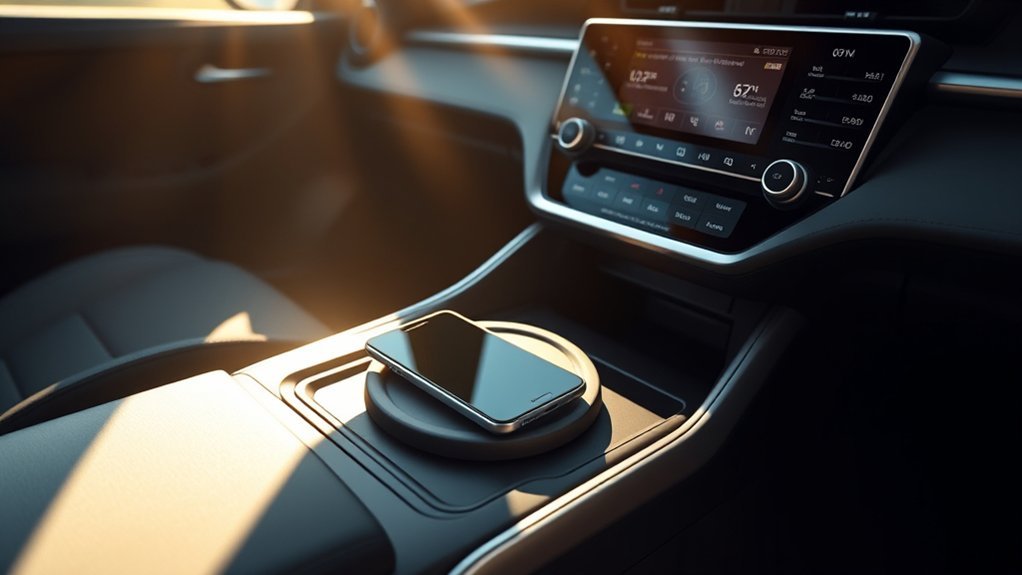
To charge your phone in the Toyota RAV4, place your Qi-compatible device flat at the center of the wireless charging pad with the charging side facing down. Make sure it’s properly aligned to avoid disconnections, especially if you have a thick phone case or a camera bump. The charger will stop automatically when your phone is fully charged. Stick around to discover effective tips for maintaining a stable connection while driving and exploring additional charging options.
Understanding the Wireless Charging Feature in Your Toyota RAV4
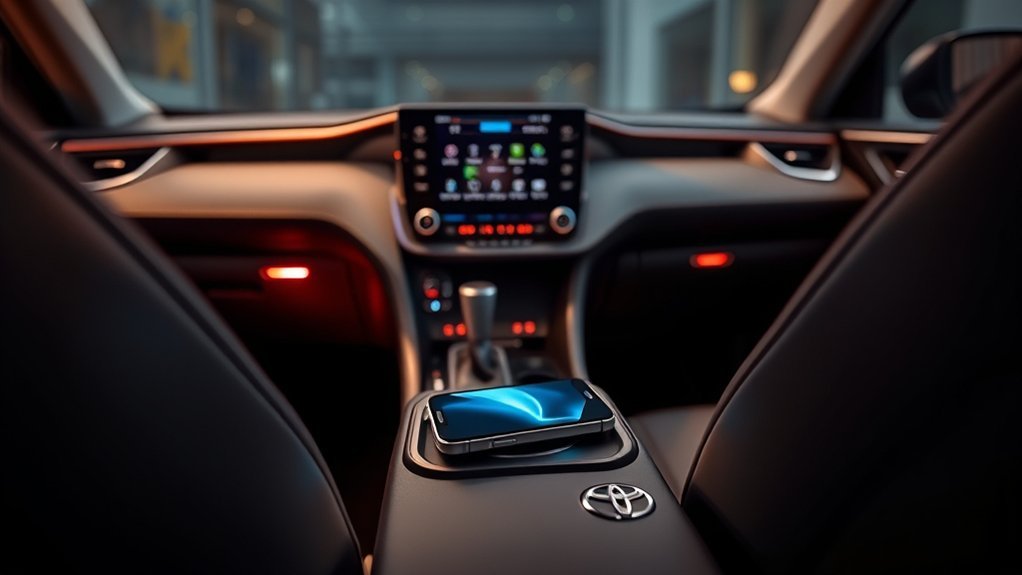
How can you make charging your phone easier while driving your Toyota RAV4? The wireless charging pad in your RAV4 simplifies this process. Compatible with Qi standard devices, it allows you to charge your phone by merely placing it on the pad. For peak results, position your device flat at the center of the charging area; misalignment can disrupt the charging process.
Once your phone is fully charged, the tray stops charging automatically, preserving battery health. However, be aware that factors like phone case thickness and camera bump height can affect connection stability. To guarantee a reliable charge, try testing without a case and make sure your phone is centered. This feature liberates you from tangled cords, letting you stay connected while on the road. Embrace the convenience of the wireless charging pad and effortlessly charge your phone in your Toyota RAV4.
Troubleshooting Wireless Charging Issues
While enjoying the convenience of wireless charging in your Toyota RAV4, you might encounter some issues that disrupt the process. Here are some troubleshooting tips to enhance your charging experience:
| Issue | Solution |
|---|---|
| Misalignment | Confirm your phone is flat and centered over the wireless charger. |
| Disconnections | Test charging without a phone case, as thicker cases may interfere. |
| Charging performance | Use a charging app to check output and identify inefficiencies. |
| Movement while driving | Secure your phone with double-sided tape to maintain stable charging. |
If you’re still facing issues, try turning on the wireless charger after placing your phone—this may improve stability. Remember, a few adjustments can often resolve common charging problems, confirming you stay powered up on the go!
How to Position Your Phone for Wireless Charging
To guarantee efficient wireless charging in your Toyota RAV4, center your phone over the charging pad with the charging side facing down. Avoid using thick cases that might interfere with alignment, as this can disrupt connectivity. If you experience inconsistent charging, adjust your phone’s position until it aligns properly with the pad.
Center Over Charging Pad
Position your phone carefully on the center of the charging pad in your Toyota RAV4 for ideal wireless charging. For peak performance, follow these steps:
- Align the charging side of your phone facing down over the charging coil in the center of the charging tray.
- Visually match your device with the charging circle on the pad to guarantee proper alignment.
- If charging fails, reposition your phone closer to the center, as misalignment can disrupt the wireless connection.
- To minimize movement while driving, secure your phone to prevent it from shifting and losing contact with the charging pad.
Avoid Thick Cases
Removing thick cases from your phone can considerably enhance wireless charging efficiency in your Toyota RAV4. Thick cases often interfere with the wireless charging functionality, preventing peak performance. To guarantee a reliable connection, take off the case before placing your phone on the charging pad. Larger camera bezels may also impact alignment, leading to inconsistent charging if the phone is not centered correctly. Position your phone in the center of the charging area, aligning it with the charging circle for the best results. Remember, movement while driving can shift your phone, so make certain it’s securely placed to maintain a stable connection. Testing the wireless charger without a case can help identify compatibility issues and improve charging reliability.
Adjust for Misalignment
Making sure your phone is flat and centered over the charging pad is crucial for effective wireless charging in your Toyota RAV4. Misalignment can disrupt the charging process, so follow these steps to adjust your phone’s position:
- Center Your Phone: Align your device with the charging circle on the pad for best performance.
- Accommodate Camera Bezels: If your phone has a larger camera bezel, adjust its placement to avoid interference.
- Minimize Movement: Drive smoothly to prevent displacing your phone from the charging area.
- Reposition if Necessary: If charging fails, move your phone closer to the center of the pad to guarantee it’s within the effective charging zone.
Tips for Keeping Your Wireless Charger Connected While Driving
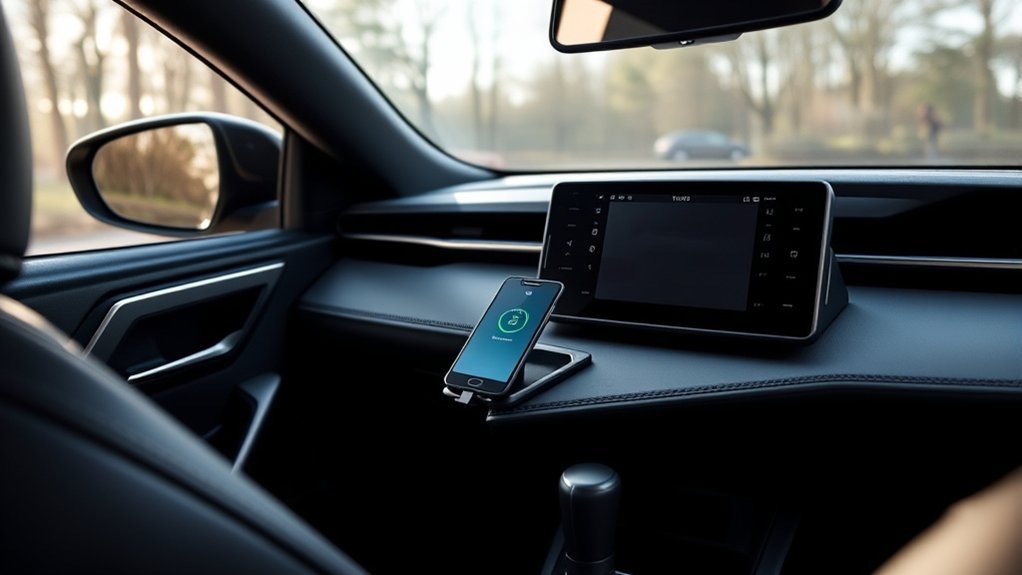
To maintain a reliable connection with your wireless charger while driving, it is crucial to center your phone properly over the charging pad. Larger camera bezels can lead to misalignment, disrupting the wireless charging connection. Consider using a case that’s compatible with Qi wireless charging, but for peak charging performance, test your phone without the case.
While driving, regularly adjust your phone’s position, especially when maneuvering over bumps, to guarantee a stable connection. If you encounter connectivity issues, turn off and restart the wireless charger; this often resets the system for better performance.
Keep an eye on the charging status by observing the indicator lights on the charger: an orange light signals active charging, while a green light indicates your device is fully charged. By following these tips, you’ll enjoy uninterrupted wireless charging and stay connected on the road.
Additional Wireless Charging Options in the Toyota RAV4
While the Toyota RAV4’s built-in wireless charging pad offers a convenient way to power your Qi-compatible devices, there are additional options to contemplate for enhanced charging capabilities. You can explore these alternatives to guarantee your devices stay charged efficiently:
- USB Ports: Utilize the RAV4’s USB ports, which provide a total output of 36W, enabling fast charging for multiple devices simultaneously.
- Aftermarket Solutions: Consider products like the KUCOK Car Wireless Charger Mount, which integrates seamlessly into your center console and enhances wireless charging functionality.
- Dedicated Charging Stations: Investigate portable wireless charging stations that can be used in your vehicle for versatile charging options.
- Power Banks: Keep a high-capacity power bank handy for on-the-go fast charging without relying solely on your vehicle’s power.
These options guarantee that your devices remain charged and ready for use while enjoying the freedom of your RAV4.
Maximizing Charging Efficiency With Phone Cases
When it comes to maximizing charging efficiency with phone cases in your Toyota RAV4, selecting the right case is essential. Opt for a thinner case, as thicker designs can hinder the alignment and electromagnetic connection required for effective wireless charging. Be mindful of larger camera bezels, which may misalign your phone on the charging pad, leading to inconsistent performance. To troubleshoot connectivity issues, test the wireless charger without any case; many users found this simple step resolves charging problems. Always center your device carefully over the pad to guarantee the best charging performance. Additionally, regularly check for dust or debris on the charging area, as foreign matter can disrupt the wireless charging process. By making these adjustments, you can greatly enhance your charging efficiency and enjoy a seamless experience in your RAV4.
Community Insights: What Other Toyota RAV4 Owners Are Saying
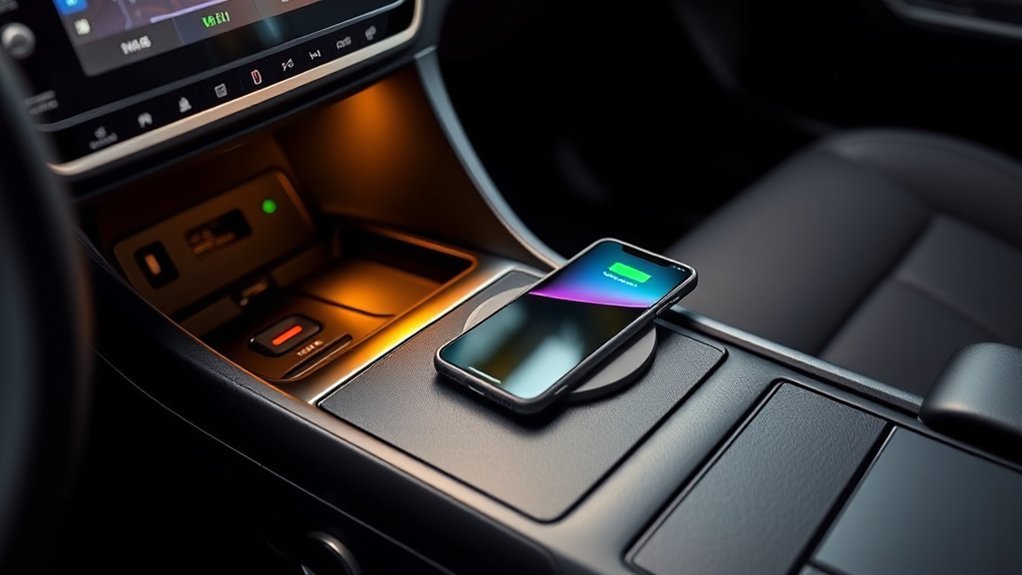
Many Toyota RAV4 owners share their experiences with wireless charging, highlighting both successes and challenges. You’ll find tips on ideal phone placement and insights about compatibility, especially with larger devices. Engaging with the community can help you troubleshoot issues and improve your charging experience.
Wireless Charging Experiences Shared
Toyota RAV4 owners have shared a mix of experiences regarding the wireless charging feature, highlighting its often unpredictable nature. Many users emphasize the importance of proper phone placement for effective charging. Here are some key insights:
- Alignment Matters: Confirm your phone is centered on the charging pad; larger camera bumps can disrupt the connection.
- Case Compatibility: Test charging with and without your phone case, as some materials can hinder performance.
- Restarting the Charger: Turning the wireless charger off and on after placing your phone may enhance connectivity.
- Monitoring Tools: Some owners recommend using a charging app to track performance and troubleshoot issues.
With these insights, you can maximize your wireless charging experience in your Toyota RAV4.
Tips for Optimal Charging
To maximize your wireless charging experience in the RAV4, consider the collective insights from fellow owners who’ve navigated similar challenges. First, place your phone flat and centered on the wireless charging pad to guarantee ideal alignment with the charging coil. For enhanced charging reliability, test without a phone case, especially if it’s thick. If you face connection issues, reposition your phone or use a charging app to monitor the current. Some users find that turning the wireless charger off and on helps reset the connection, improving stability. Finally, keep the charging area clean and free of dust or debris, as these can disrupt the charging process. Empower your charging experience with these practical tips!
Conclusion: Enhancing Your Charging Experience in the Toyota RAV4
While charging your phone in the RAV4 can be a straightforward task, enhancing the experience requires attention to a few key factors. Follow these steps to boost your charging efficiency:
- Check Compatibility: Verify your phone supports the Qi wireless charging standard for effective use on the charging pad.
- Position Your Device Correctly: Place your phone flat at the center of the charging pad to align with the charging coil, maximizing connectivity.
- Manage Your Case: Use a thinner phone case or remove it entirely to reduce interference, especially if your case has a large camera bezel.
- Maintain the Charging Area: Regularly clean the charging pad, keeping it free from dust and debris to guarantee peak performance.
Frequently Asked Questions
How Do I Charge My iPhone in My Toyota?
To charge your iPhone in your Toyota, verify it’s compatible with wireless charging. Use the charging pad or connect your iPhone to the USB ports with appropriate charging accessories for best results.
Does the Toyota RAV4 Have Wireless Charging?
Yes, the Toyota RAV4 has wireless charging capabilities, like a seamless connection between your phone and the charger. Just make sure your device aligns properly on the pad for maximum charging efficiency, free from cases that interfere.
How to Open a Toyota RAV4 Charging Port?
To open your Toyota RAV4’s charging port, locate the charging port near the front driver’s side headlight. Gently press the door to release the latch and swing it open for charging port access.
Can I Charge My Phone From the USB Port in My Car?
Isn’t it convenient? You can charge your phone using the USB port in your car, ensuring phone compatibility with various devices. Just connect your cable, and your device will start charging automatically. Enjoy the freedom!
Conclusion
So, you’ve got all these advanced features in your Toyota RAV4, yet you’re still fumbling with cords like it’s the Stone Age. Ironically, the convenience of wireless charging might just leave you feeling like you’re in a game of Jenga with your phone. But by following the tips outlined, you can turn that frustration into seamless charging. Embrace the technology, position your phone right, and you’ll enjoy a hassle-free experience every time you hit the road.



