
How To Change Battery In Toyota RAV4 Remote
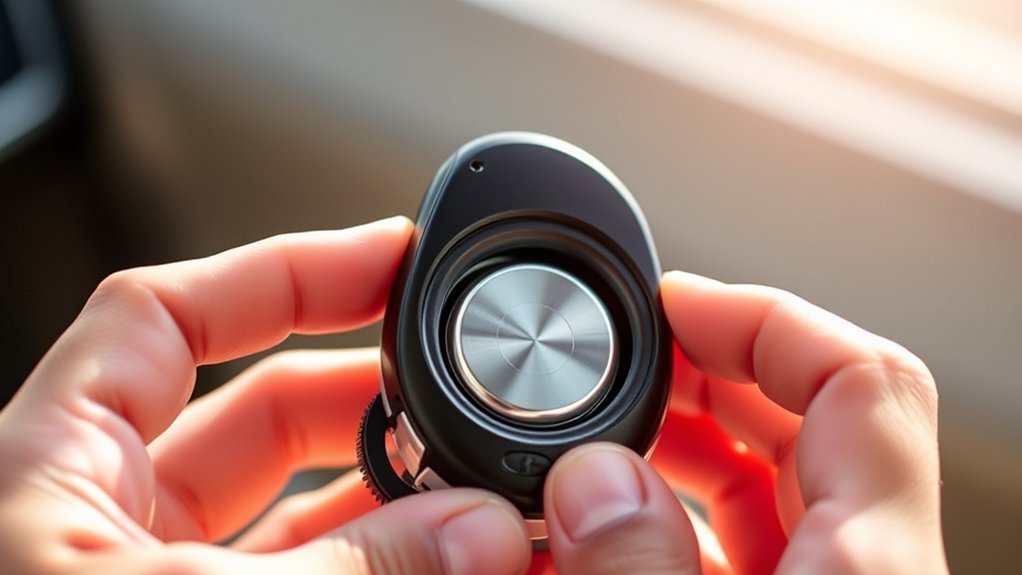
To change the battery in your Toyota RAV4 remote, slide the fob cover to release the mechanical key and pry the fob open. Remove the old battery and insert a new 2032 battery, making certain the positive side is facing up. Snap the fob back together securely. Test the fob by pressing its buttons; a red light should activate. If it doesn’t work right away, further troubleshooting may be needed to guarantee proper function and battery placement.
How to Replace Your RAV4 Key Fob Battery
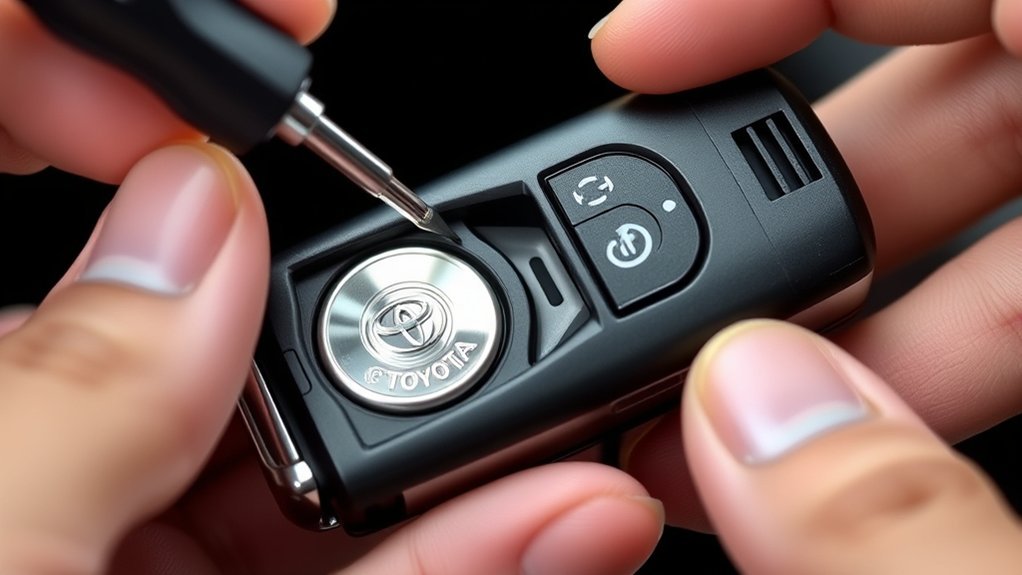
Replacing the battery in your Toyota RAV4 key fob is a straightforward process that you can complete in just a few minutes. Start by sliding the key fob cover to access the mechanical key, which you can also use to pry open the fob. Carefully twist the mechanical key or use a small flat tip screwdriver to open the fob without damaging the casing. Once open, remove the dead battery.
Next, insert the new 2032 battery, ensuring it’s seated correctly and aligned with the battery contacts. This alignment is essential for proper function. After that, press the fob halves back together securely.
Finally, test the key fob to confirm it operates correctly. If it works, you’re all set! Remember to dispose of the old battery according to local regulations, freeing yourself from the hassle of a non-functioning key fob.
What Tools Do You Need for the Battery Change?
To successfully change the battery in your Toyota RAV4 remote, you’ll need a few specific tools and materials at hand. First, grab a replacement 2032 battery, which you can easily find online or at local stores. Keep your mechanical key nearby, as it’s essential for opening the fob casing. If you encounter difficulty prying it open, a small flat tip screwdriver can be helpful, though it’s optional. Make sure you have a clean workspace to prevent losing any small parts during the process. Once you’ve replaced the battery, don’t forget to dispose of the old battery properly according to local regulations. This not only makes certain your remote functions correctly but also promotes environmental safety. Remember, when the battery goes, it’s time to take action and replace it efficiently.
Step-by-Step Guide to Accessing the RAV4 Key Fob
Accessing the Toyota RAV4 key fob is straightforward, and you’ll want to guarantee you do it carefully to avoid any damage. Start by sliding the fob cover to release the mechanical key. Pull the key out, and you’ll notice a slot for prying open the fob. Insert the mechanical key or a small flat tip screwdriver into this designated slot to gently pry apart the fob casing. Carefully separate the two halves to prevent damaging the casing during the process.
Ensure you’re working in a clean area to avoid losing any small components essential for key fob maintenance. This meticulous approach not only secures your remote key but also enhances its longevity. Remember, following battery lifespan tips can extend the time between battery changes, so handle the components with care. By doing this, you’ll maintain your key fob’s functionality and security effectively.
Remove the Old Battery
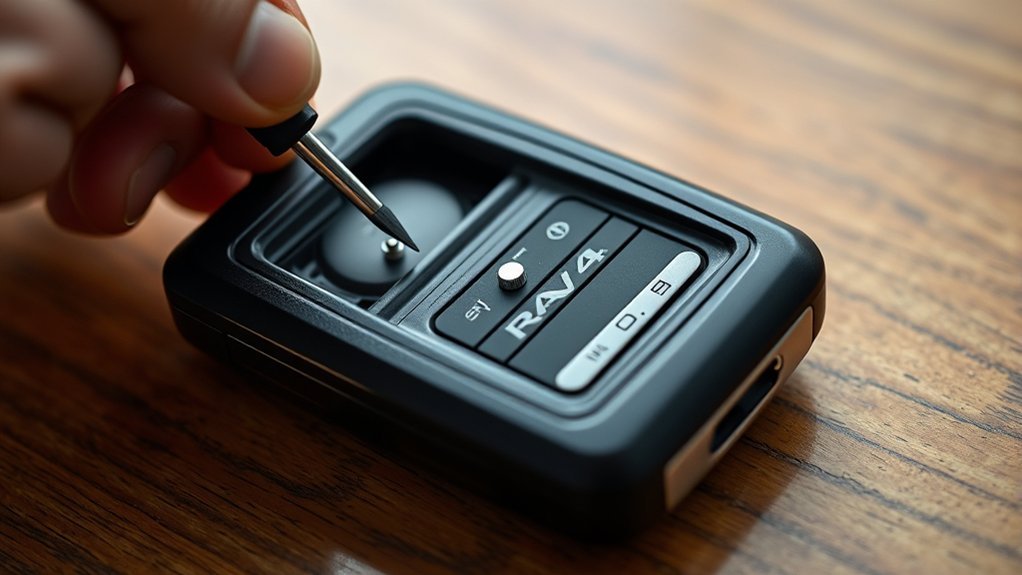
With the key fob now open, you’re ready to remove the old battery. Follow these detailed steps to guarantee proper key fob maintenance and to extend battery lifespan:
- Carefully locate the battery compartment within the fob.
- Gently pry the old battery out, taking care not to damage the casing.
- Note the orientation of the battery to assist with remote programming when you insert the new one.
- Keep the old battery aside for proper disposal, as it may contain hazardous materials.
- Handle the fob and battery with care, ensuring no small parts are lost during the process.
Insert the New 2032 Battery
Carefully insert the new 2032 battery into the key fob, making sure the positive (+) side faces up. Align the battery with the contacts in the compartment for a secure fit. It’s vital for effective key fob maintenance that the battery is fully seated; this avoids connectivity issues that could compromise the fob’s functionality. Once the battery is in place, press the two halves of the fob together firmly to secure them. This step is essential not just for a snug fit but also for extending the battery lifespan, as it prevents unnecessary movement that might lead to disconnection. After installation, test the key fob by pressing a button and observing the red light; it should illuminate, confirming the new battery is working. Following these battery installation tips guarantees your Toyota RAV4 remote operates at peak performance, giving you the freedom to access your vehicle without interruption.
Check Battery Alignment
After securely pressing the two halves of the key fob together, it’s important to check the battery alignment to confirm proper functionality. This step is essential for effective communication between your fob and vehicle, enhancing key fob maintenance and guaranteeing battery lifespan considerations are met.
Here’s how to check the alignment:
- Confirm the positive (+) side of the 2032 battery is facing up.
- Make certain the battery is seated firmly in the compartment.
- Look for any gaps or misalignment that could affect performance.
- Test the key fob by pressing the button; the red light should activate.
- If it doesn’t, re-open the fob and adjust the battery contact points.
If you’re considering alternative battery options, be certain they align correctly as well. Following these steps will help you maintain a reliable key fob and extend its usability.
Reassemble the Key Fob After Battery Replacement
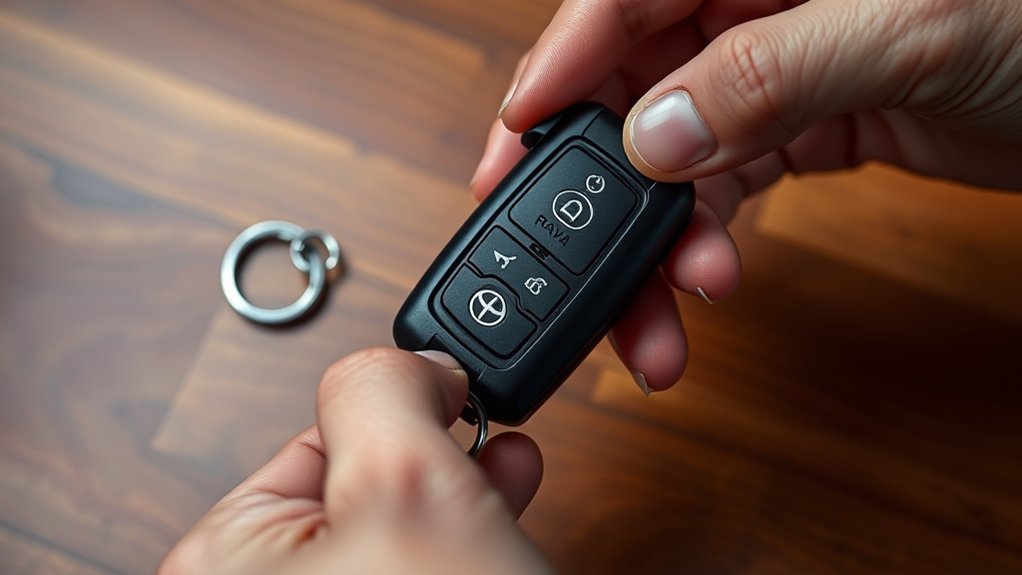
Once you’ve replaced the battery, align the two halves of the key fob precisely to guarantee a snug fit before pressing them together. Verify the mechanical key is securely reinserted into the fob after reassembly. This step is vital for ideal key fob maintenance and longevity. Next, double-check that the fob is fully closed by inspecting the edges for any gaps, which might indicate it’s not sealed properly. Once you’re satisfied with the assembly, test the key fob by pressing the buttons to confirm it operates correctly; a blinking red light should activate. This simple test can help extend your battery lifespan by confirming everything functions as intended. Finally, dispose of the old battery according to local regulations for safe and environmentally friendly disposal. Following these remote programming tips will not only keep your key fob operational but also contribute to a sustainable environment.
Troubleshooting Common Key Fob Issues
If your key fob isn’t responding after replacing the battery, double-check that the new battery is properly seated and aligned with the contacts. A common issue could be weak battery contacts; verify they’re clean and free from dirt or corrosion. If the fob still doesn’t work, it might need reprogramming or could be damaged, so consult your vehicle’s manual or a dealership for assistance.
Fob Not Responding
When your Toyota RAV4 key fob isn’t responding, the first step is to check the battery. If the battery’s dead, replace it with a new 2032 battery, ensuring proper installation with the positive (+) side facing up. Here’s what to check next during your key fob troubleshooting:
- Confirm the new battery is functioning and installed correctly.
- Reprogram the fob following your vehicle’s manual if it still doesn’t respond.
- Inspect for physical damage on the fob, such as cracks or scratches.
- Look for dirt or debris in the contacts that might block the connection.
- If problems persist, consult a professional or dealership for potential remote issues beyond battery life.
Battery Contact Issues
Even after replacing the battery in your Toyota RAV4 key fob, you might encounter issues stemming from battery contact problems. First, make sure the new 2032 battery is properly seated, making contact with the terminals. Check for battery corrosion effects or dirt on the contacts; these can impede electrical connections and lead to operational failures. Also, verify the battery’s polarity; reversing it will prevent the fob from functioning. If your fob remains unresponsive, inspect for fob casing damage that could misalign internal components. Finally, consider reprogramming the key fob, as sometimes re-syncing is necessary after changing the battery. Addressing these issues will help restore your key fob’s functionality effectively.
Test Your Key Fob After Replacement
After replacing the battery in your Toyota RAV4 key fob, it’s essential to verify the signal strength. Stand close to your vehicle and press each button to check for red light activation and guarantee all functions, like locking and opening, work properly. If any buttons don’t respond, recheck the battery’s orientation and make sure it’s seated correctly.
Verify Signal Strength
To guarantee your Toyota RAV4 key fob is functioning properly after replacing the battery, start by pressing the lock and open buttons. A functional key fob will typically produce a red light when activated, confirming the signal is being sent. To verify signal strength, consider the following:
- Test the key fob at various distances from your vehicle
- Observe for any signal interference from nearby electronics
- Make sure the new 2032 battery is installed with correct polarity
- Recheck battery alignment and secure closure of the fob
- Remember, a properly functioning key fob enhances key fob features and extends battery lifespan
If issues persist, revisit these steps for best performance. Enjoy the freedom your key fob provides!
Check Button Functionality
Once you’ve replaced the battery in your Toyota RAV4 key fob, it’s vital to check the button functionality to guarantee everything works smoothly. Start by pressing the lock and open buttons; if the red light illuminates, your battery’s installed correctly. Next, test the key fob features by standing a few feet away from your vehicle and attempting to lock and open the doors. If it doesn’t respond, double-check the battery’s orientation and seating within the compartment. This is fundamental for extending battery lifespan. If issues persist, consult your vehicle’s manual or online resources for remote troubleshooting steps. Ensuring these functions work will enhance your driving experience and keep you connected to your RAV4.
Dispose of Old Batteries Responsibly
Proper disposal of old batteries is essential for both environmental safety and compliance with local regulations. Ignoring hazardous waste regulations can lead to harmful consequences. To guarantee you’re recycling responsibly, consider the following:
- Check local regulations for disposal methods.
- Locate community recycling programs in your area.
- Use retailers like electronics or auto parts stores for convenient recycling.
- Never throw lithium-ion batteries in regular trash; they can leak hazardous materials.
- Utilize battery recycling apps or websites to find nearby facilities.
Frequently Asked Questions
How Do You Change the Battery in Your Toyota RAV4 Key Fob?
To change your key fob battery, pry open the fob, remove the old battery, and insert a new 2032 battery. For remote troubleshooting, guarantee proper alignment. Test functionality before sealing it back together.
Can I Replace My Toyota Key Fob Battery Myself?
Yes, you can replace your Toyota key fob battery yourself. Use a 2032 battery type for DIY replacement. Open the fob, swap the battery, and make certain it’s aligned correctly for maximum functionality before sealing it back.
How to Open a 2018 RAV4 Key Fob?
To open your 2018 RAV4 key fob, slide the cover, remove the mechanical key, then gently pry the fob apart along the seam, ensuring you don’t damage it. Check battery lifespan for ideal remote programming.
How to Replace CR2032 Battery in Toyota Key Fob?
To replace your CR2032 battery, slide the key fob cover, remove the old battery, insert the new one, and seal it. Regular key fob maintenance guarantees ideal battery lifespan and helps avoid future troubleshooting tips.
Conclusion
Now that you’ve replaced the battery in your RAV4 key fob, it’s essential to test it out. Will it open your doors? Will it start your engine? A simple press of the buttons should reveal the answer. If it doesn’t work, double-check your assembly and battery orientation. Remember, solving these small issues can save you from the frustration of being locked out. Dispose of the old battery responsibly, and you’re all set for worry-free driving!