Does Tesla Have a Built-In Dash Cam? How TeslaCam Works
Does Tesla Have a Built-In Dashcam? TeslaCam Explained
Last updated: May 30, 2026
What’s in This Article
Yes, Tesla has a built-in dashcam system called TeslaCam. It uses the vehicle’s exterior cameras to record driving footage, save key clips, and support parked security through Sentry Mode. You still need a properly formatted USB drive, and some app-based viewing features need Premium Connectivity. This guide explains what TeslaCam does well, where it falls short, and when an aftermarket dash cam may still make sense.
Quick Answer
TeslaCam works as a built-in dashcam for supported Tesla vehicles. It records video while you drive, saves clips after certain events, and lets you review saved footage on the touchscreen, a computer, or the Tesla app when the feature requirements apply. It does not replace every feature of a dedicated dash cam, especially if you want user-selected 4K video, cabin audio, or a separate parking battery setup.
Key Takeaways
- TeslaCam records driving footage through the vehicle’s built-in exterior cameras.
- You need a properly formatted USB drive to save and retrieve clips.
- Auto, Manual, and On Honk modes control how TeslaCam saves video.
- Sentry Mode can monitor your parked Tesla, but it does not detect every event.
- An aftermarket dash cam may help if you want more control, higher video options, or audio recording.
How TeslaCam Works and Its Key Features
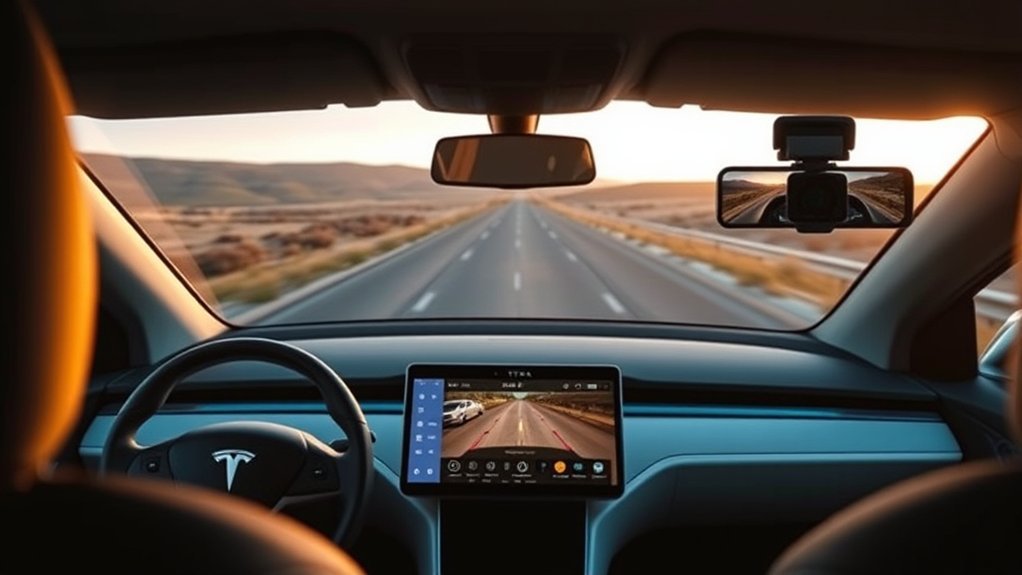
When you drive a Tesla, TeslaCam records video footage of your surroundings through the vehicle’s exterior cameras. Tesla describes Dashcam as a feature for recording driving incidents or other notable events, much like an external dash cam.
TeslaCam saves footage to a USB drive, not to Tesla’s servers by default. According to Tesla Support, Dashcam recordings stay local on your USB drive and do not transmit to Tesla.
The system offers three main save modes:
- Auto: Your Tesla saves a clip when it detects a safety-critical event, such as a collision or airbag deployment.
- Manual: You tap the Dashcam icon to save the most recent ten minutes of footage.
- On Honk: Your Tesla saves the most recent ten minutes when you press the horn.
Tesla notes that automatic event detection can vary. Factors like force, airbag deployment, power state, and vehicle software can affect whether the system saves a clip.
Warning: Do not rely on TeslaCam or Sentry Mode to record every crash, hit, scratch, or security event.
Key Benefits of TeslaCam for Tesla Owners
The main benefit of TeslaCam comes from convenience. You do not need to mount a separate camera, run new wiring, or place another screen on your windshield.
TeslaCam can help you capture useful video after a crash, road incident, or honk-triggered moment. That footage may help you explain what happened to police, an insurer, or a repair shop.
Sentry Mode also adds parked security support. When enabled, it can monitor the area around your Tesla, send app alerts for certain events, and save clips when a USB drive is connected.
You can review saved footage from the vehicle touchscreen while parked. You can also check the USB drive on a computer, and supported vehicles can use the Tesla app’s Dashcam Viewer when the Premium Connectivity and app requirements apply.
Limitations of TeslaCam vs. Aftermarket Dash Cams
TeslaCam gives you strong built-in coverage, but it does not match every feature found in dedicated dash cams. The biggest differences involve video control, audio, storage choices, and parking setup.
| Feature | TeslaCam | Aftermarket Dash Cams |
|---|---|---|
| Camera Coverage | Uses built-in exterior camera views on supported vehicles | Often offers front, rear, interior, or 360-style setups |
| Saved Clip Length | Manual and honk saves capture the most recent ten minutes | Depends on memory card size and camera settings |
| Video Options | Uses Tesla’s built-in camera system | Many models offer 2K, 4K, HDR, or night-focused sensors |
| Audio Recording | Does not work like a cabin audio dash cam | Many models include optional cabin audio |
| Parking Monitoring | Uses Sentry Mode while parked, with power and detection limits | Often supports hardwired parking mode or battery packs |
| Driving Data | Viewer may show gear, speed, steering angle, and related context | Some models add GPS, G-force, speed overlays, and app tools |
Saved clips do not mean every moment stays forever. Tesla’s manual explains that Dashcam and Sentry Mode record in cycles, so the system overwrites footage unless you save the clip you need.
For many owners, TeslaCam gives enough everyday protection. A separate dash cam makes more sense if you need a second recording system, more night-focused hardware, interior recording, or long parking coverage away from a charger.
How to Set Up TeslaCam
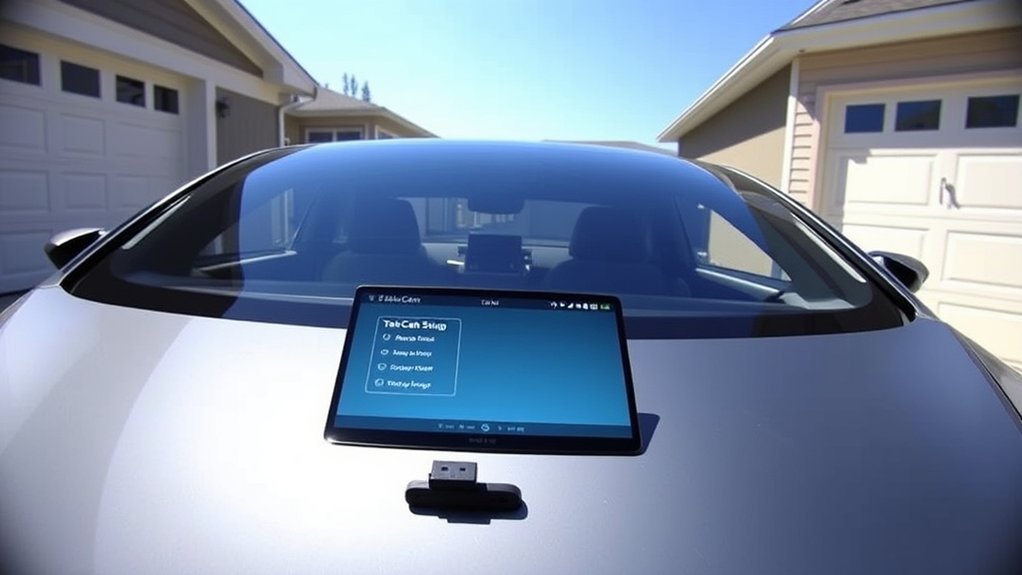
Setting up TeslaCam starts with the right USB drive. Tesla says the drive should have at least 64 GB of storage, a sustained write speed of at least 4 MB/s, USB 2.0 support, and proper formatting.
You can format the drive from the Tesla touchscreen. Insert the USB drive into a supported front USB port, then go to Controls > Safety > Format USB Drive. This formats the drive as exFAT and creates the needed TeslaCam folder.
You can also format the USB drive on a computer. Tesla supports exFAT, MS-DOS FAT for Mac, ext3, and ext4, but it does not support NTFS for this use.
- Insert a supported USB drive into the glovebox USB port or another supported front USB port.
- Open Controls > Safety > Dashcam on the touchscreen.
- Choose Auto, Manual, or On Honk based on how you want clips saved.
- Check the Dashcam icon to confirm the system can record or save footage.
- Save needed clips before you remove the USB drive or clear old footage.
Some newer Tesla vehicles use center console USB ports only for charging. If your Tesla has a glovebox USB port, use that port for Dashcam storage unless your owner’s manual says otherwise.
How to View, Save, and Share TeslaCam Footage
You can view saved TeslaCam clips on the touchscreen when your vehicle sits in Park. Open the Dashcam app or tap the Dashcam icon, then choose the clip you want to review.
You can also remove the USB drive and open the TeslaCam folder on a computer. This method helps when you need to save, back up, or share a clip after an incident.
On supported vehicles, you can view and share clips through the Tesla mobile app by going to Security > Dashcam Viewer. Tesla says this requires Premium Connectivity, View Live Camera enabled on the touchscreen, and current Tesla app versions.
Keep your most important clips in a separate folder or cloud account after you copy them. The USB drive can fill up, and loop recording can overwrite footage you have not saved.
Note: If you need footage for an insurance claim, copy the files before you keep driving for long periods.
Should Tesla Owners Consider Adding an Extra Dash Cam?
You may not need an extra dash cam if you want simple built-in driving footage. TeslaCam already gives many owners a useful record of road events, and Sentry Mode adds parked monitoring when enabled.
An extra dash cam can still help if you want features TeslaCam does not target. You may want a dedicated camera if you need interior audio, a separate rear cabin view, a battery-backed parking mode, or a higher-resolution sensor with strong night recording.
| Owner Need | TeslaCam May Be Enough | Extra Dash Cam May Help |
|---|---|---|
| Basic road evidence | Yes | Only if you want a backup view |
| Interior audio | No | Yes, if local law allows it |
| Long parked monitoring | Sometimes, with Sentry Mode limits | Yes, with hardwire or battery support |
| Night-focused footage | Sometimes | Yes, with the right sensor |
| Separate storage backup | No | Yes |
Think about the incidents you want to document. If you only need basic driving clips, start with TeslaCam and learn how to save footage fast. If you park in high-risk areas or drive for work, a second system may give you more peace of mind.
Frequently Asked Questions
Does Tesla have a dashcam?
Yes, supported Tesla vehicles have a built-in dashcam feature called TeslaCam. It records driving footage through the vehicle’s exterior cameras and saves clips to a properly formatted USB drive.
Does the Tesla Model Y have a built-in dashcam?
Yes, the Tesla Model Y supports TeslaCam when the vehicle has the right hardware, software, and USB storage setup. Your exact features can vary by region, configuration, and software version.
Does the Tesla Model 3 come with a dashcam?
Yes, the Tesla Model 3 supports the built-in Dashcam feature on compatible vehicles. Tesla says rear camera recordings apply only to vehicles built after about February 2018.
Does TeslaCam record audio?
TeslaCam does not work like a cabin audio dash cam. If you need audio recording, check your local recording laws first and use a dedicated dash cam that clearly supports that feature.
Do you need a USB drive for TeslaCam?
Yes, you need a properly formatted USB drive to store and retrieve TeslaCam footage. Tesla recommends at least 64 GB of storage and a sustained write speed of at least 4 MB/s.
Conclusion
TeslaCam gives you a useful built-in dashcam without extra wiring, mounts, or screens. It works best when you use the right USB drive, understand the save modes, and copy important clips before loop recording overwrites them.
Start by setting up TeslaCam correctly and testing how to save a short clip. Then decide if your driving, parking, or evidence needs justify a separate dash cam. A clear setup now can save you stress when an incident happens later.
References
- Dashcam — Tesla Model Y Owner’s Manual, accessed 2026
- USB Drive Requirements for Recording Videos — Tesla Model 3 Owner’s Manual, accessed 2026
- Sentry Mode — Tesla Model 3 Owner’s Manual, accessed 2026
- Vehicle Safety and Security Features — Tesla Support, accessed 2026
- Obtain a Copy of the Data Associated With Your Tesla Account — Tesla Support, accessed 2026