Does the Toyota RAV4 Have Navigation?
The Toyota RAV4 can have built-in navigation, but it depends on the model year, trim, package, and connected service setup. Some RAV4 models use Toyota’s built-in or cloud-based navigation, while others rely more on Apple CarPlay or Android Auto. This guide explains how RAV4 navigation works, which models may include it, and when a phone app may serve you better.
Quick Answer
Yes, some Toyota RAV4 models offer built-in navigation, but availability varies by trim, year, region, and package. Newer models may use connected navigation features through Toyota services. If your RAV4 does not include built-in navigation, you can still use Google Maps, Apple Maps, or Waze through Apple CarPlay or Android Auto.
Key Takeaways
- Some Toyota RAV4 trims include built-in navigation, but not every model has it as standard.
- Newer RAV4 models may use connected navigation features that depend on service access and signal strength.
- Apple CarPlay and Android Auto give most drivers a simple way to use familiar phone maps.
- Smartphone apps often work better for live traffic, quick searches, and offline map downloads.
- You should check the exact trim, package, and service status before buying a RAV4 for navigation.
How Toyota RAV4 Navigation Systems Work
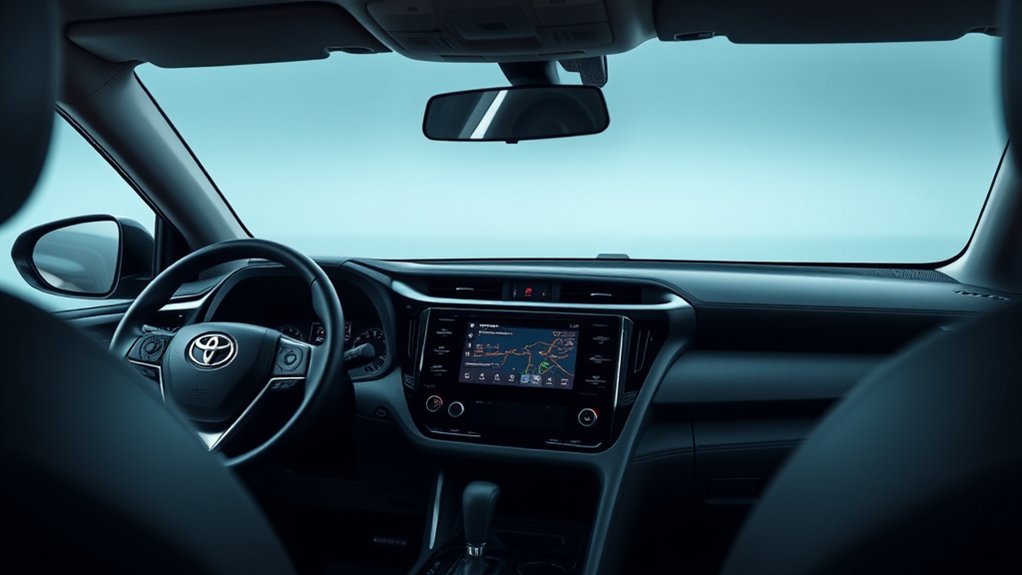
When you look at Toyota RAV4 navigation, you’ll find two main setups. Some older or higher-trim models use built-in navigation through the infotainment screen. Many newer models also support connected navigation features that can use cloud data for routes, traffic, and points of interest.
That setup can help in cities because it can pull updated route details when the service works well. It can also struggle in weak-signal areas, especially on rural roads. For that reason, many drivers still keep a phone map app ready as a backup.
Some RAV4 navigation systems also let you save home, work, and favorite locations. Depending on the system, you may be able to edit saved points, change icons, or remove old destinations. Check your owner’s manual or Toyota account because feature access can change by model year and service plan.
Which RAV4 Models Offer Built-in Navigation?
Built-in navigation is not standard on every Toyota RAV4. It usually appears on select trims, packages, or connected service plans. Higher trims often have better access to navigation features than base trims, but the exact setup depends on the model year and market.
If you’re shopping for a used RAV4, don’t assume the badge alone confirms navigation. Two vehicles from the same year can have different multimedia packages. Ask the seller to show the map screen, connected services status, and phone projection features before you decide.
If you already own a RAV4, check the multimedia screen for a Maps or Navigation option. You can also review the original window sticker, Toyota app, or owner’s manual. Those sources give you a clearer answer than trim names alone.
Key Features of the RAV4 Navigation System
The RAV4 navigation system can give you route guidance through the vehicle’s center screen. Depending on your setup, it may also show traffic details, destination search, turn-by-turn prompts, and estimated arrival time.
You can often personalize the system by saving favorite places. This makes common trips faster because you don’t need to type the same address each time. Some systems also let you avoid certain roads or areas when planning a route.
You can manage many navigation settings from the multimedia display. Look for menu options related to maps, route preferences, voice guidance, and saved locations. Small changes can make the system easier to use during daily drives.
RAV4 Navigation vs. Smartphone Apps: Which Is Better?
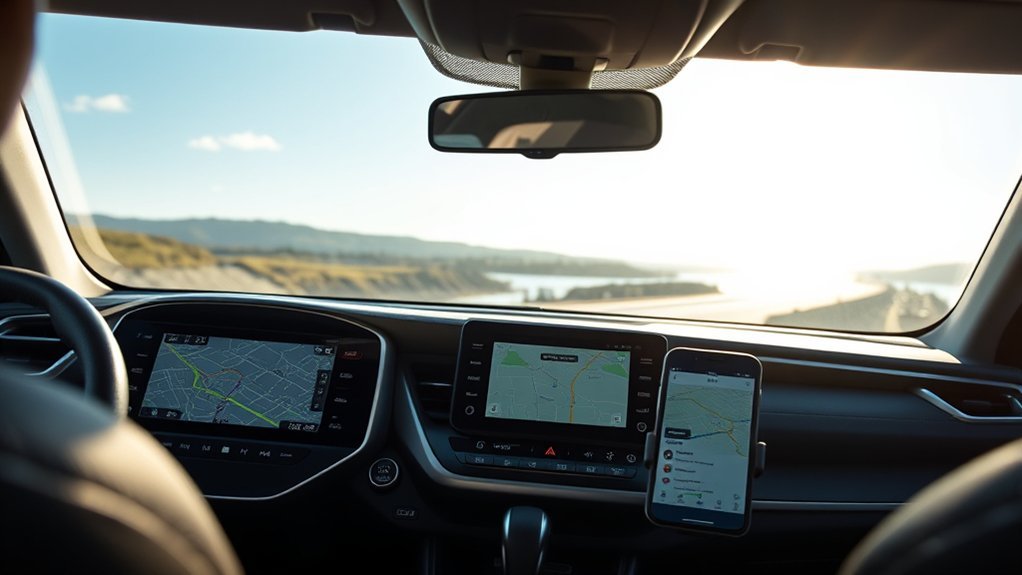
The best choice depends on how and where you drive. Built-in navigation feels clean because it runs through the vehicle screen and does not require you to mount your phone. Phone apps usually win for live traffic, faster searches, and familiar controls.
| Feature | Built-In RAV4 Navigation | Smartphone Apps |
|---|---|---|
| Ease of use | Works through the vehicle screen | Uses familiar phone controls |
| Traffic updates | May depend on connected services | Often strong with live updates |
| Offline access | Varies by system | Available in apps like Google Maps |
| Rural reliability | Can vary with signal and service | Better if maps are downloaded first |
| Cost | Some features may need a plan | Most core map features are free |
Built-In Navigation Limitations
Built-in navigation can help, but it has limits. You may notice these issues most often when you leave strong network coverage or drive through less populated areas.
- It may depend on connected services for some map and traffic features.
- It may search slower than a phone app for gas stations, restaurants, or stores.
- It may require an active trial or paid plan for some connected features.
- It may not feel as familiar as Google Maps, Apple Maps, or Waze.
These limits don’t make the system useless. They simply mean you should test it before depending on it for long trips.
Mobile App Advantages
Smartphone apps give many RAV4 drivers more control. Google Maps, Apple Maps, and Waze update often, search quickly, and handle traffic changes well.
Offline maps also give phone apps a strong advantage. You can download your route area before a trip, then keep guidance working when the signal drops. That feature helps on rural roads, mountain drives, and long highway routes.
Common User Experiences With RAV4 Navigation
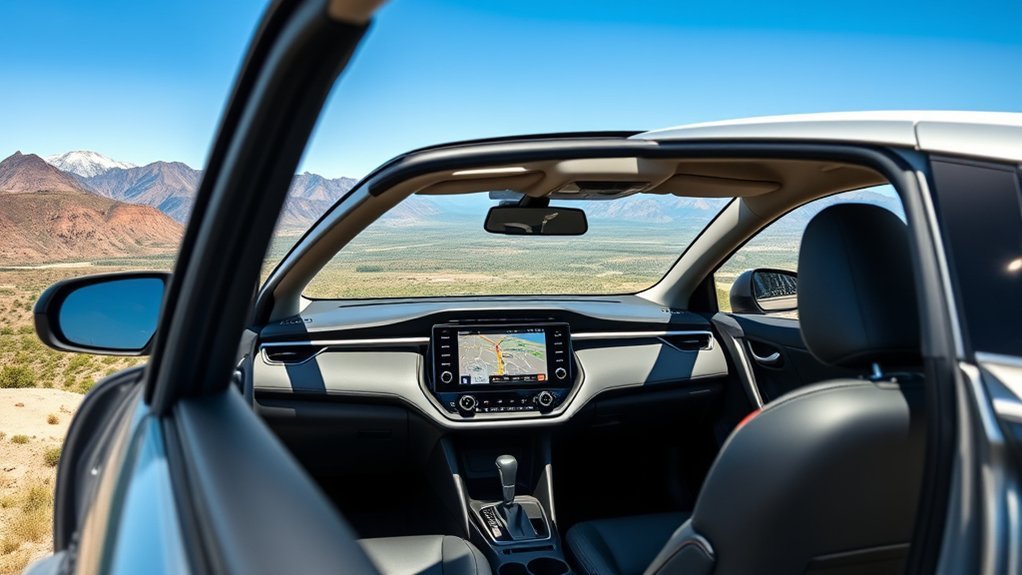
RAV4 owners often report mixed feelings about built-in navigation. Some like the clean screen layout and direct vehicle integration. Others prefer phone apps because they already know the menus and trust the live traffic data.
- Some drivers like using the factory screen without touching their phone.
- Some drivers dislike losing features when a trial or service plan ends.
- Some drivers find cloud-based features less helpful in weak-signal areas.
- Many drivers use Apple CarPlay or Android Auto as their main navigation setup.
If navigation matters to you, test both options on the same route. Try the built-in system first, then compare it with your preferred phone app.
Do You Need a Subscription for RAV4 Navigation?
Some Toyota RAV4 navigation features may require a trial or paid connected service plan. The exact requirement depends on your model year, multimedia system, and region. Basic phone projection through Apple CarPlay or Android Auto does not work the same way as Toyota’s connected navigation plan.
Before you pay for a plan, compare it with the map apps you already use. If you mostly drive in town and like the built-in screen, the service may feel useful. If you travel in low-signal areas, downloaded phone maps may give you more confidence.
Note: Service names, trial lengths, and navigation features can change, so check your Toyota account or dealer for your exact vehicle.
What Are Your Options if RAV4 Navigation Doesn’t Meet Your Needs?
If the RAV4’s built-in navigation doesn’t fit your needs, you still have several good options. You can use phone-based navigation through the vehicle screen, carry a standalone Global Positioning System (GPS) device, or keep printed directions for remote trips.
Alternative Navigation Apps
Navigation apps work well for many RAV4 owners because they update often and feel familiar. You can use them through Apple CarPlay or Android Auto when your RAV4 supports those features.
- Google Maps: Offers traffic data, route options, business search, and offline map downloads.
- Apple Maps: Works well for iPhone users and supports simple voice-guided directions.
- Waze: Focuses on live traffic alerts, road hazards, and driver-reported updates.
- HERE WeGo: Provides another option for offline maps in many areas.
Offline GPS Solutions
Offline navigation can help when cell service drops. Google Maps lets you download map areas before you leave, which can help you keep routing in weak-signal zones.
A standalone GPS device can also help if you take long road trips or drive through rural areas often. Many drivers choose this option because it does not rely on phone data. You can also keep a printed map or saved route as a simple backup.
Community Recommendations and Tips
RAV4 owners often recommend testing your setup before a long trip. This helps you find weak spots while you still have time to adjust.
- Pair your phone with Apple CarPlay or Android Auto before your first long drive.
- Download offline maps before driving through rural or mountain areas.
- Save your home, work, hotel, and fuel stops before the trip starts.
- Keep a backup charging cable in the vehicle for phone-based navigation.
Essential Tips for Using RAV4 Navigation Effectively
You’ll get better results from RAV4 navigation when you set it up before you drive. Save your common places, review your route, and adjust voice guidance while parked.
| Tip | Why It Helps |
|---|---|
| Save favorite destinations | You can start common routes faster. |
| Check service status | You’ll know which connected features still work. |
| Use offline maps | You can keep guidance in weak-signal areas. |
| Compare route options | You can avoid delays, tolls, or roads you dislike. |
Don’t enter destinations while driving. Set the route before you leave, or ask a passenger to help. That simple habit makes navigation safer and less stressful.
How to Check if Your RAV4 Has Navigation
You can check your RAV4 in a few simple ways. Start by turning on the multimedia screen and looking for a Maps, Navigation, or Destination icon. If you don’t see one, check whether Apple CarPlay or Android Auto appears instead.
You can also review the window sticker, owner’s manual, or Toyota app. If you’re buying used, ask the seller to show the navigation screen and service status in person. This helps you avoid confusion after the sale.
Frequently Asked Questions
Does the Toyota RAV4 Have a Navigation System?
Yes, some Toyota RAV4 models have a built-in navigation system or connected navigation features. Availability depends on the model year, trim, package, region, and service status.
Does Toyota Make You Pay for Navigation?
Some Toyota navigation and connected map features may require a paid plan after a trial period. Check your Toyota account, dealer, or vehicle settings to confirm what applies to your RAV4.
Does Toyota Have a Built-In Navigation System?
Toyota offers built-in navigation on select vehicles and trims. Many newer Toyota models also support connected navigation features and phone-based navigation through Apple CarPlay or Android Auto.
Can You Use Google Maps in a Toyota RAV4?
Yes, you can use Google Maps in many RAV4 models through Android Auto or Apple CarPlay. Your phone, cable or wireless setup, and vehicle multimedia system must support the feature.
What Year to Stay Away From RAV4?
No single RAV4 year should be judged only by navigation. If you’re buying used, check the vehicle’s service history, recalls, multimedia system, and test-drive results before you decide.
Conclusion
The Toyota RAV4 can have navigation, but you need to check the exact vehicle before you rely on it. Built-in navigation gives you a clean factory setup, while phone apps often give you stronger traffic tools and offline map options. Before a long trip, test your RAV4 navigation and set up a backup map app. A few minutes of setup can make every drive easier and less stressful.